

Configuration & Diagnostics
Claude Code configuration and diagnostics: /statusline custom status bar, settings.json autocomplete, /stats usage analytics, /doctor health check, community tools
/statusline: Custom Status Bar
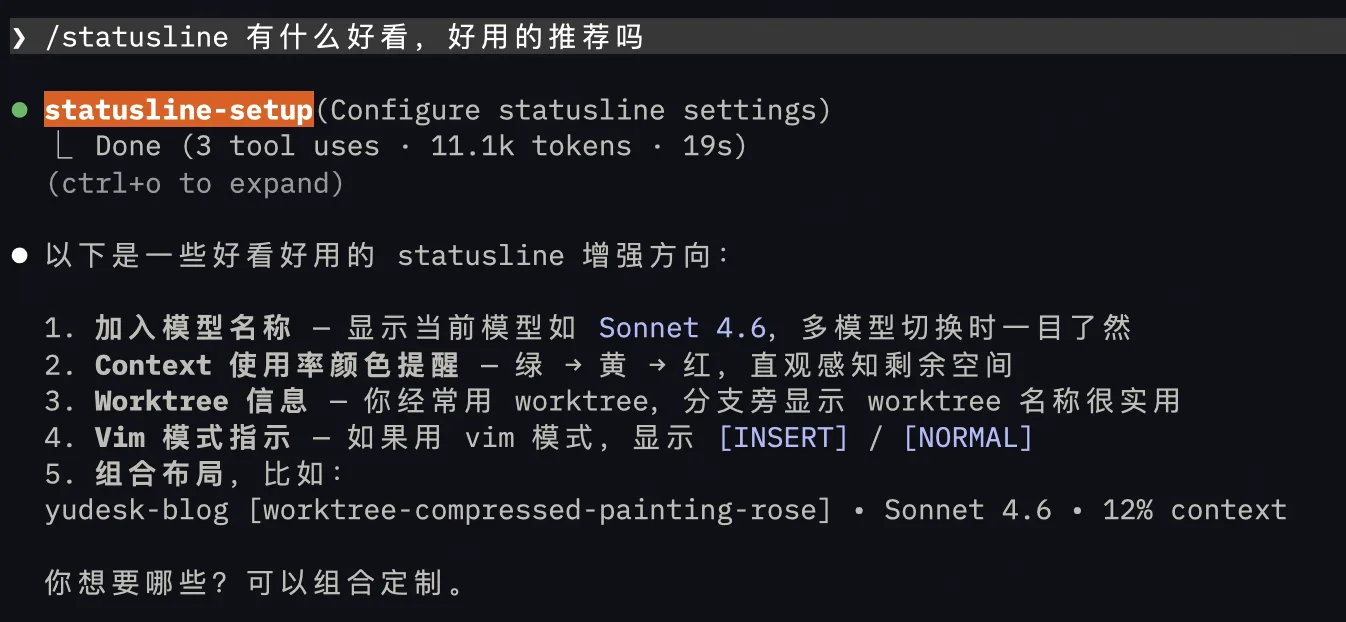
Use /statusline to customize the information displayed in the bottom status bar using natural language descriptions. Alternatively, you can manually create a ~/.claude/statusline.sh script.
Information you can display includes: current model, git branch, uncommitted file count, context usage progress, session cost, and more. When you have multiple Claude windows open for different tasks, the status bar helps you quickly identify what each window is doing.
settings.json Autocomplete
Add $schema at the beginning of your settings.json, and VS Code / Cursor will provide autocomplete and validation for configuration options:
{
  "$schema": "https://json.schemastore.org/claude-code-settings.json"
}
Some Useful Hidden Settings
{
  "showTurnDuration": true,
  "env": {
    "DISABLE_AUTOUPDATER": "1"
  }
}showTurnDuration: Display the duration of each conversation turnDISABLE_AUTOUPDATER: Disable automatic update checks, reducing context overhead
/stats and /insights: Usage Analytics
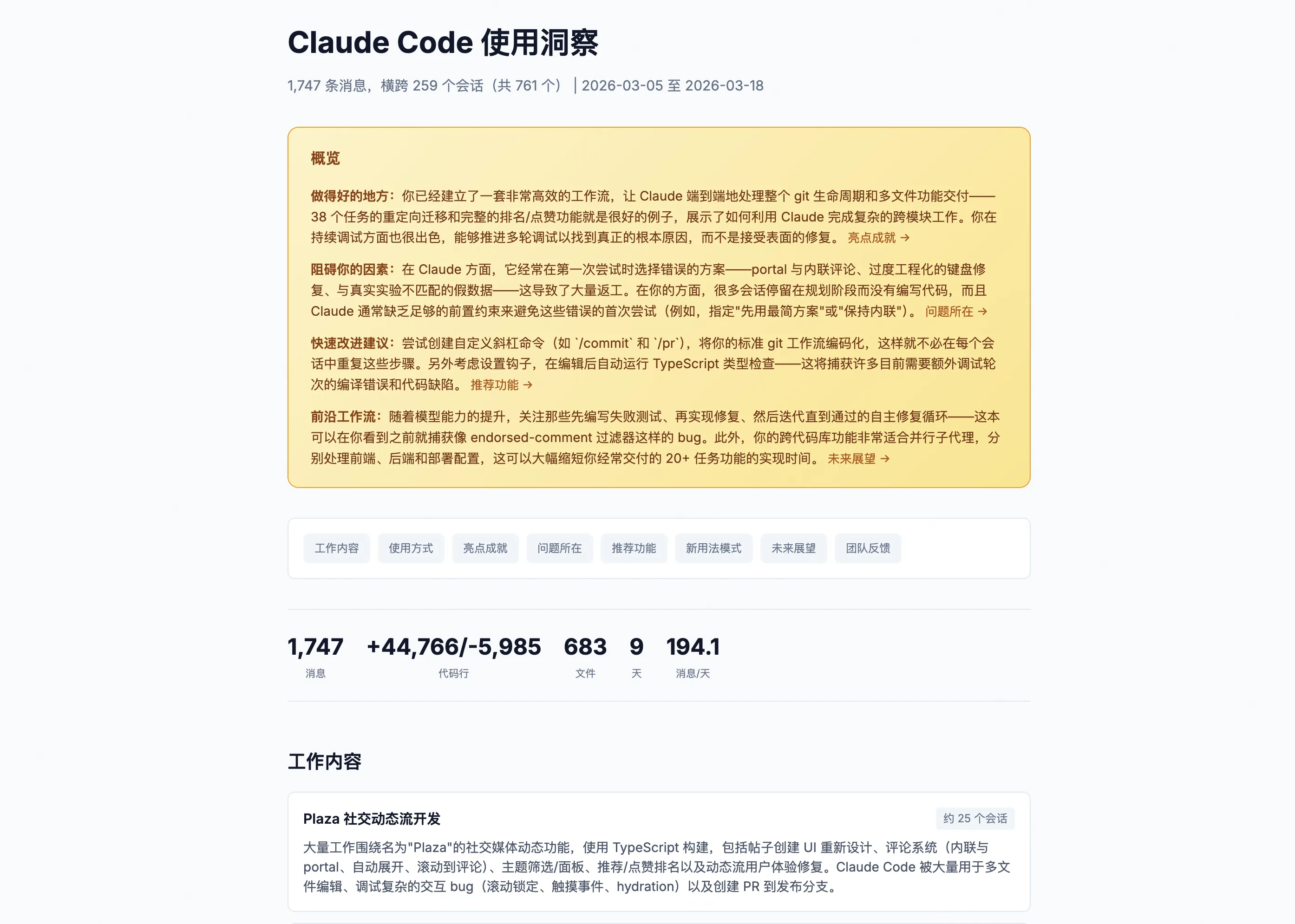
/stats: Visualizes daily usage, session history, usage streaks, and model preferences, with date range filtering/insights: Analyzes all your Claude Code history, tells you which workflows are effective, where bottlenecks are, and generates optimization suggestions
history.jsonl: Prompt History
Claude saves every prompt you send in ~/.claude/history.jsonl. You can ask Claude to analyze this file to find prompt patterns and optimization opportunities.
/doctor: Health Check
When you encounter strange issues, run /doctor (or claude doctor in the terminal). It checks installation status, version, authentication state, and system dependencies to help you quickly pinpoint problems.
Community Tools
The community tool ccusage can track token usage:
npx ccusage dailyIf you've used --dangerously-skip-permissions or approved many commands, you can use cc-safe to scan for risks:
npx cc-safe .It checks .claude/settings.json for high-risk commands like sudo, rm -rf, chmod 777, git reset --hard, and more.
More Slash Commands Worth Knowing
| Command | Function |
|---|---|
/export [filename] | Export conversation as plain text |
/pr-comments [PR] | Fetch PR comments (auto-detects current branch) |
/release-notes | View current version changelog |
/plugin | Browse and install community plugins |
/fast | Toggle fast mode |
claude --debug | Enable debug logging on startup (supports category filtering, e.g., --debug "api,hooks") |
/install-github-app | Install GitHub App for automatic PR reviews |
Comments
Useful Commands & Automation
Claude Code commands: /diff interactive viewer, /simplify multi-agent review, /batch parallel refactoring, /loop scheduled tasks, and Headless mode flags
Advanced Tips
Advanced Claude Code techniques: terminal notifications, Hooks deep dive, plugin ecosystem, Agent Teams, and prompt strategies