

Useful Commands & Automation
Claude Code commands: /diff interactive viewer, /simplify multi-agent review, /batch parallel refactoring, /loop scheduled tasks, and Headless mode flags
/diff: Interactive Diff Viewer
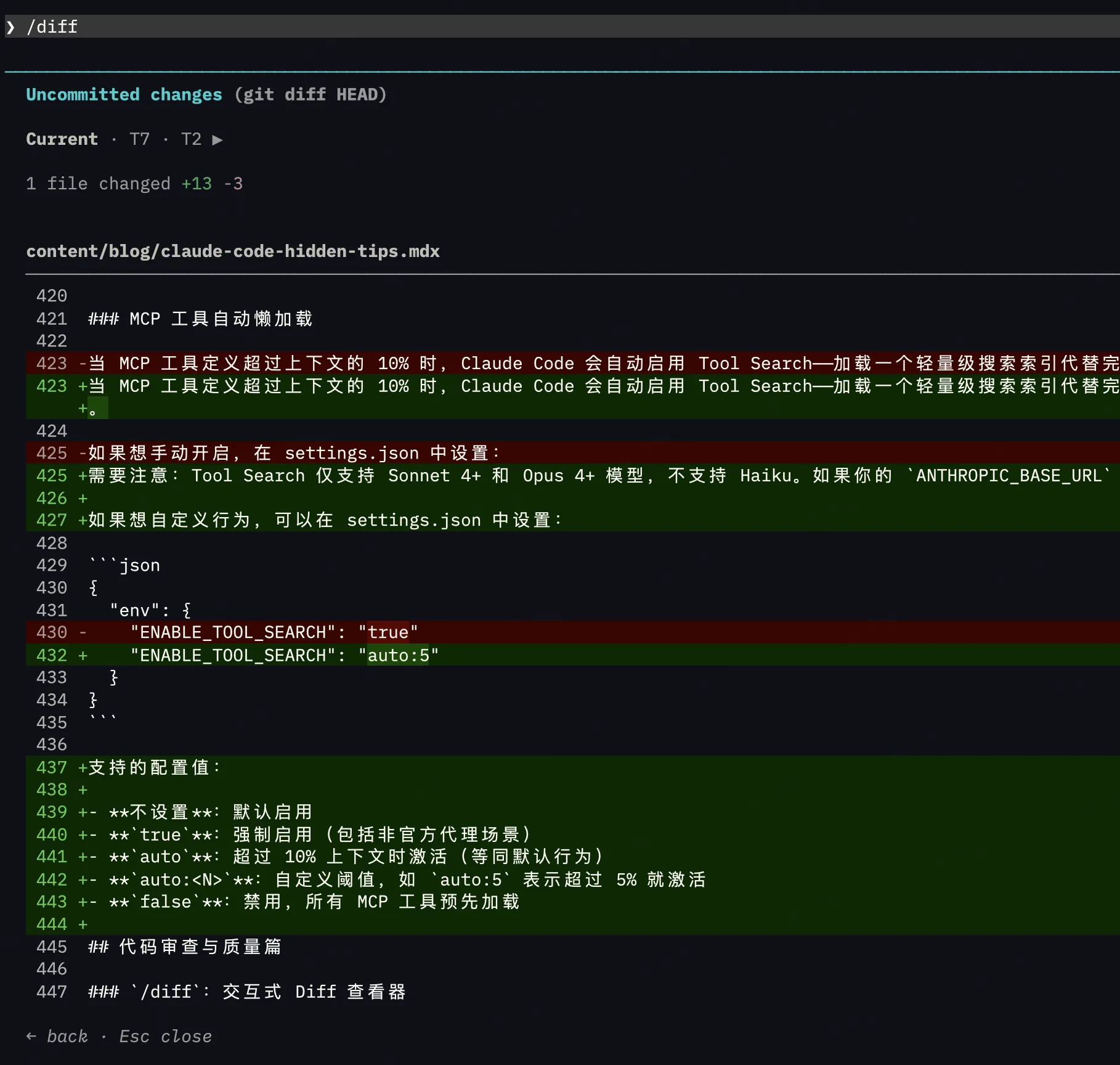
Type /diff to open an interactive diff view:
- Left/Right arrows: Switch between the full git diff (all changes) and Claude's per-turn changes
- Up/Down arrows: Browse different files
Much better than running git diff in the terminal, especially when changes span multiple files.
/simplify: Multi-Agent Code Review
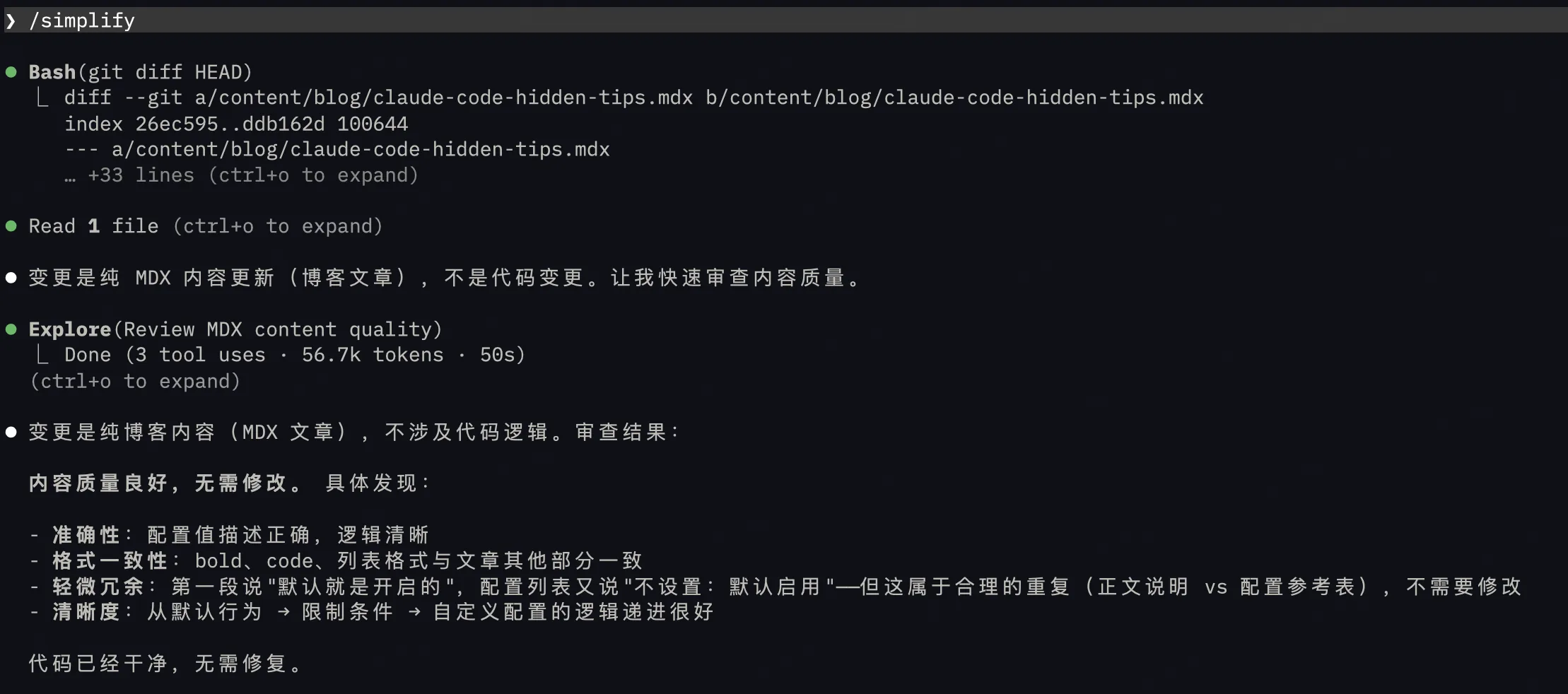
Running /simplify launches 3 parallel review agents:
- Code Reuse agent: Finds duplicate patterns
- Code Quality agent: Checks readability and structure
- Efficiency agent: Analyzes unnecessary performance overhead
The three agents work independently, then aggregate results — automatically fixing valid issues and skipping false positives.
/security-review: Security Scan
Performs a security audit on the current branch's changes, checking for SQL injection, XSS, authentication flaws, data handling issues, and dependency vulnerabilities. Each finding goes through adversarial validation to reduce false positives.
Hidden Features of /copy
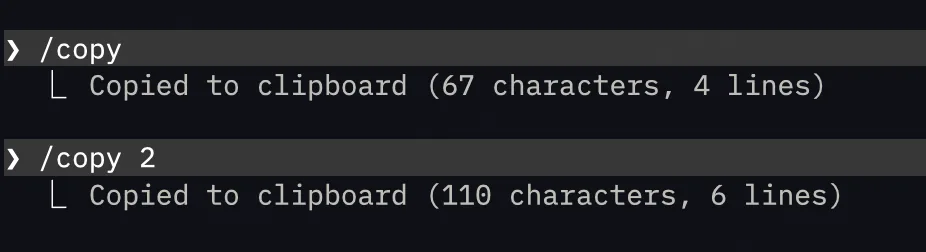
/copy does more than just copy the last response. When the response contains code blocks, it pops up an interactive selector letting you pick a specific code block instead of copying the entire response. You can also pass a number to copy earlier responses: /copy 2 copies the second-to-last, /copy 3 copies the third-to-last — no need to scroll and manually select.
/batch: Large-Scale Parallel Refactoring
/batch Migrate all components in src/ from Class components to function componentsThis is a heavyweight feature. /batch analyzes the codebase, breaks the task into 5–30 independent units, spins up a separate agent for each unit working in an isolated git worktree, and finally each agent commits and opens a PR.
Great for large-scale migrations, bulk type annotations, global renames, and similar scenarios.
/loop: Scheduled Tasks
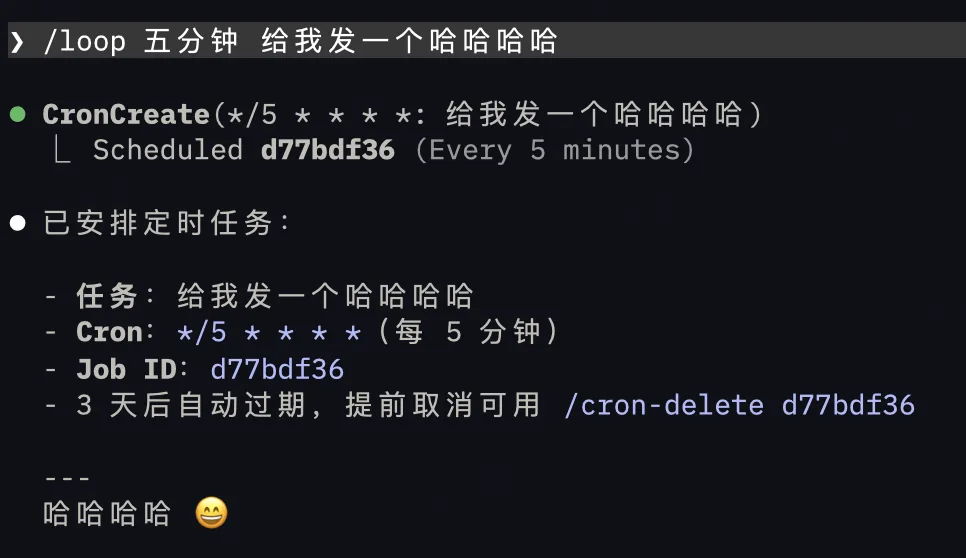
/loop 5m Check if the deployment is complete
/loop 1h /review-pr 1234
Creates a scheduled task within the session that repeats at the specified interval. Useful for polling deployment status, periodically checking PRs, etc. It's session-scoped (gone when you exit), limited to 50 tasks, and auto-expires after 3 days.
Pipe Input: Feed Anything to Claude
# Have Claude analyze error logs
cat error.log | claude -p "Analyze this error log and find the root cause"

# Have Claude summarize recent changes
git diff HEAD~3 | claude -p "Summarize the changes in these three commits"

# Have Claude interpret command output
kubectl get pods | claude -p "Which pods have abnormal status?"
-p is headless mode (non-interactive), ideal for use in scripts and CI/CD pipelines.
Hidden Flags for Headless Mode
-p mode has some extremely powerful but little-known flags:
# Set a spending cap (stops when exceeded)
claude -p --max-budget-usd 5.00 "Refactor the auth module"

# Limit conversation turns
claude -p --max-turns 3 "Fix this test"

# Output in JSON format (easy for programmatic parsing)
claude -p --output-format json "Analyze this project"

# Require output matching a specific JSON Schema
claude -p --json-schema '{"type":"object","properties":{"summary":{"type":"string"}}}' "Summarize the project"

# Multi-turn headless conversation (use session-id to maintain context)
claude -p --session-id my-task "Step 1: Analyze the code"
claude -p --session-id my-task "Step 2: Generate tests"

# Specify a fallback model (auto-switches when primary is overloaded)
claude -p --fallback-model sonnet "Complex analysis"

# Restrict available tools
claude -p --tools "Read,Grep,Glob" "Read-only analysis, don't modify code"

# Completely replace the system prompt
claude -p --system-prompt "You are a Python expert" "Optimize this code"
Comments
Context Management
Claude Code context management: /compact with arguments, Compact Instructions, preventing token budget abandonment, Handoff protocol, MCP tool lazy loading
Configuration & Diagnostics
Claude Code configuration and diagnostics: /statusline custom status bar, settings.json autocomplete, /stats usage analytics, /doctor health check, community tools