
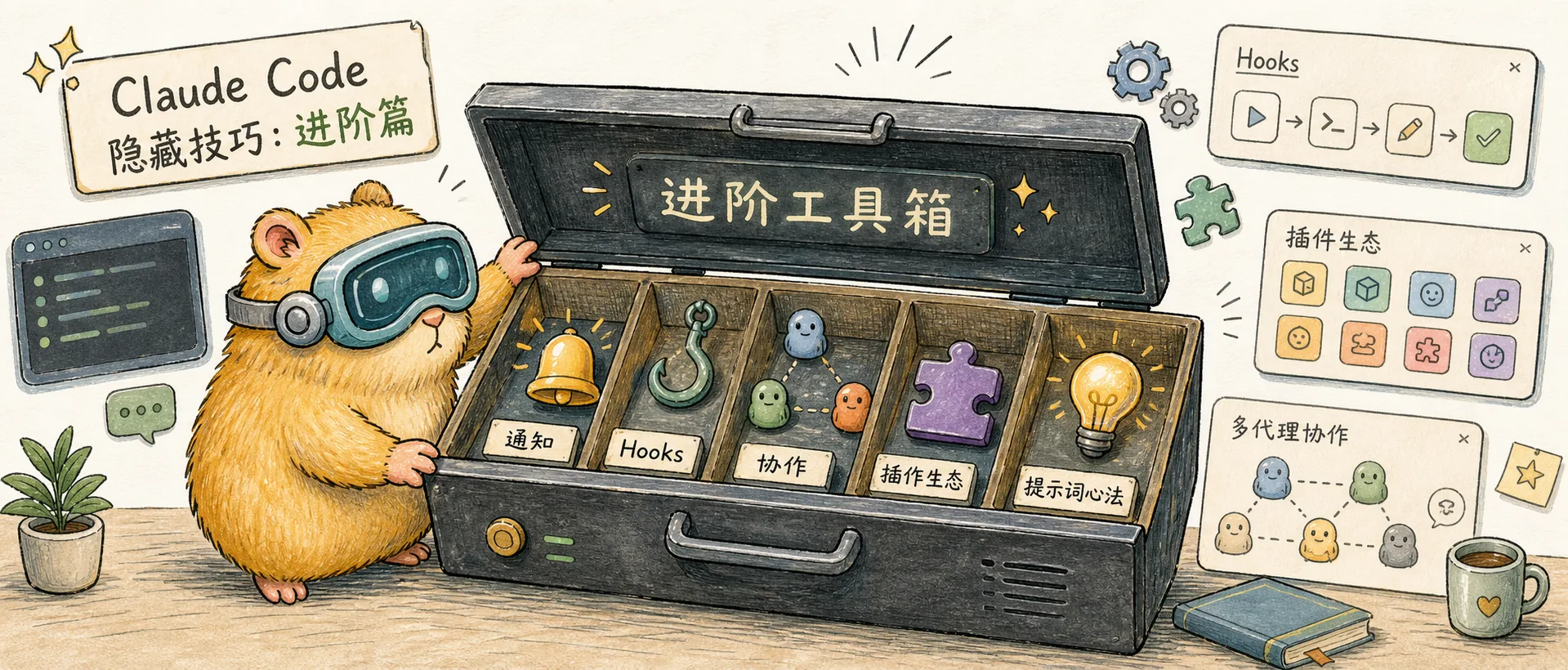
Advanced Tips
Advanced Claude Code techniques: terminal notifications, Hooks deep dive, plugin ecosystem, Agent Teams, and prompt strategies
Terminal Notifications: Task Completion Alerts
Want to get notified when Claude finishes a task?
claude config set --global preferredNotifChannel terminal_bellPair this with iTerm2's notification feature, or use terminal-notifier for custom alerts (see the Hooks configuration in Best Practices).
Advanced Hooks Usage
Hooks can do more than just run shell commands. There are actually four types:
- command: Shell commands (most common)
- http: POST JSON to a URL (supports custom headers and environment variable expansion)
- prompt: Send to Claude for evaluation (e.g., "Are all tasks complete?")
- agent: Spawn a sub-agent with tool access to verify
Some advanced Hook events worth knowing:
PostCompact: Fires after compaction, useful for injecting reminders so Claude re-reads key filesSessionStart: Write to$CLAUDE_ENV_FILEto persist environment variables for the entire sessionPreToolUse: Modify tool inputs (updatedInput), or even auto-approve or reject operations
Plugin Ecosystem
Use /plugin to browse and install community plugins. Some notable ones:
- dx (by ykdojo): Provides
/handoff(auto-generate handoff docs),/clone(clone conversations),/half-clone(clone only recent conversation to reduce context) - mine (by anipotts): Imports all Claude Code session data into SQLite, supporting cost tracking, cache analysis, error memory queries, and more
Agent Teams: Multi-Agent Collaboration
Set an environment variable to enable the experimental Agent Teams feature:
export CLAUDE_CODE_EXPERIMENTAL_AGENT_TEAMS=1Once enabled, a session can act as a Team Lead, coordinating multiple agents working simultaneously through git worktree. Each agent runs independently in its own context window, making it ideal for parallel development on large projects.
Note that token consumption increases 4-15x, so use this judiciously.
Prompt Strategies
The following tips come from Boris Cherny's Twitter thread on team practices — essentially "prompt engineering" best practices applied to Claude Code.
Use Claude as Your Code Reviewer
Don't just have Claude write code — have it review your code too:
Grill me on these changes and don't make a PR until I pass your test.Or ask it to prove the code works:
Prove to me this works. Diff behavior between main and my feature branch.Don't Rephrase When Unsatisfied
Boris's tip #6: If Claude gives a mediocre answer, don't rephrase and ask again. Instead, say "This isn't good enough — tell me specifically what can be improved." Iterating on the existing response works better than starting from scratch.
Let Claude Update Its Own CLAUDE.md
After correcting a mistake, add:
Update your CLAUDE.md so you don't make that mistake again.Boris says Claude is surprisingly good at writing rules for itself. Over time, CLAUDE.md becomes increasingly precise, and conversation quality keeps improving.
Just Say "fix"
With Slack MCP enabled, paste a bug report from Slack and say one word: fix. Zero context switching.
Or when CI fails, just say:
Go fix the failing CI tests.No need to manually analyze logs or explain the problem — let Claude find the logs, diagnose the issue, and fix it.
Final Thoughts
Claude Code is evolving rapidly, and these tips are constantly being refined. Follow the official Changelog to stay up to date.
If you haven't read my earlier articles, I recommend starting with the foundational workflows:
Further Reading
- My Claude Code Best Practices — Core workflow tips and slash command guide
- AI Coding Quality Control: 5 Lines of Defense — Quality assurance system for Claude Code programming
- Claude System Architecture Explained — Understanding MCP, Skills, Subagents, Hooks, and more
Comments
Configuration & Diagnostics
Claude Code configuration and diagnostics: /statusline custom status bar, settings.json autocomplete, /stats usage analytics, /doctor health check, community tools
A Complete Guide to Claude's System Architecture
Deep dive into the roles, design intent, and synergies of MCP, Skills, Subagents, Hooks, Plugins, and other components in the Claude system