
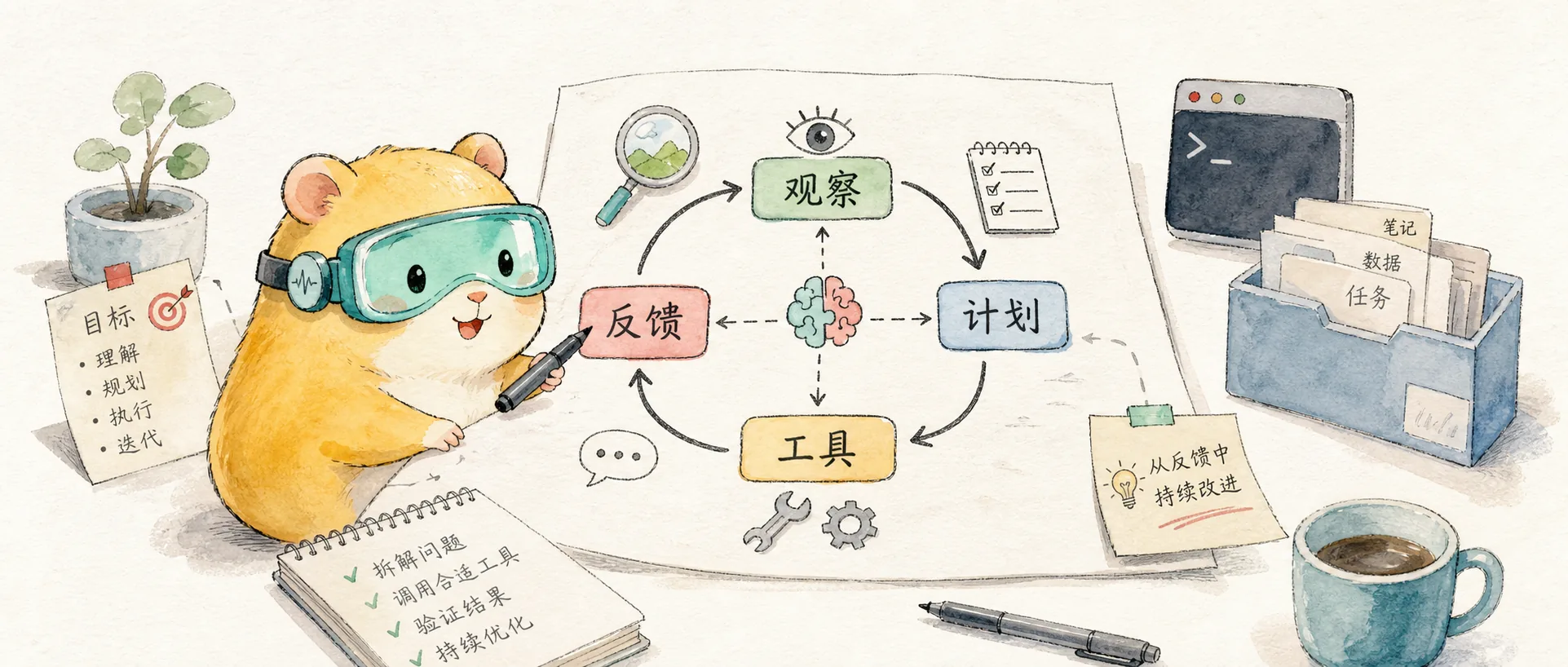
Think Like an Agent: Claude Code Team's Tool Design Philosophy
Insights from Anthropic engineer Thariq on agent tool design — from three failures to progressive disclosure, how the Claude Code team learned to see like an agent.
You want to give it tools that are shaped to its own abilities. But how do you know what those abilities are? You pay attention, read its outputs, experiment. You learn to see like an agent.
Thariq is an Anthropic engineer and one of the core builders of Claude Code. In late February, he published a long thread on X sharing five real-world cases about agent tool design from the Claude Code development process — not theoretical frameworks, but lessons from the trenches. The post garnered 3.51 million views, 209 replies, and 9,691 likes, sparking extensive high-quality discussion.

Lessons from Building Claude Code: Seeing like an Agent
One of the hardest parts of building an agent harness is constructing its action space. Here are some lessons we've learned from paying attention to Claude while building Claude Code.
To introduce the core question of the entire piece, Thariq used a great analogy: imagine you're facing a tough math problem — what tools do you need?
Pen and paper is the bare minimum — but you're limited to manual calculation. A calculator is better — but you need to know how to use its advanced functions. A computer is the most powerful — but you need to know how to code.
Tool selection depends on the user's capability. Giving a computer to someone who can't program is worse than giving them a calculator. Giving a calculator to a programmer actually limits their potential.
The same applies to agents. The question isn't "what tool is most powerful" but rather "what tool best matches the model's current capabilities." This article shares the lessons the Claude Code team learned while searching for that match.
Here are three progressively deeper layers I distilled from the original thread and community discussion.
Layer 1: Learning Tool Design from Failures
Intuition tells us that more tools mean a more capable agent. But the Claude Code team's experience says otherwise.
Claude Code currently has only about 20 tools, and the team constantly evaluates whether they truly need all of them. The bar for adding new tools is high because each addition gives the model one more option to consider — every additional tool adds "cognitive overhead" to the model's decision-making.
Apple's CodeAct research provides quantitative support for this insight: a single code execution primitive outperforms a sprawling set of specialized tools by up to 20% on complex tasks. Less really can be more.
The three iterations of the AskUserQuestion tool are the best illustration of this principle. The Claude Code team wanted to improve Claude's ability to ask users questions — while Claude could ask questions in plain text, answering those questions felt too time-consuming. How to reduce friction?
First attempt: Add a parameter to ExitPlanTool that lets it output a set of questions alongside its plan. Result — Claude got confused. Requiring it to simultaneously output a plan and questions about the plan created conflicts when user answers contradicted the plan.
Second attempt: Modify output instructions to have Claude ask questions in a specific markdown format, then parse and format them on the frontend. Result — unreliable. Claude would add extra sentences, omit options, or use completely different formatting.
Third attempt: Create a standalone AskUserQuestion tool. Claude can call it at any time, which pops up a dialog displaying the question and blocks the agent loop until the user responds. It worked.
Thariq wrote something fascinating in the original thread:
Claude seemed happy to call this tool and we found it did a great job outputting to it. Even the best designed tool won't work if Claude doesn't understand how to call it.
The success criterion for tool design isn't "it makes sense to humans" but "the model understands how to use it and is willing to use it." This judgment requires carefully observing the model's actual behavior — call frequency, output quality, and whether it proactively uses the tool.
If tool count represents the spatial dimension of cognition, then tool timeliness is a lesson from the temporal dimension. Tools that once helped the model can actually become constraints as the model improves.
When Claude Code first launched, the team realized the model needed a to-do list to stay on track — it could write to-do items at the start and check them off as work was completed. They provided Claude with the TodoWrite tool. But even so, Claude frequently forgot what it was supposed to do.
The team's response was to insert system reminders every 5 turns, prompting Claude about its goals.
But as the model improved, the problem reversed: the model no longer needed to-do reminders, and actually found them constraining. Being repeatedly reminded of its to-do list made Claude feel obligated to follow it strictly rather than adapting flexibly as needed. Meanwhile, Opus 4.5 had significantly improved at using sub-agents, but how should sub-agents coordinate around a shared to-do list?
So the team replaced TodoWrite with the Task Tool. The difference is fundamental: Todos were about keeping the model on track — like a boss watching over an employee's task list; Tasks are more about facilitating communication between agents — like a team collaboration board. Tasks support dependencies, cross-sub-agent shared updates, and models can modify and delete them.
From TodoWrite to reminders every 5 turns to Task Tool — that's three redesigns. Not because the previous designs were "wrong," but because the model had grown. Tool design isn't a one-time effort; it needs to iterate continuously alongside model capabilities.
Layer 2: Progressive Disclosure — From "Spoon-Feeding" to "Self-Searching"
This is what I consider the most practically valuable part of the entire thread.
Claude Code initially used a RAG vector database to find context for Claude. RAG was powerful and fast, but had two problems: first, it required indexing and configuration that could be fragile across different environments; second, and more fundamentally — this approach was providing context to Claude rather than letting it find its own.
The team made a key pivot: if Claude can search the web, why can't it search your codebase? By giving Claude the Grep tool, they let it search files and build context on its own.
Over the course of a year, Claude evolved from being barely able to build context autonomously to performing nested searches across multiple layers of files, precisely finding the context it needed. The key to this evolution wasn't giving Claude more information — it was giving it better search capabilities.
When Claude Code introduced Agent Skills, the team formally articulated the concept of Progressive Disclosure: allowing the agent to gradually discover relevant context through exploration.
The implementation is elegant: Claude can read skill files, and those files can reference other files, which the model can recursively read. A common use case for skills is adding more search capabilities to Claude — for example, giving it instructions on how to use an API or query a database.
The core logic of this layered strategy is: context is a finite resource with diminishing marginal returns. Dumping all information onto an agent at once not only wastes tokens but also dilutes truly important information. Providing information on demand, letting the agent decide when it needs deeper details — that's the scalable approach.
The Claude Code Guide sub-agent is another clever application of progressive disclosure. The team noticed Claude didn't know enough about how to use Claude Code itself — if you asked it how to add an MCP or what a slash command does, it couldn't answer.
They could have stuffed all the information into the system prompt, but users rarely ask these questions, and doing so would increase context erosion and distract Claude Code from its primary job: writing code.
First they tried giving Claude a documentation link to search on its own — it worked, but Claude would load massive amounts of results into context to find the right answer. The final solution was building a dedicated sub-agent: Claude Code Guide. This sub-agent has detailed search instructions and knows how to efficiently search documentation and what content to return. No new tools added, yet Claude's action space was expanded.
Lance Martin offered a complementary perspective in his article on agent design patterns: rather than defining dozens of tools for an agent, give it a computer and let it orchestrate tools through code. Claude Code's core abstraction is the CLI — the agent lives on your computer, accomplishing complex tasks through fundamental primitives like bash and the file system. A few atomic-level tools (like the bash tool) are more flexible and token-efficient than a massive tool set.
Agent Design Patterns
The fundamental coding agent abstraction is the CLI, rooted in the fact that agents need access to the OS layer.
Layer 3: Model Empathy — Thinking Like an Agent
Behind the cases from the first two layers — iterative tool design and progressive disclosure — lies a shared meta-methodology. Thariq stated it at the beginning of his thread: see like an agent.
This isn't a set of rules — it's a mindset. David Zhang gave it a name:
I call this skill model empathy. All good engineers need this skill going forward.
Model empathy — not designing "reasonable" tools from a human perspective, but thinking from the model's perspective about what it actually sees, how it understands things, and how it will use them.
This "mental model inversion" sounds simple but requires constant practice. You need to carefully read the agent's outputs — not looking at what it got right, but understanding why it made certain choices, where it hesitated, and where it took detours. These "anomalous behaviors" are often not bugs in the model but bugs in the tool design.
Final Thoughts
Returning to Thariq's closing words:
Experiment more, read your outputs, try new approaches. See like an agent.
As a heavy Claude Code user, my biggest takeaway from reading this thread is: those seemingly "natural" features are backed by countless iterations of "this doesn't work, let's try something else." AskUserQuestion took three attempts, TodoWrite was redesigned three times, RAG was replaced by Grep. Each improvement came not from inventing a cleverer solution, but from carefully observing the model's actual behavior.
The subtitle of this thread is "Seeing like an Agent" — seeing the world as an agent does. But from another angle, this is essentially the core of all good engineering practice: don't design systems from your own perspective — design them from the user's perspective. The only difference this time is that the user is an AI model.
Of course, these lessons also leave some open questions. All these tool iterations assume the agent is stateless — starting from scratch each session. What if the most important "tool" isn't in the action space but in persistent memory about how the codebase works? Claude Code later partially addressed this through CLAUDE.md and the memory system, but persistent state management remains an open challenge in agent design. From a broader perspective, action space design is essentially power design — what permissions you give AI determine what role it becomes, and the bottleneck is often not the model's capability but the permission boundaries you draw.
In the future, every developer building agents may need to master what David Zhang calls "model empathy." This isn't some mysterious ability — at its core, it's three things: observe the model's actual behavior, read its outputs, and adjust your design based on what you see.
See like an agent.
Further Reading:
How the Claude Code Team Designs Agent Tools
A detailed breakdown of Thariq's thread, including analysis of Apple's CodeAct research and its implications for agent tool design.
Agent Design Patterns
Explores the fundamental coding agent abstraction: CLI access and OS-layer primitives over predefined tool lists.
Comments
When AI Can Help You Pass Without Studying, What's Left of College?
90% of college students use AI, but that's just the surface. The real question: AI is exposing a fundamental contradiction in education — when knowledge is no longer scarce and exams can be bypassed by technology, what's the meaning of learning itself?
From Chip Wars to Space Data Centers: The Next Decade of AI
From chip wars to space data centers, from the SaaS life-or-death dilemma to the essence of investing — a deep dive into a high-density interview