
Raycast: My Favorite Mac App
From a simple launcher to a full-blown productivity hub — a power user's guide to the best Raycast extensions for developers and everyday Mac use.
If I could only keep one app on my Mac, it would be Raycast.
On the surface, it looks like just a launcher — hit a shortcut, type a keyword, open an app. But after two years of daily use, it has become the nerve center of my entire workflow: clipboard history, window management, quick scripts, extensions galore... virtually every frequent action can be done from a single input bar.
Here are the extensions I currently have installed, organized by category.
Developer Tools

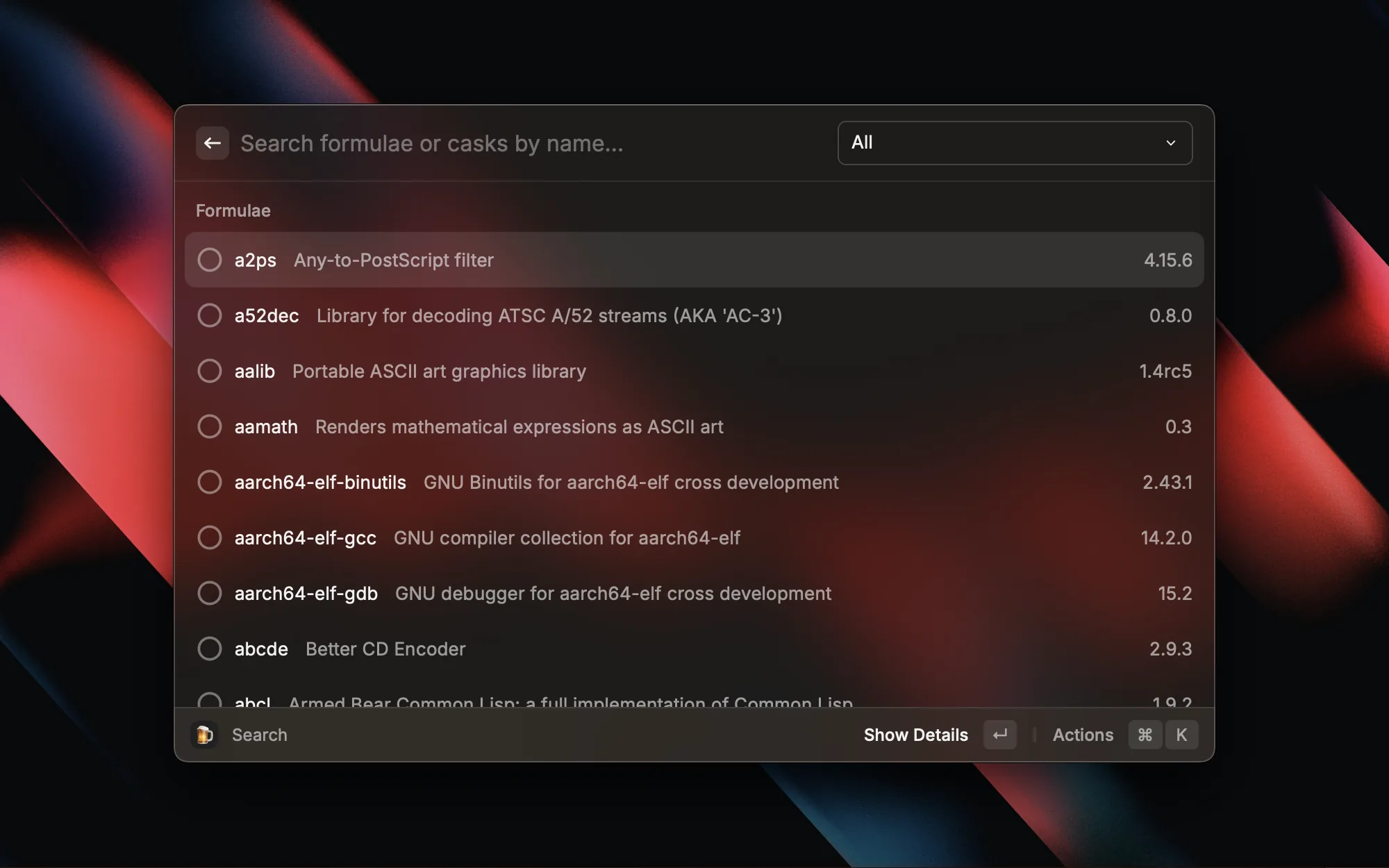
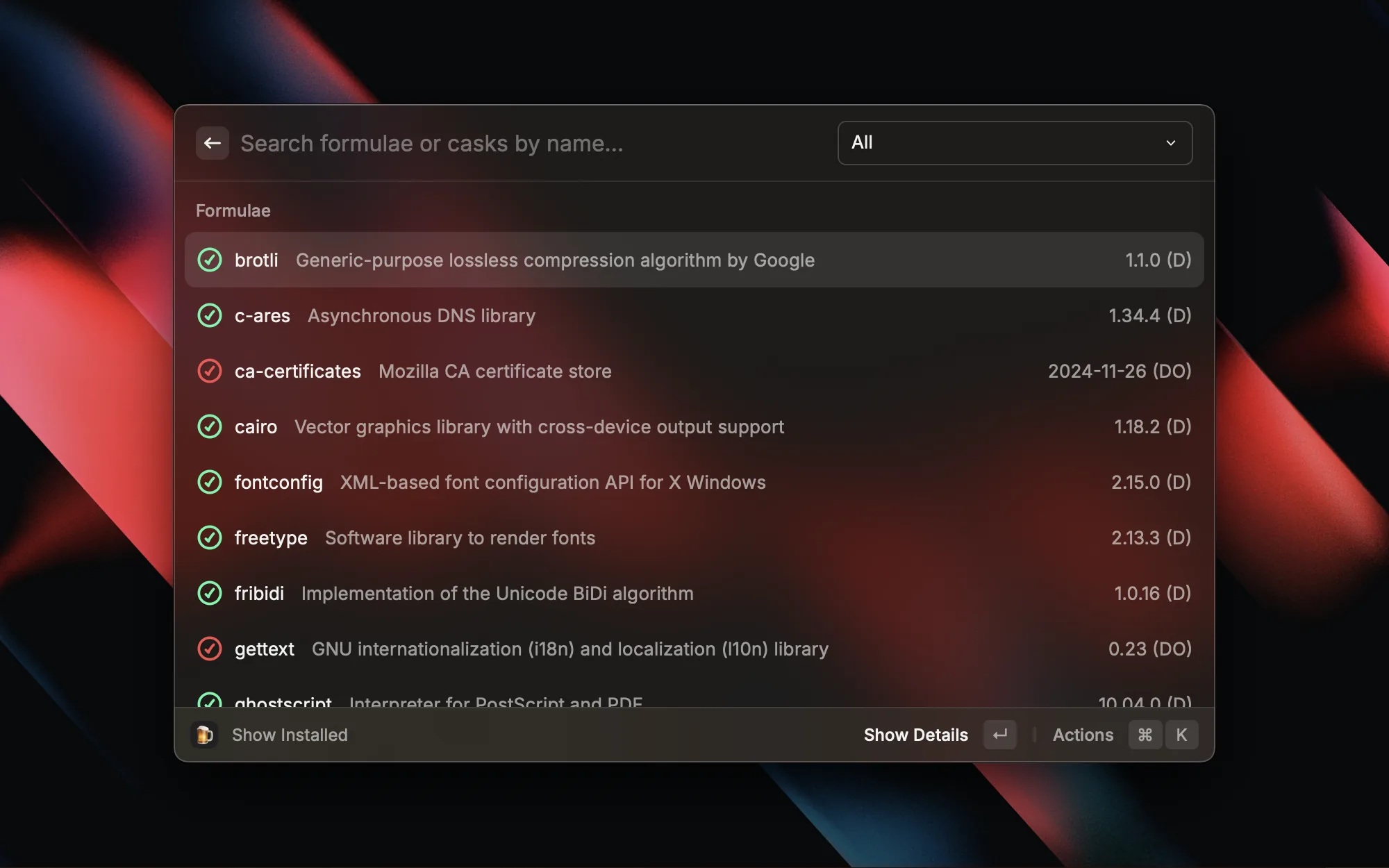
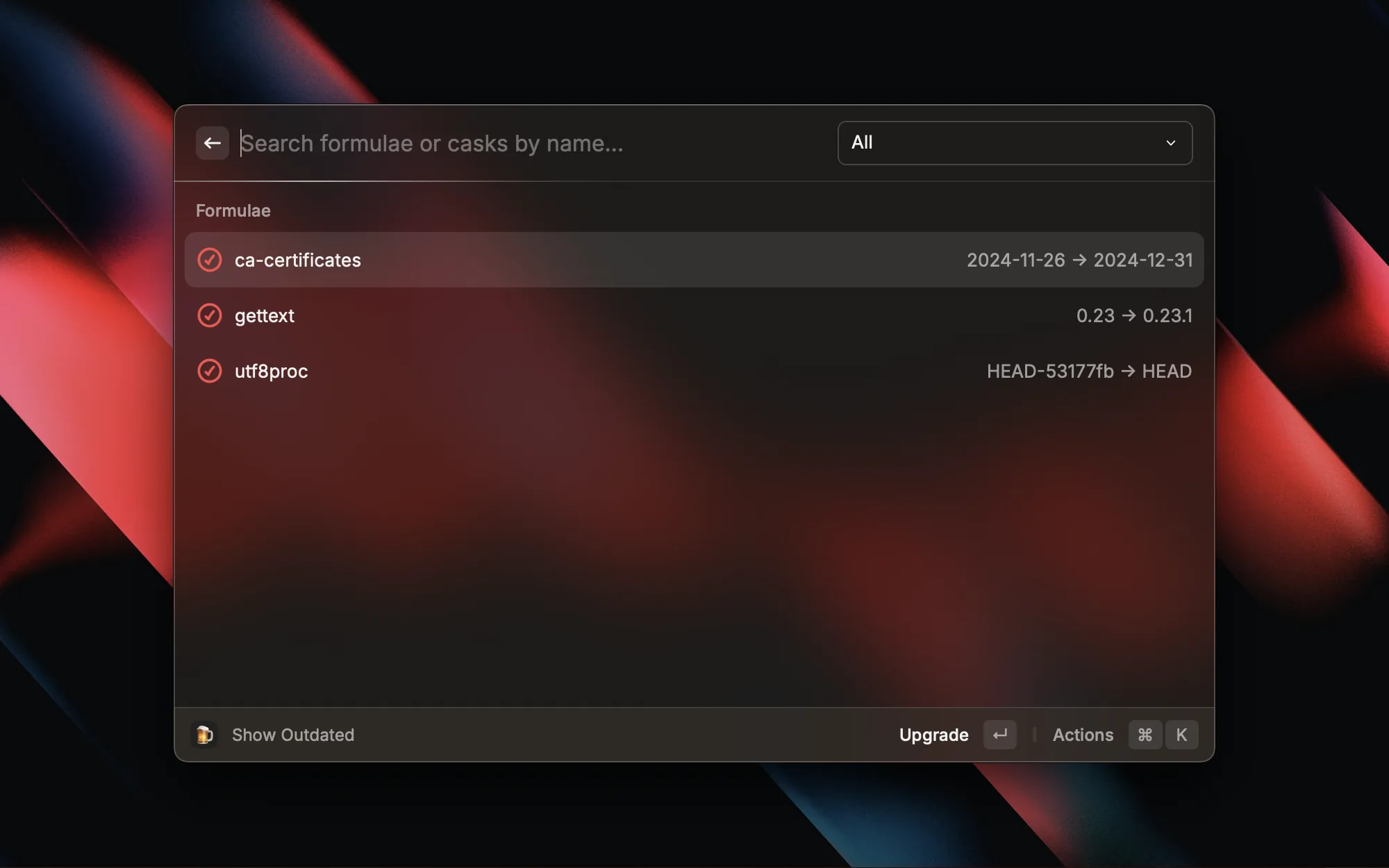
As a Mac developer, Homebrew is one of the first things I install on a fresh machine. This extension lets me search, install, and update packages without opening a terminal — everything happens right inside Raycast. When I need a new tool, I just invoke Raycast, search for it, and I'm done. No more trying to remember CLI commands.

During code reviews or debugging, I constantly need to compare two chunks of code. This extension takes the two most recent items from your clipboard and opens them in a diff view in your editor — no need to manually create temp files. Copy two snippets, hit one shortcut, and you've got a side-by-side comparison. Super convenient.

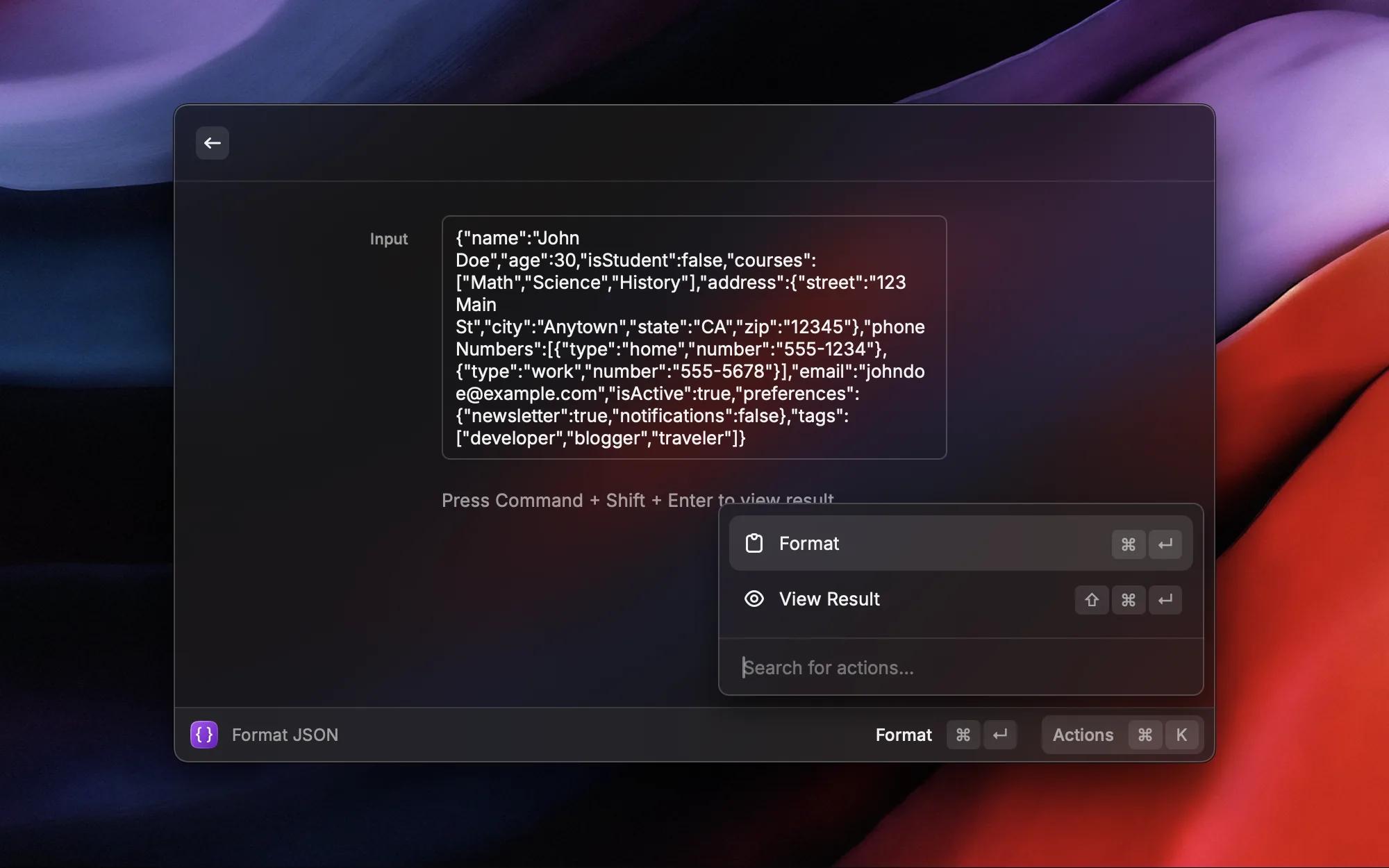
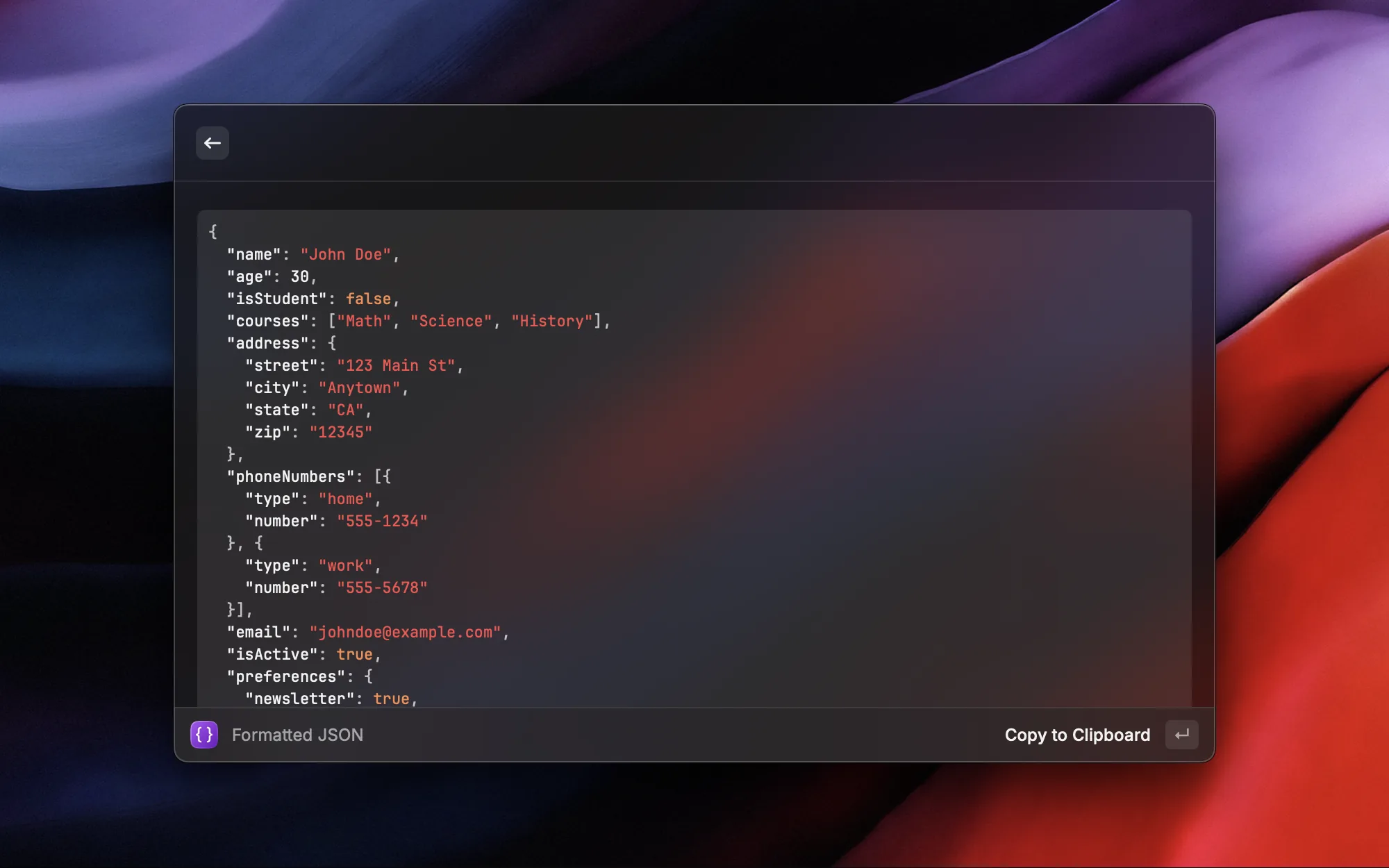
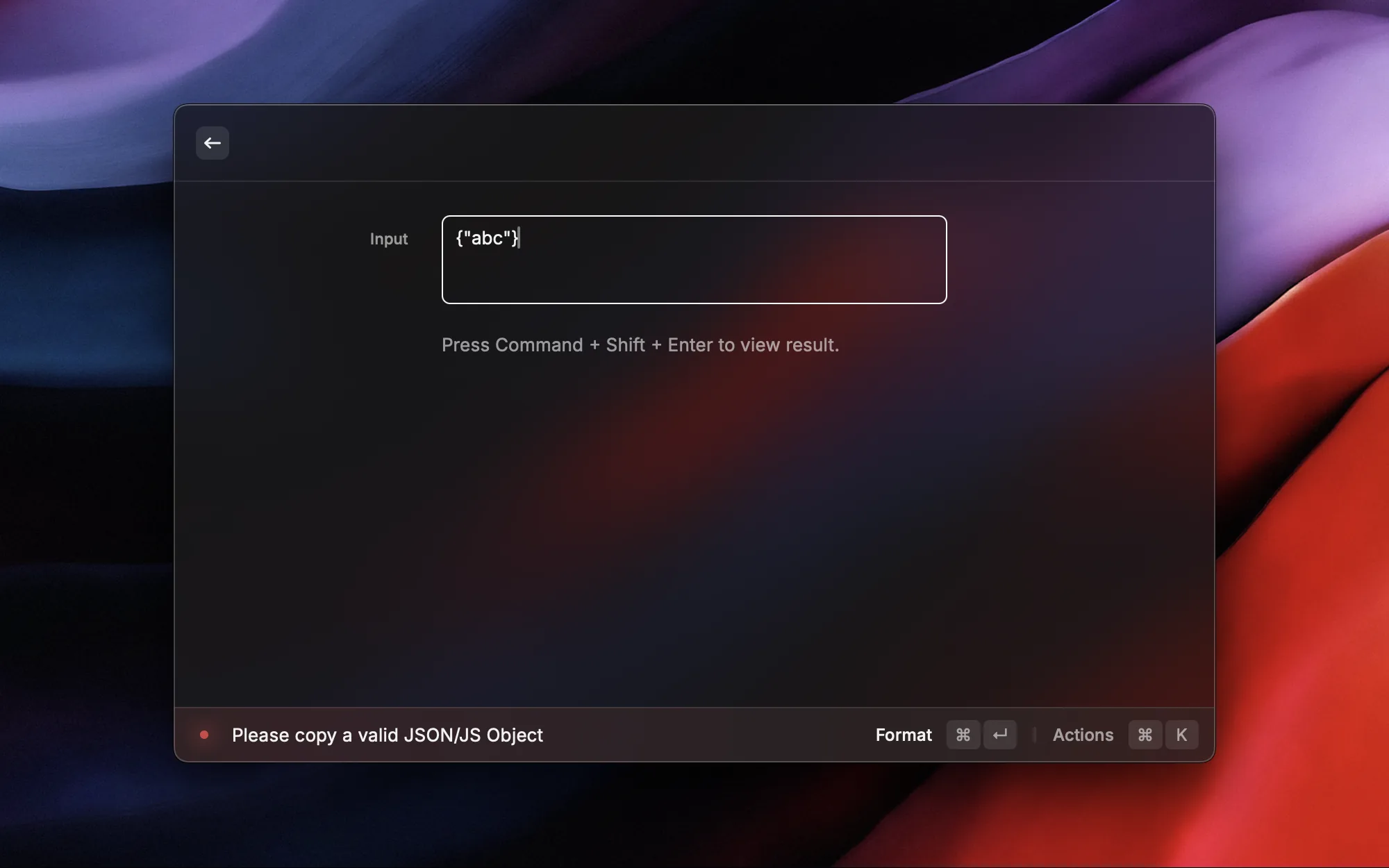
JSON shows up everywhere during development — API responses, logs, config files. Format JSON makes dealing with it dead simple: copy JSON to clipboard, invoke Raycast, and the formatted result replaces your clipboard content.
I've bound Format Selected JSON to ⌥J, so I can select a block of JSON text and format it in place with a single shortcut — no copy-paste round trip needed.
Key features:
- Format JSON: Auto-indent compressed JSON into a readable format
- Minify JSON: Compress formatted JSON into a single line
- Format Selected JSON: Select text, hit
⌥Jto format in place — by far the most common way I use it

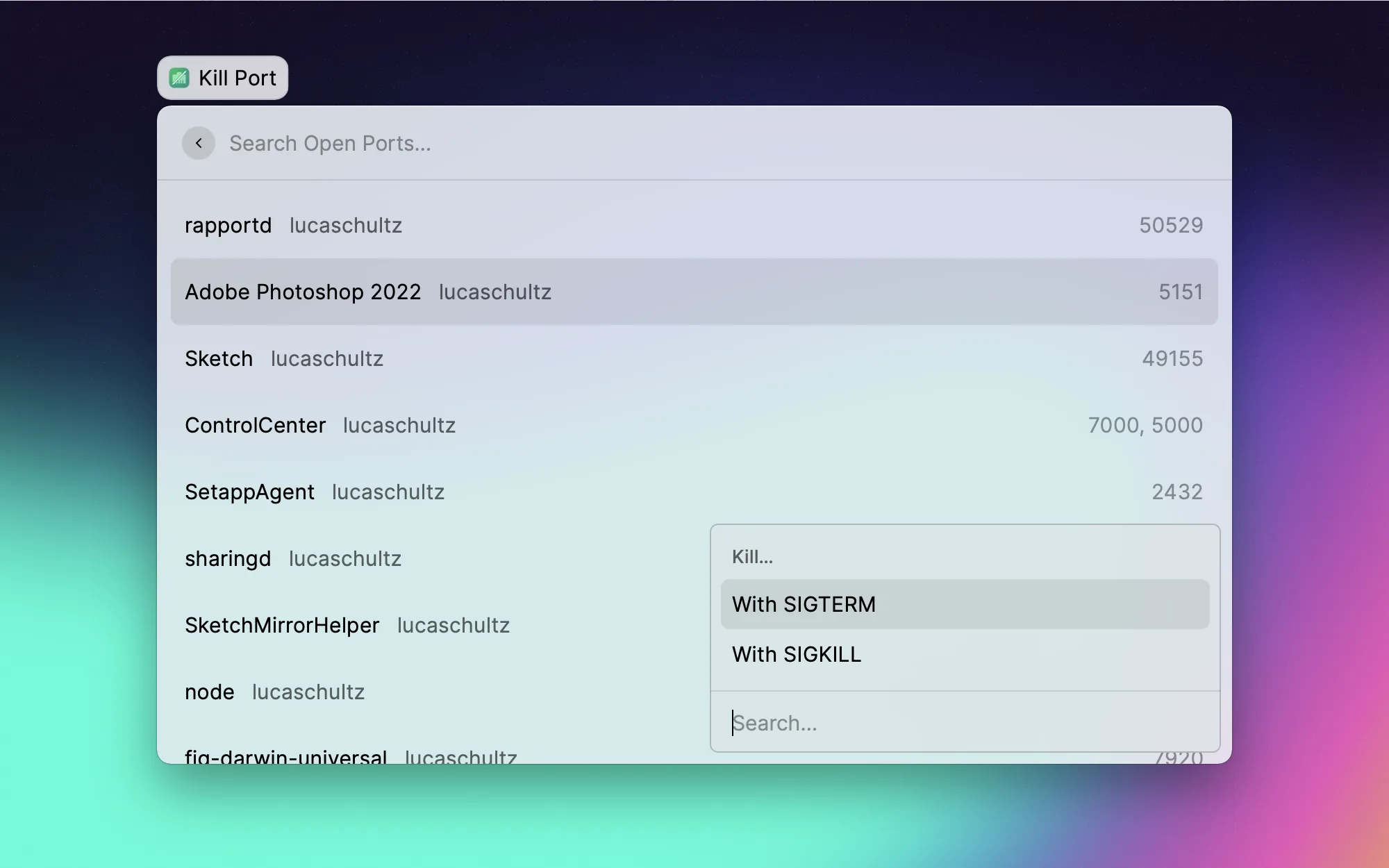
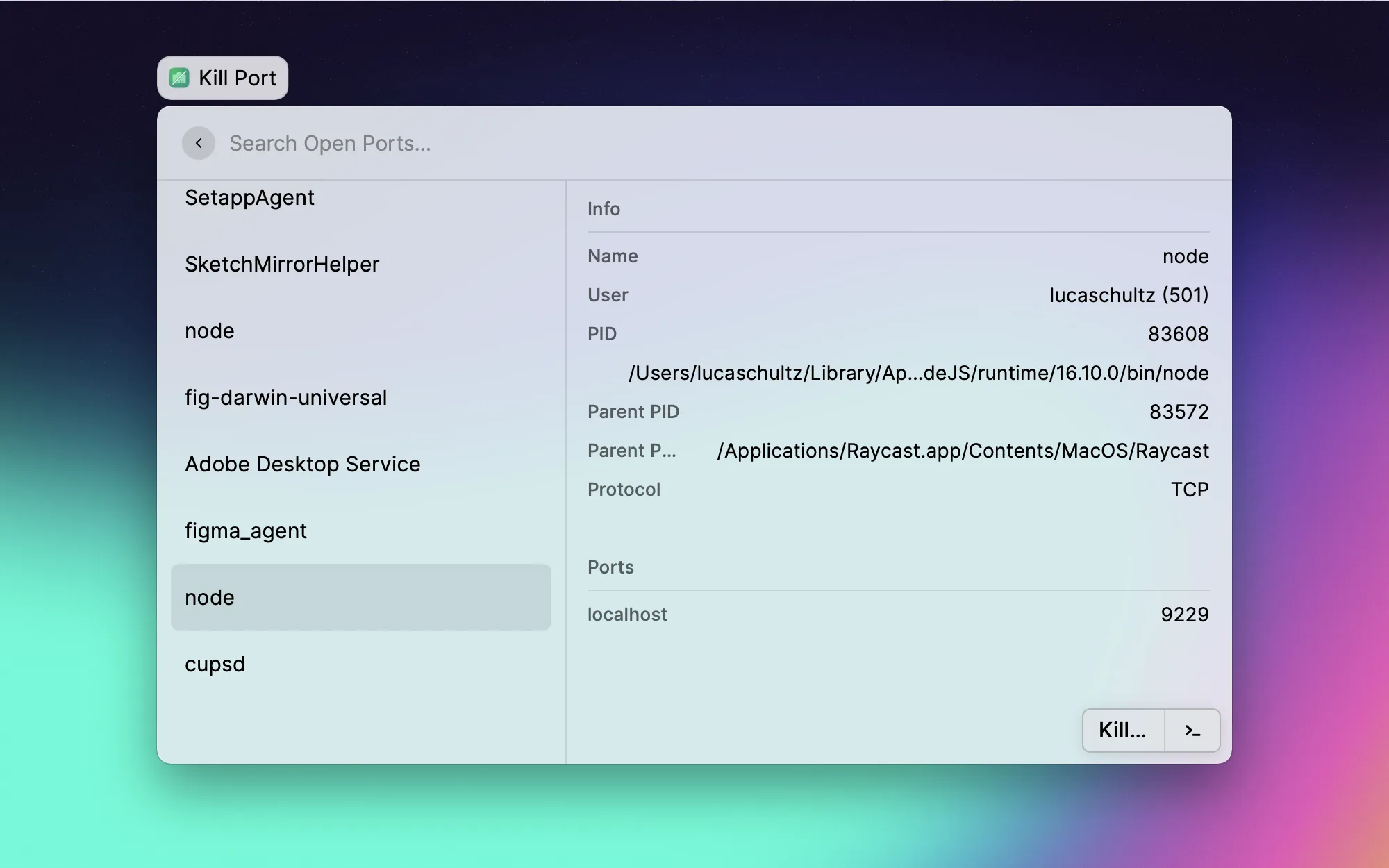
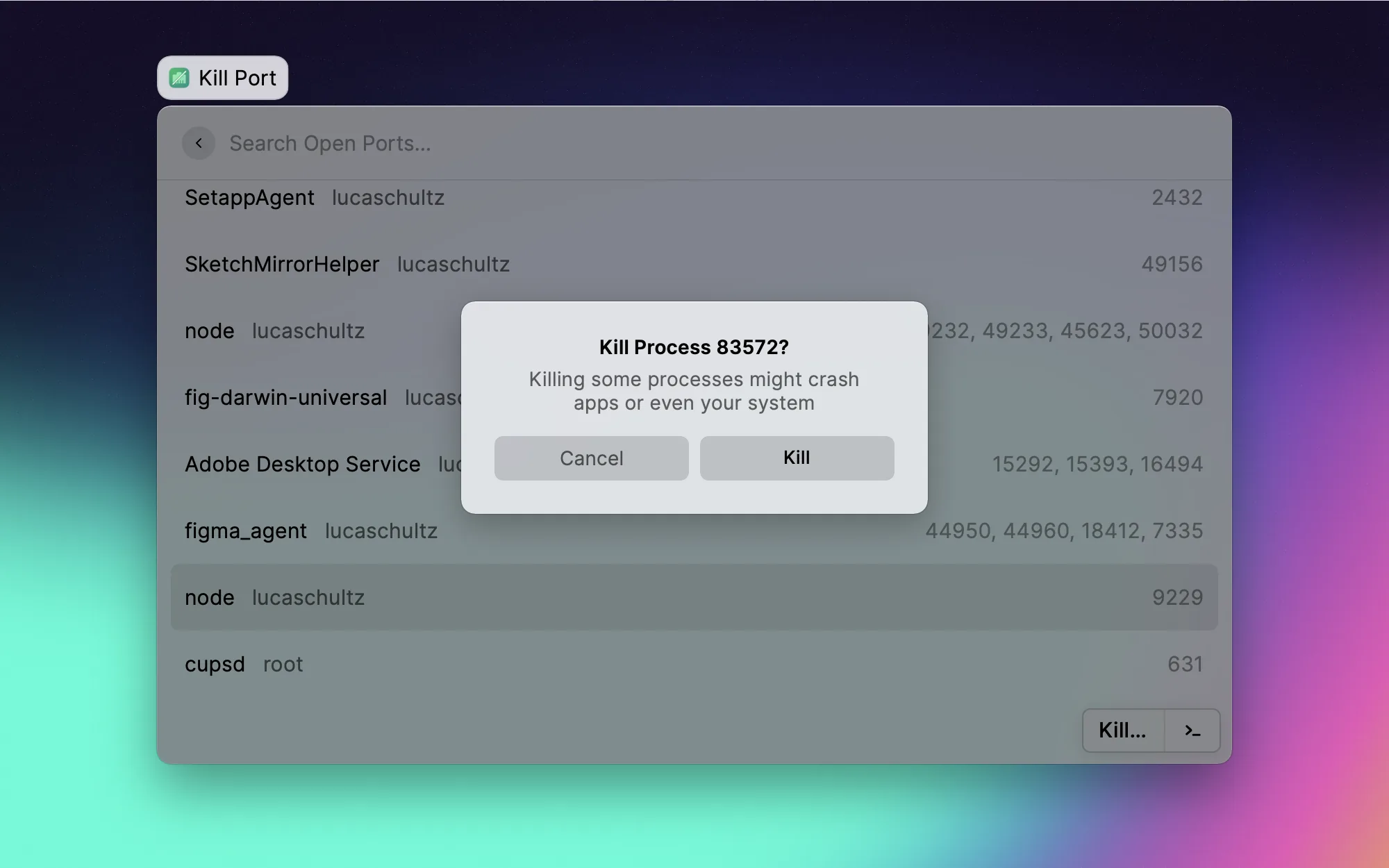
One of the most annoying things during development is port conflicts — you try to start a project and port 3000 is already taken, so you have to lsof in the terminal to find the process and kill it. Port Manager lists all occupied ports and their processes, and lets you free them with a single click. No more command-line fiddling.

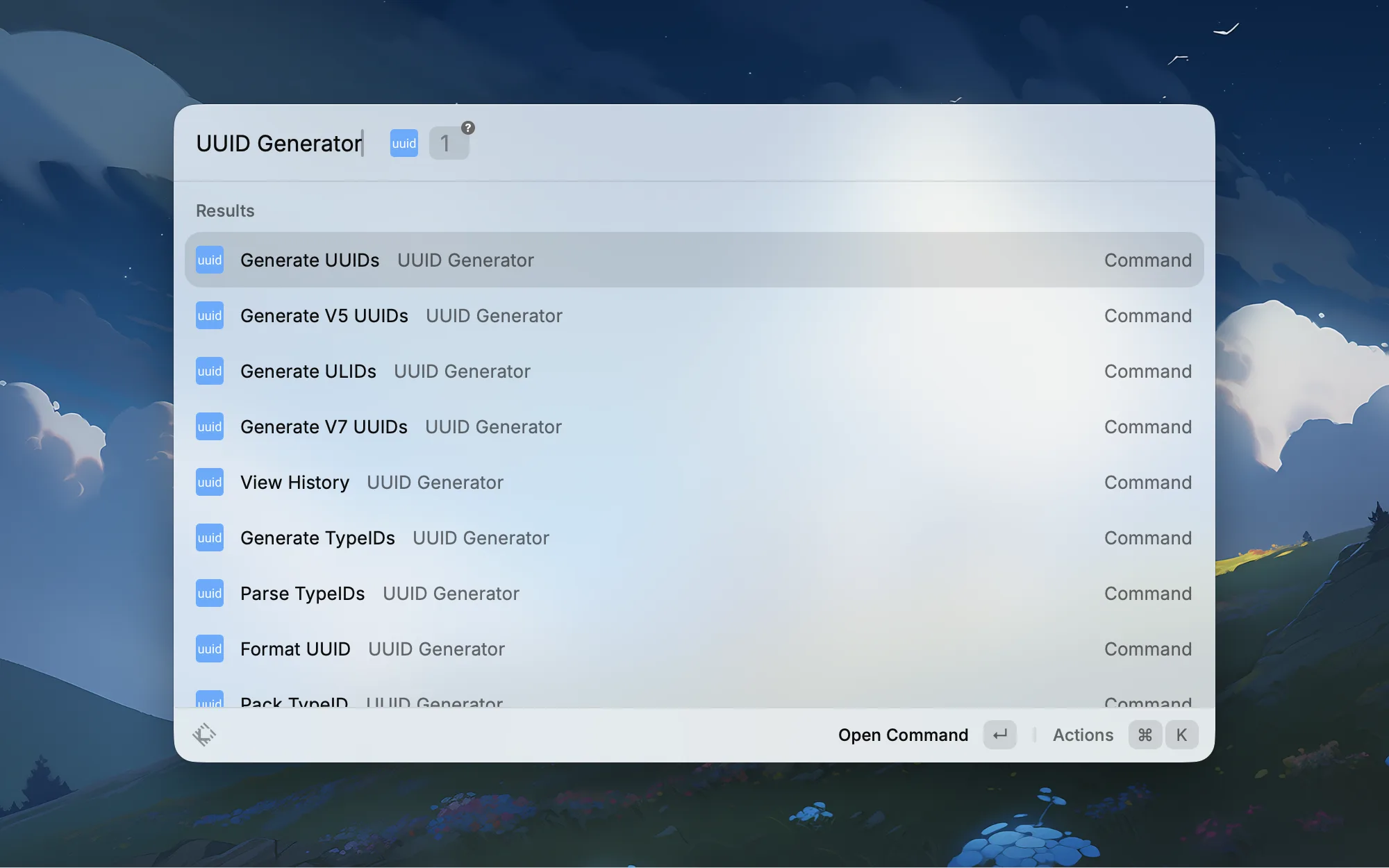
Every now and then you need a UUID when writing code or testing APIs. I used to have to visit a website for that, but now I generate one right in Raycast and it's copied to my clipboard instantly. Supports v4 and other formats — simple and efficient.
Git & Version Control

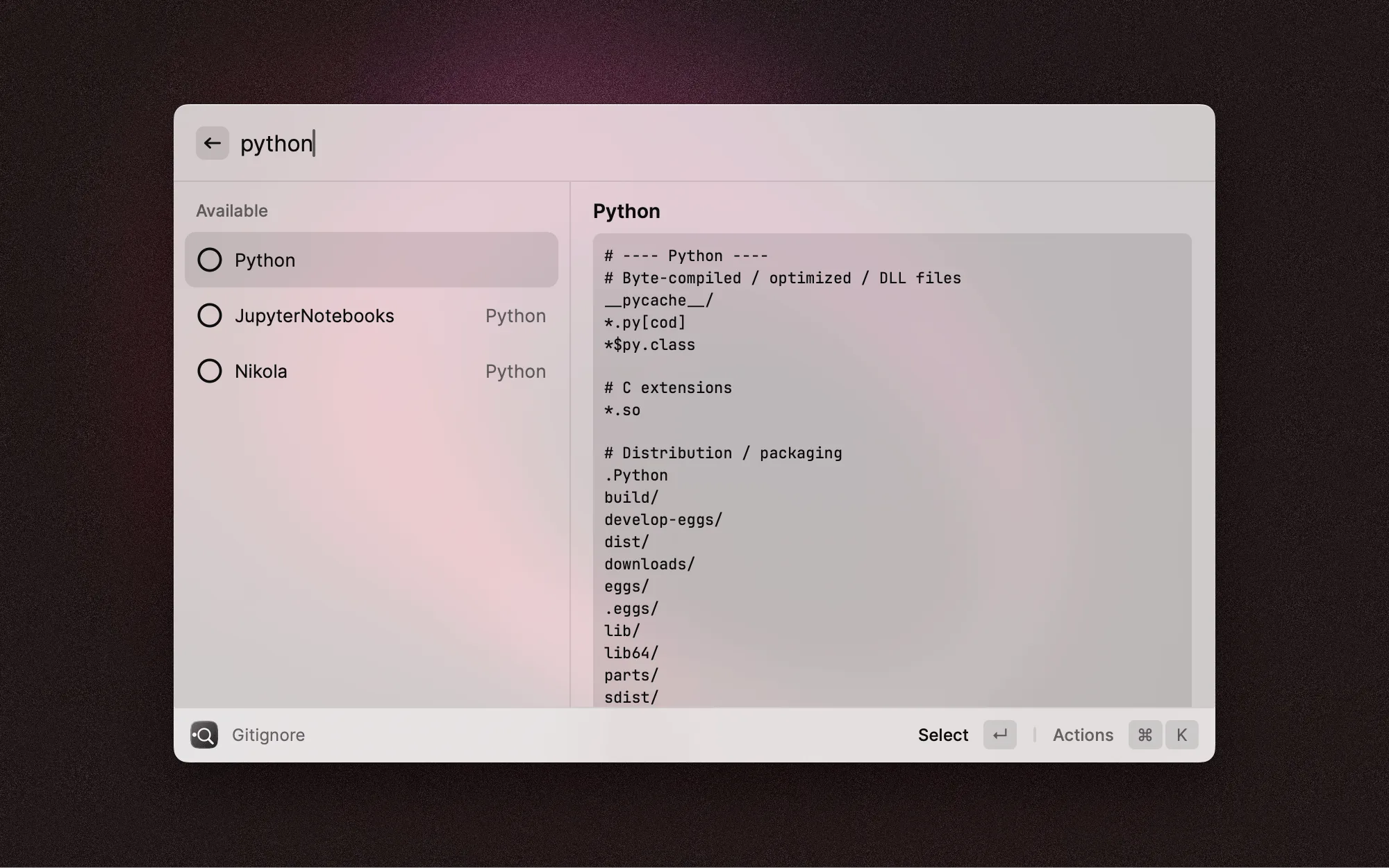
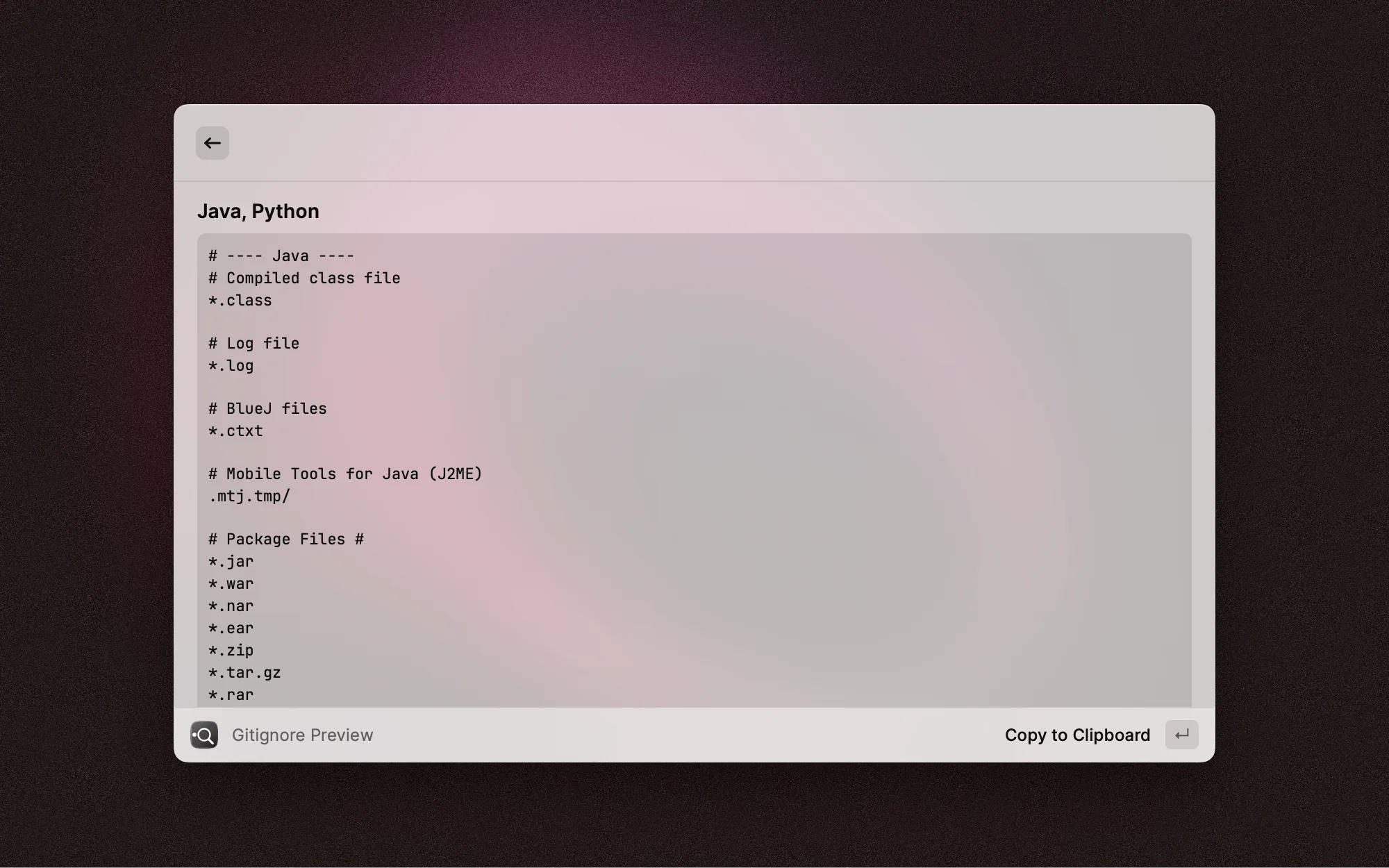
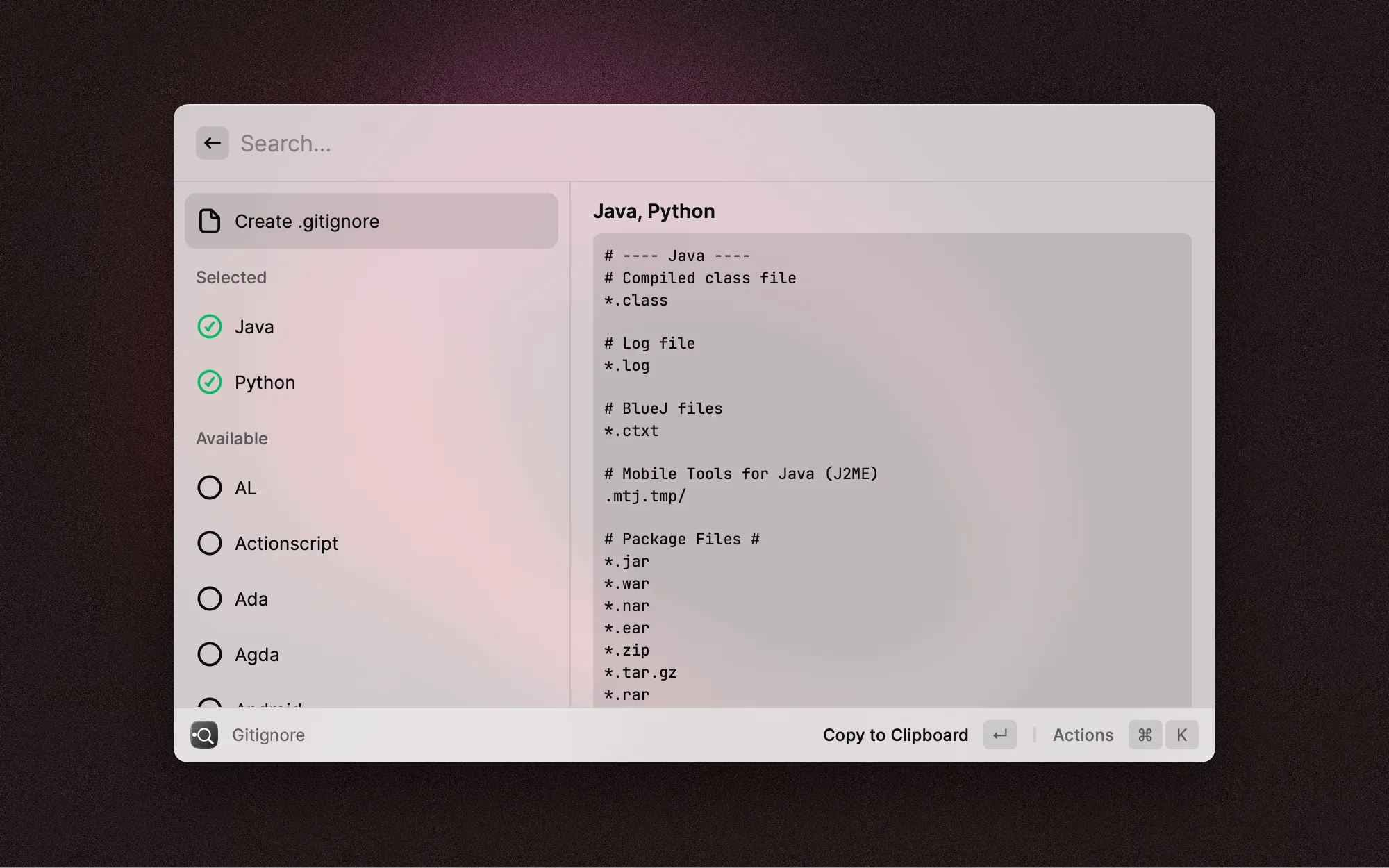
Every new project needs a .gitignore, and this extension comes with built-in templates for all sorts of languages and frameworks. Search by language name, preview the gitignore content, select it, and the file is generated right in your project directory. Way easier than hunting down templates on GitHub.
Browser

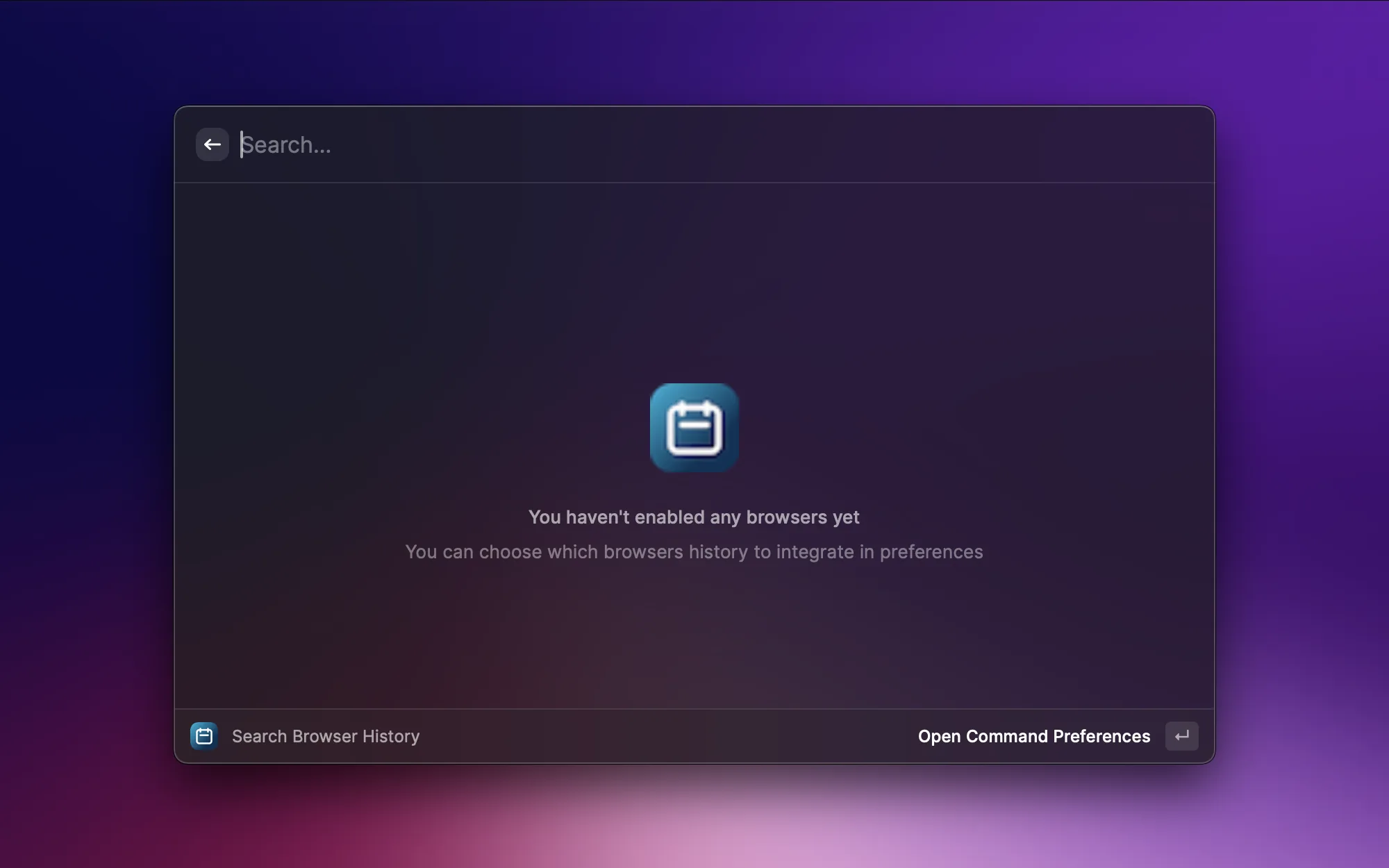
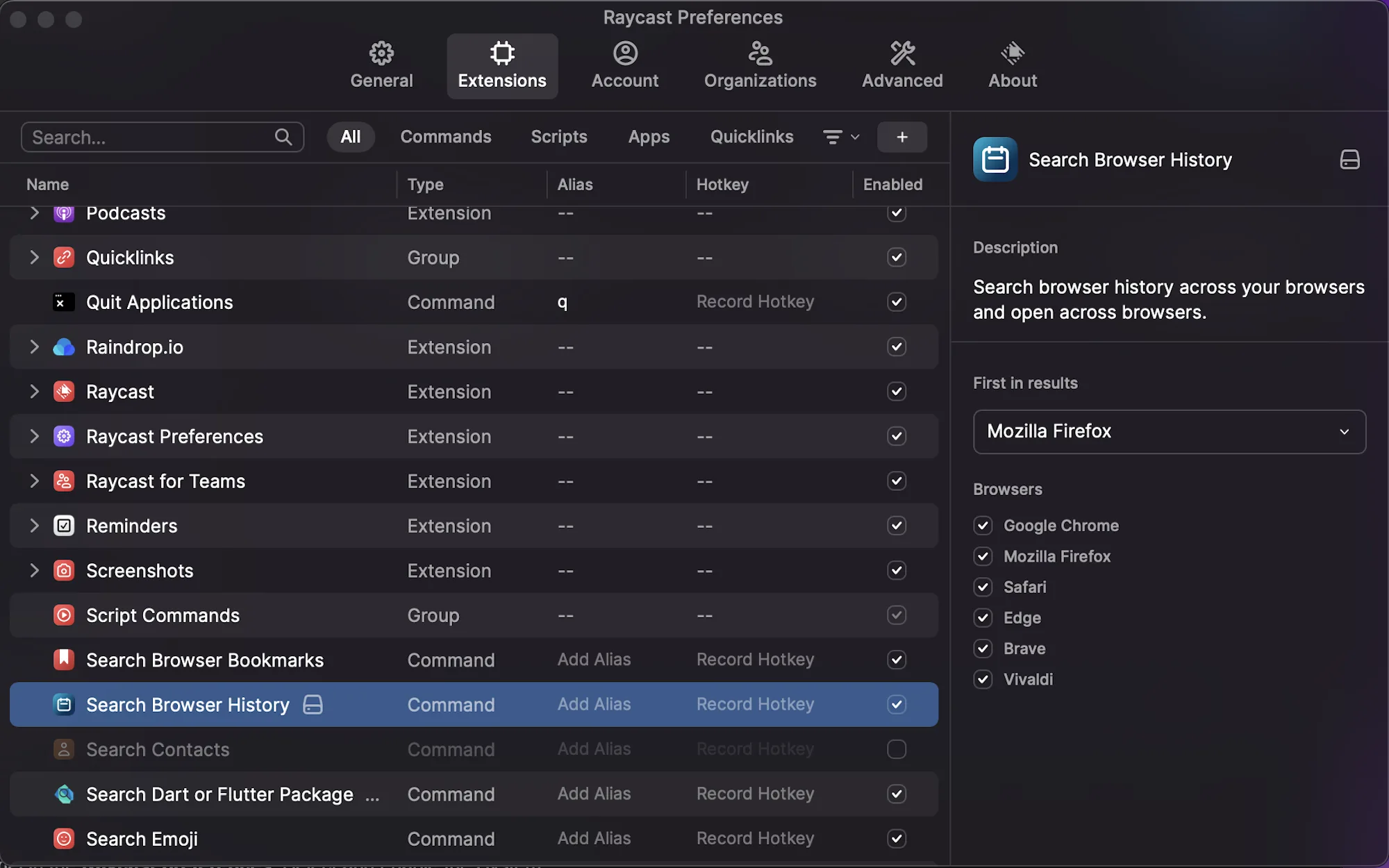
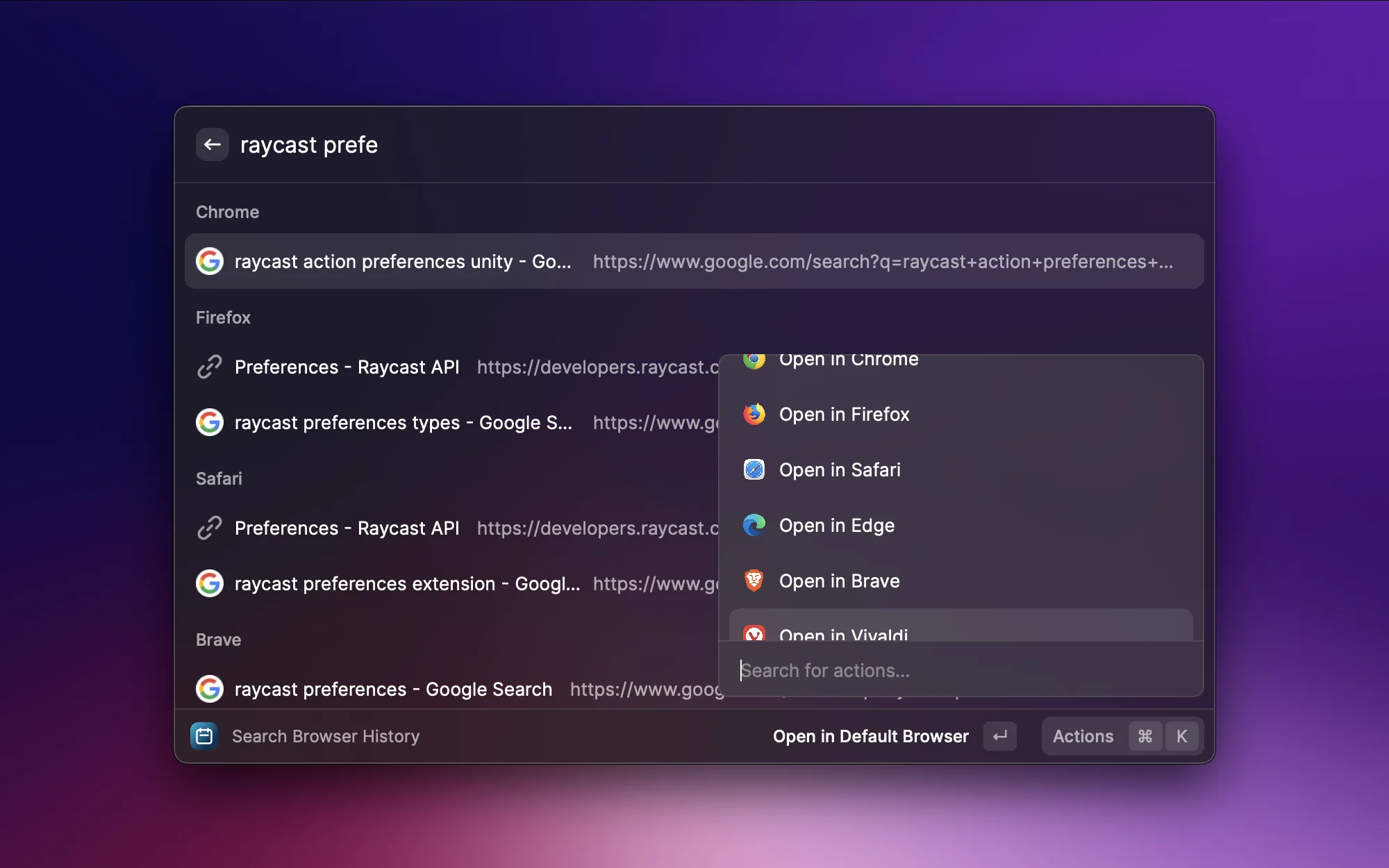
You saw a webpage earlier but forgot to bookmark it, and scrolling through your browser history is painfully slow. This extension searches history across browsers — Chrome, Arc, Safari, you name it. Type a keyword to quickly locate any page you've visited before. Searching with Raycast is way faster than digging through your browser's history panel.
System Tools

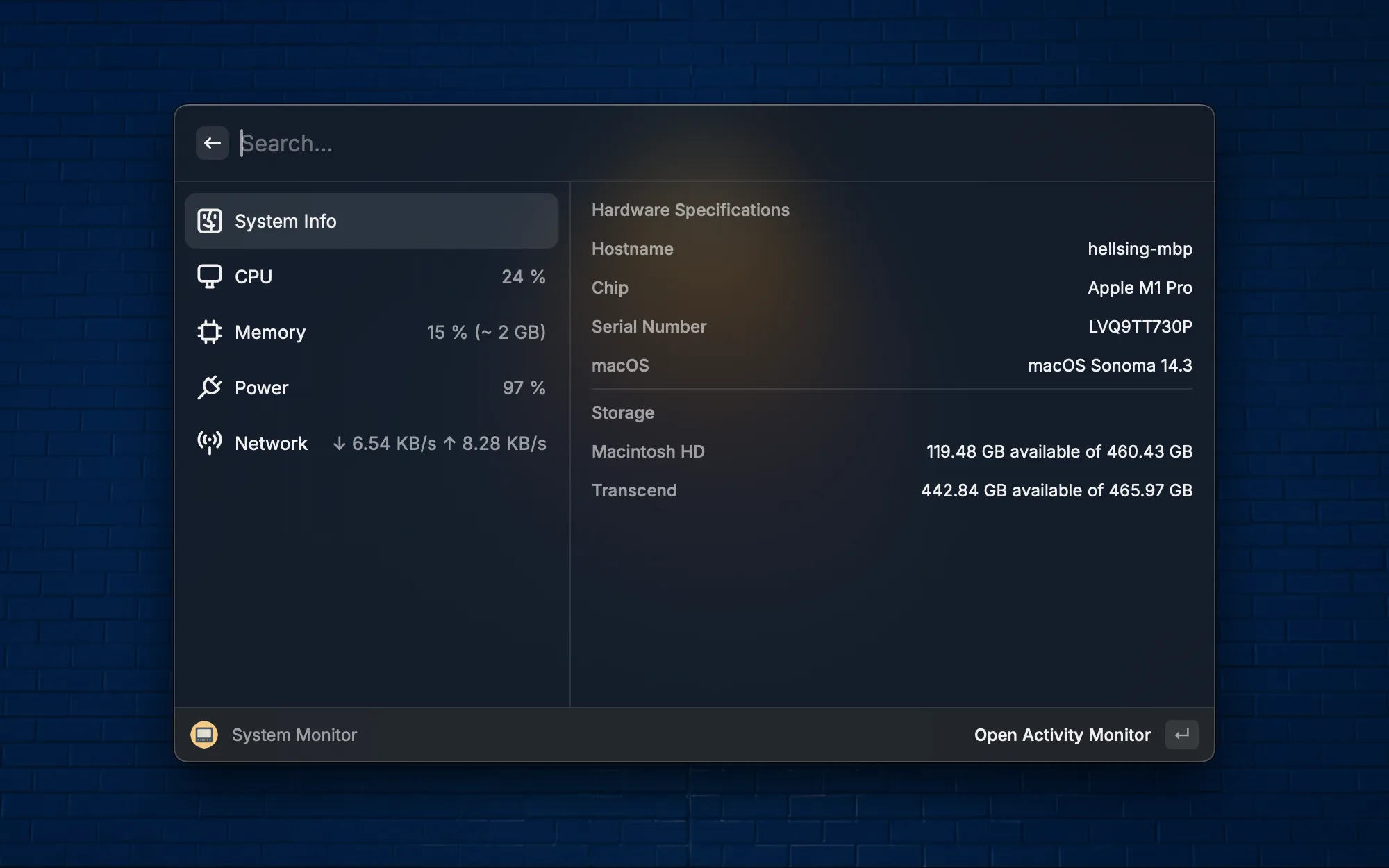
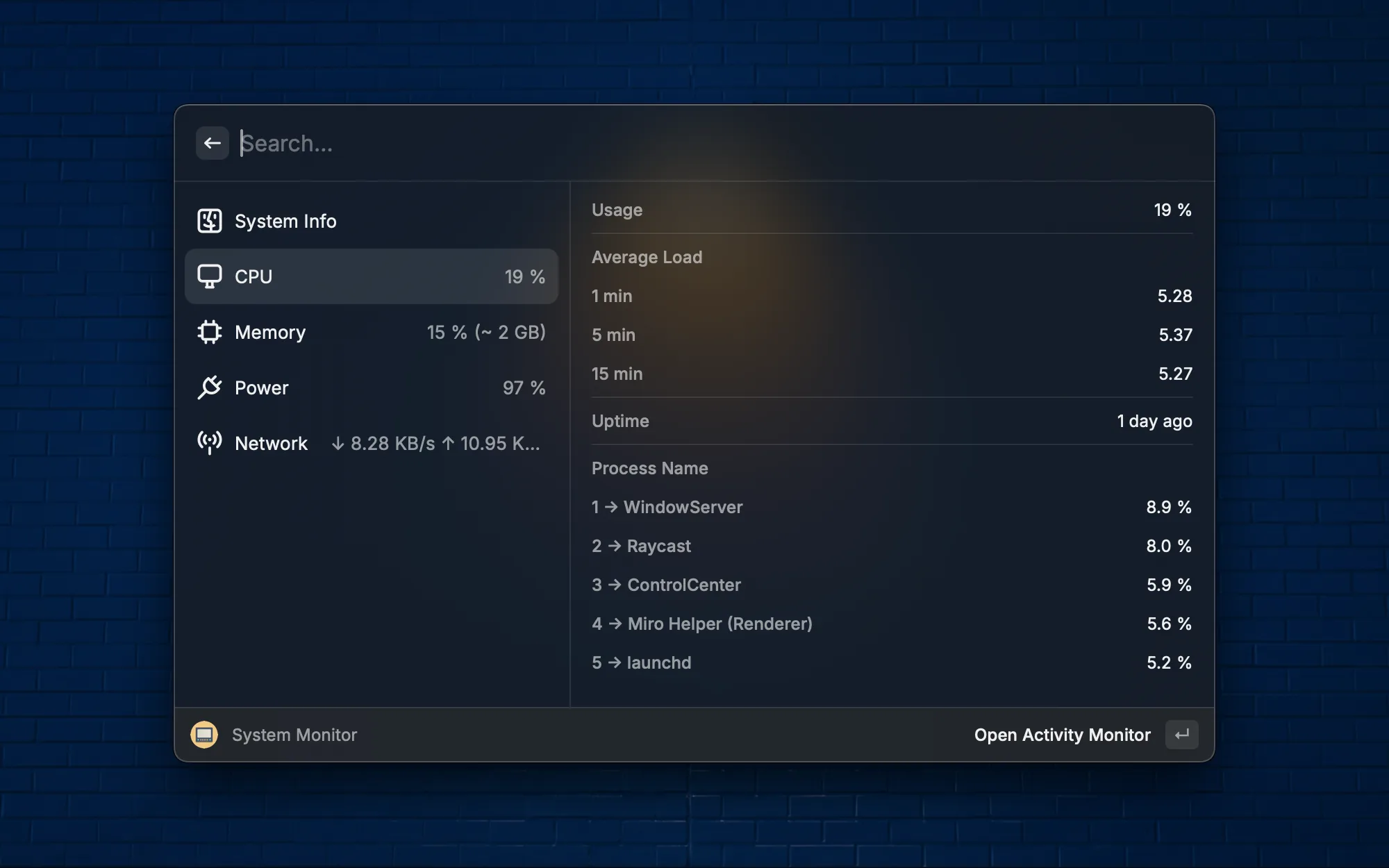
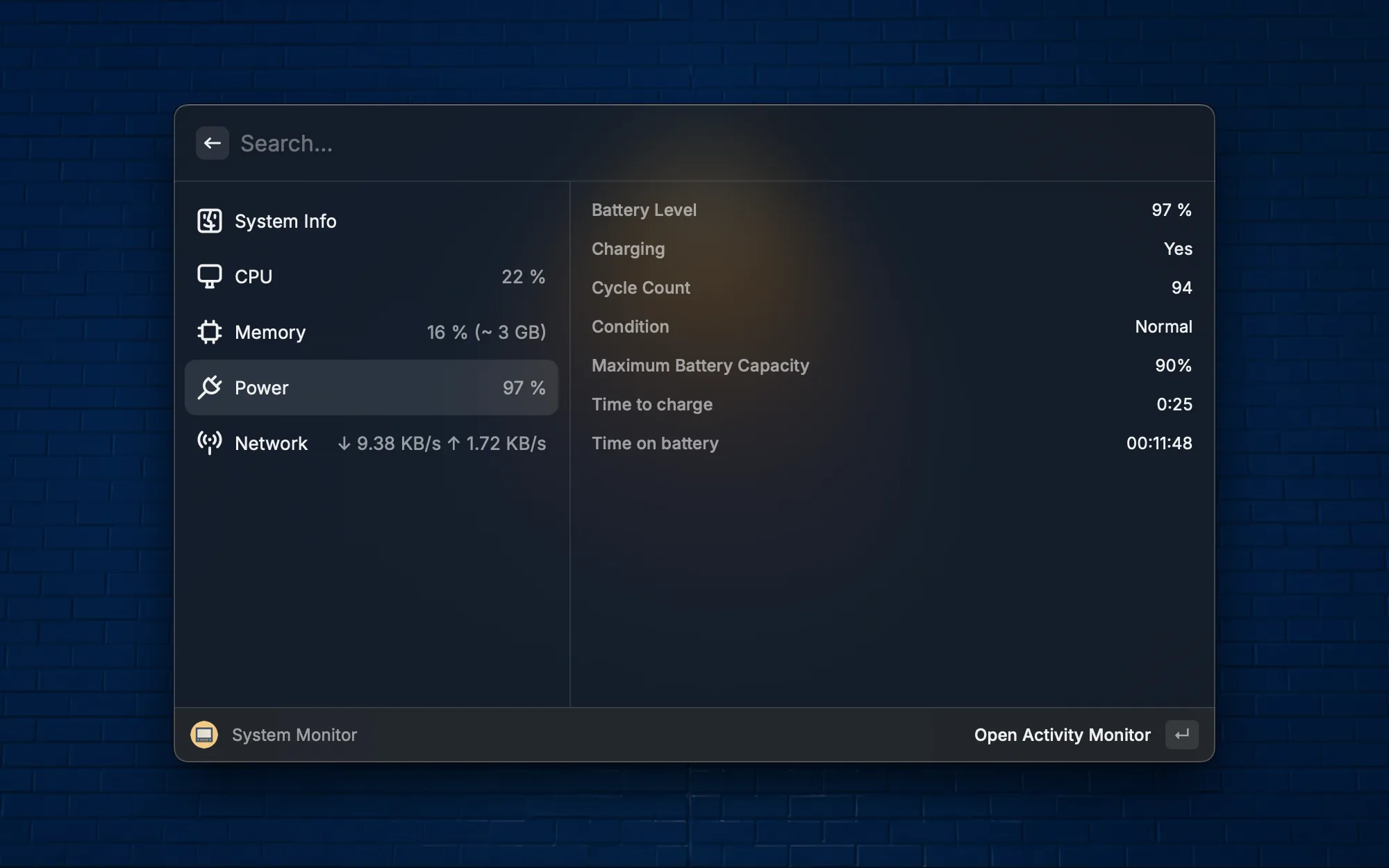
Check your system status at a glance without opening Activity Monitor. CPU usage, memory, disk space, and network speed are all right there. Especially useful when running builds or training models — a quick peek at system load whenever you need it.

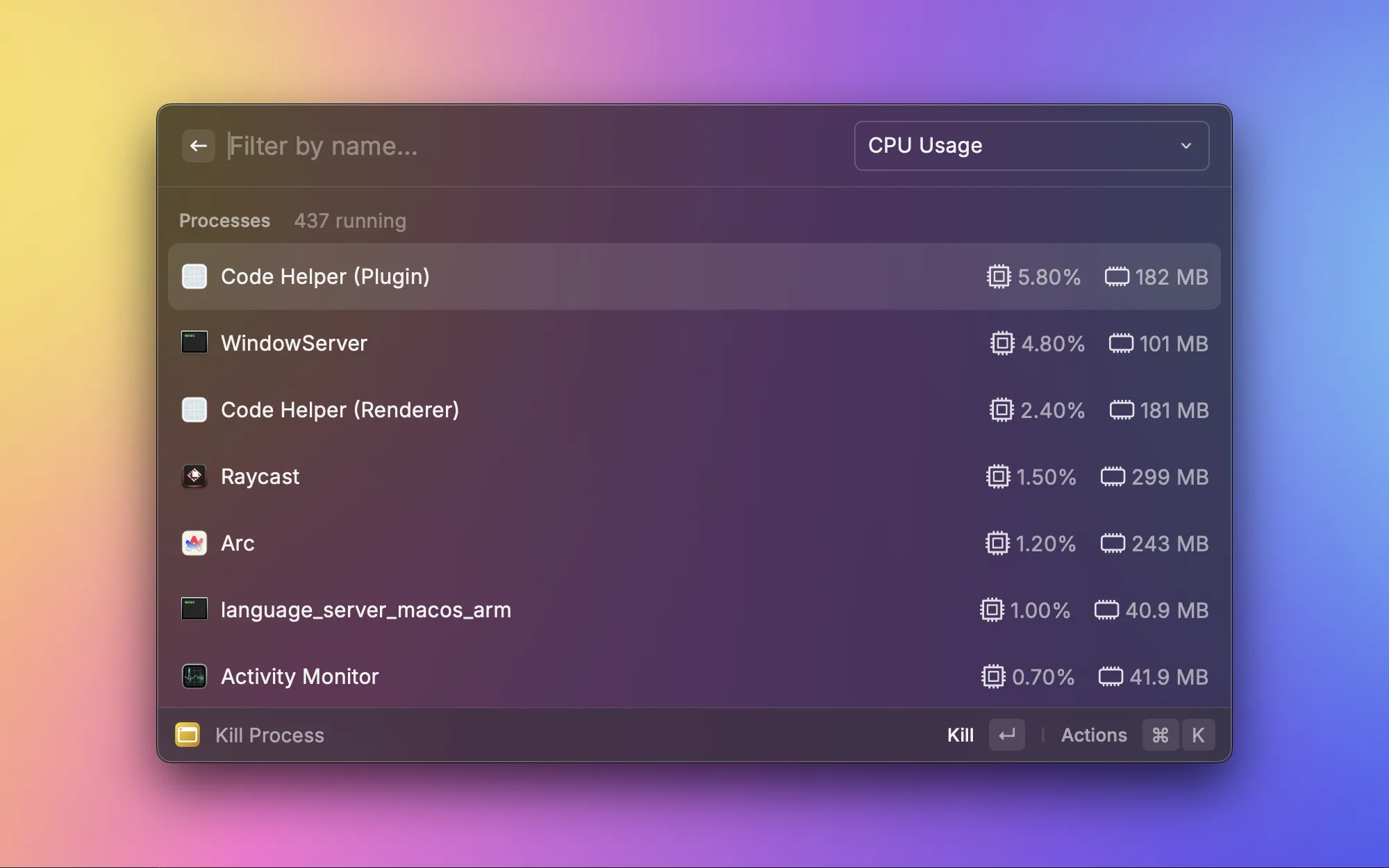
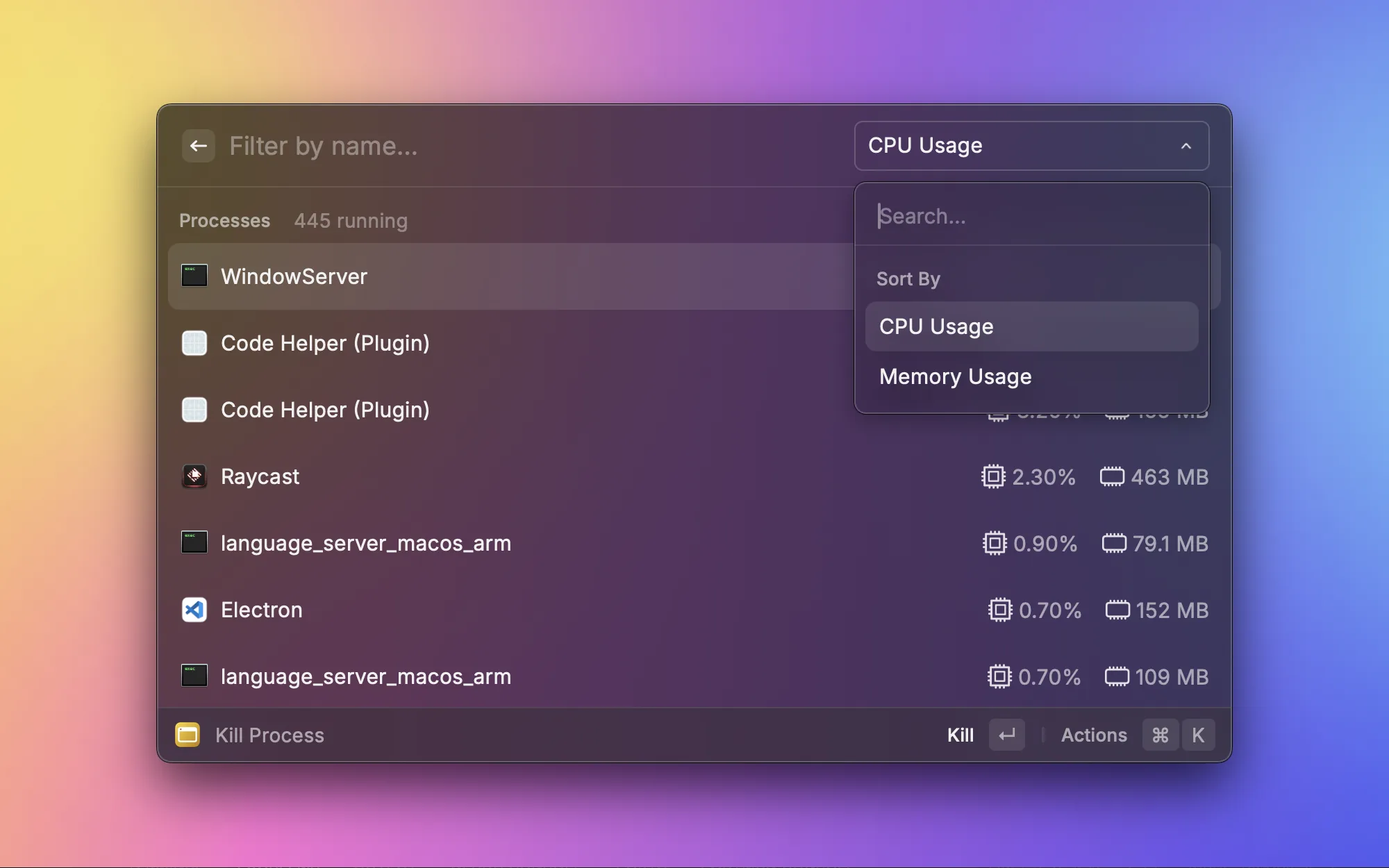
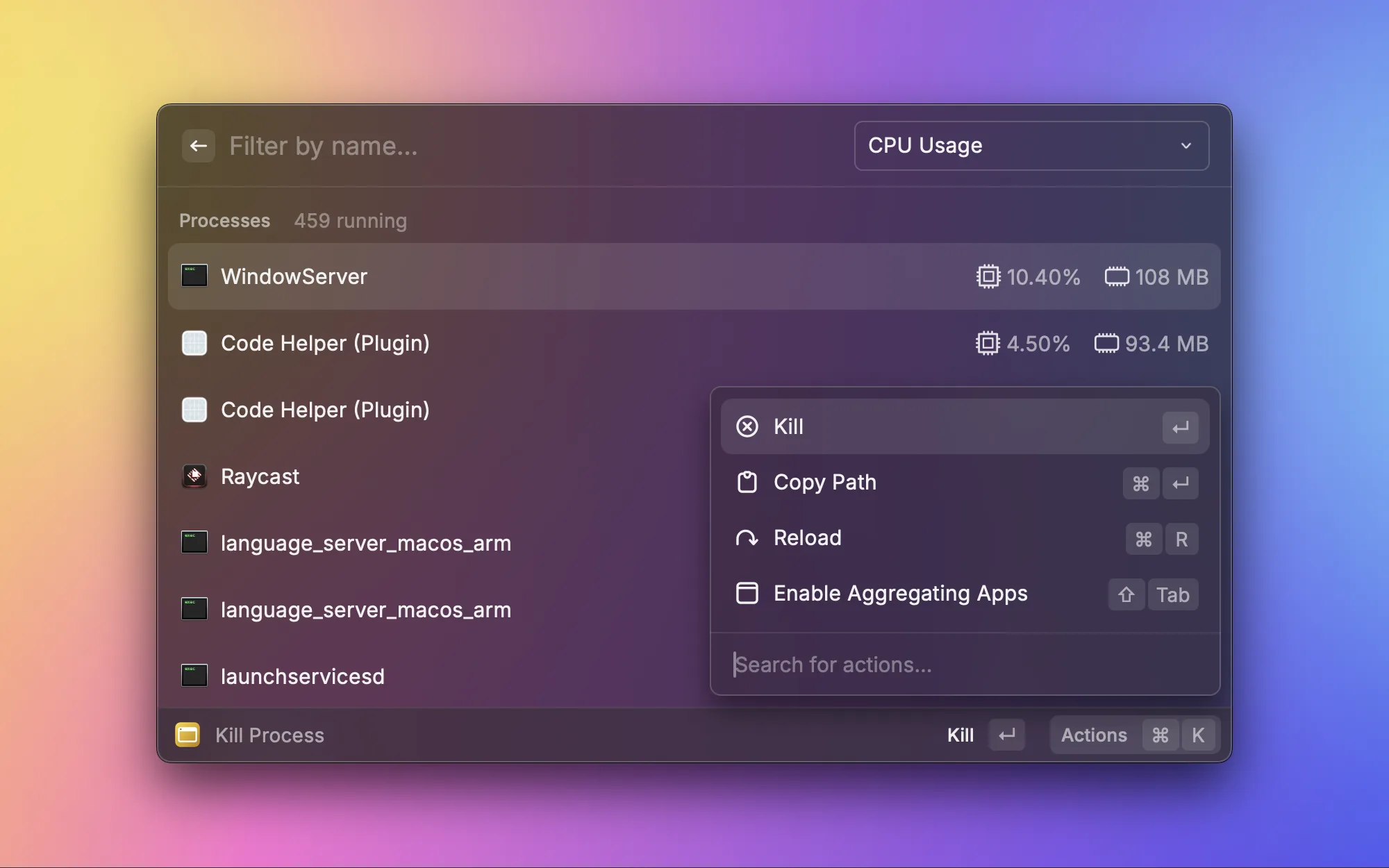
Sometimes a process freezes or eats up all your memory on a Mac. Kill Process lists all running processes sorted by CPU or memory usage, and lets you terminate the offender with one click. Much faster than opening Activity Monitor and searching through it manually. This is my go-to tool whenever the system starts feeling sluggish.

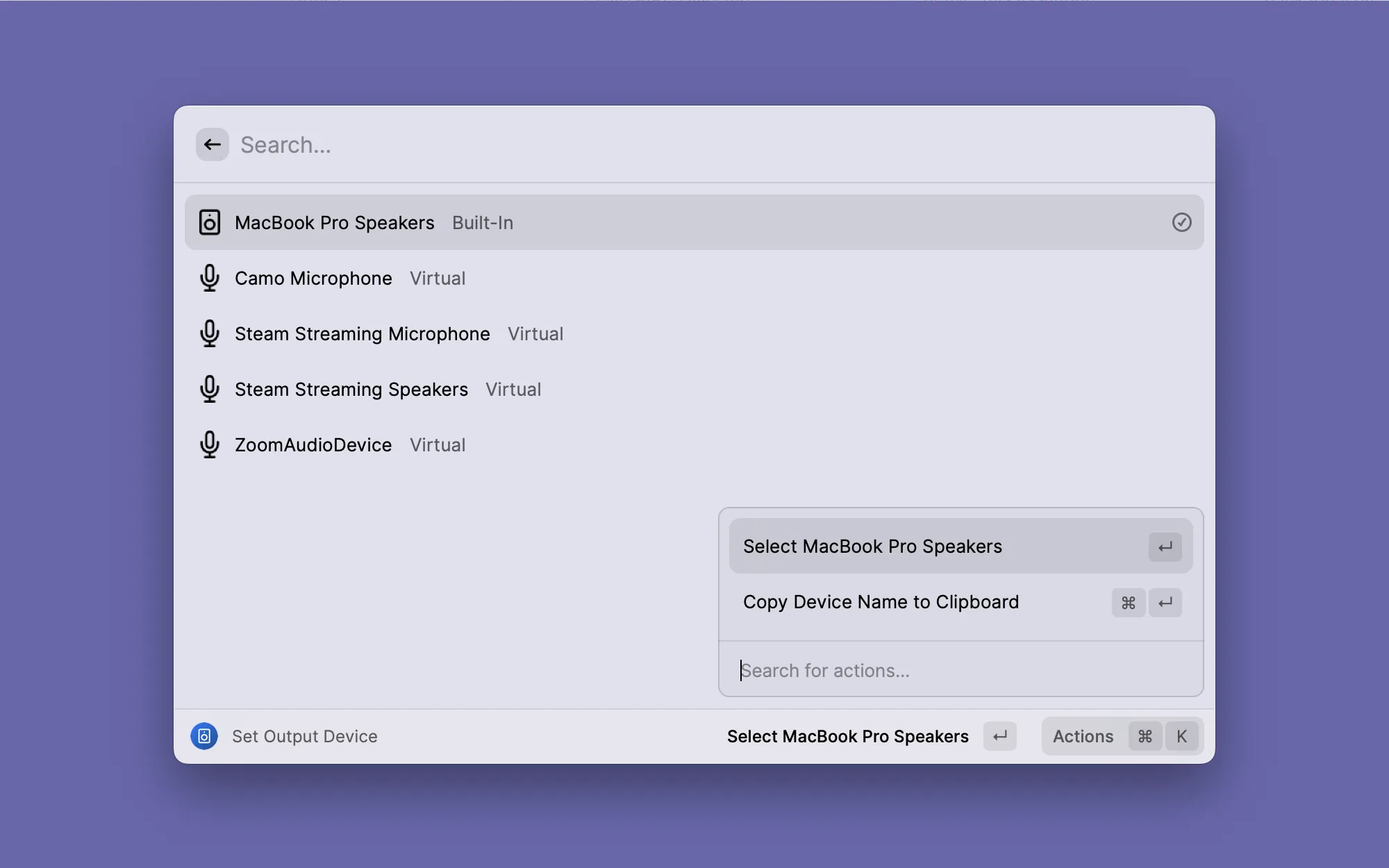
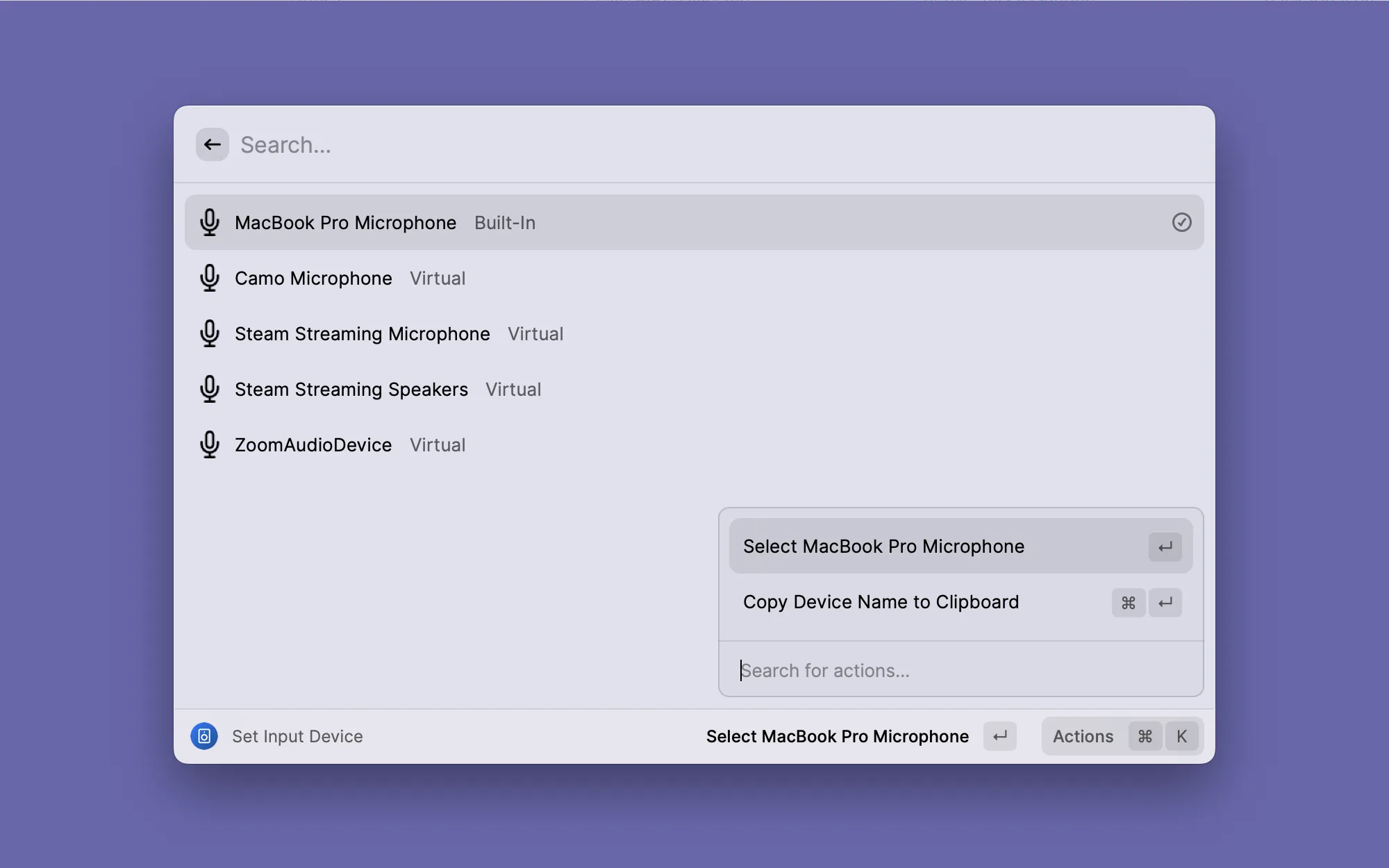
Switching between headphones, an external speaker, and the Mac's built-in speakers is a daily routine. It used to require several clicks in System Settings, but now a single Raycast command switches the audio output. Also handy for quickly switching microphones before a meeting.

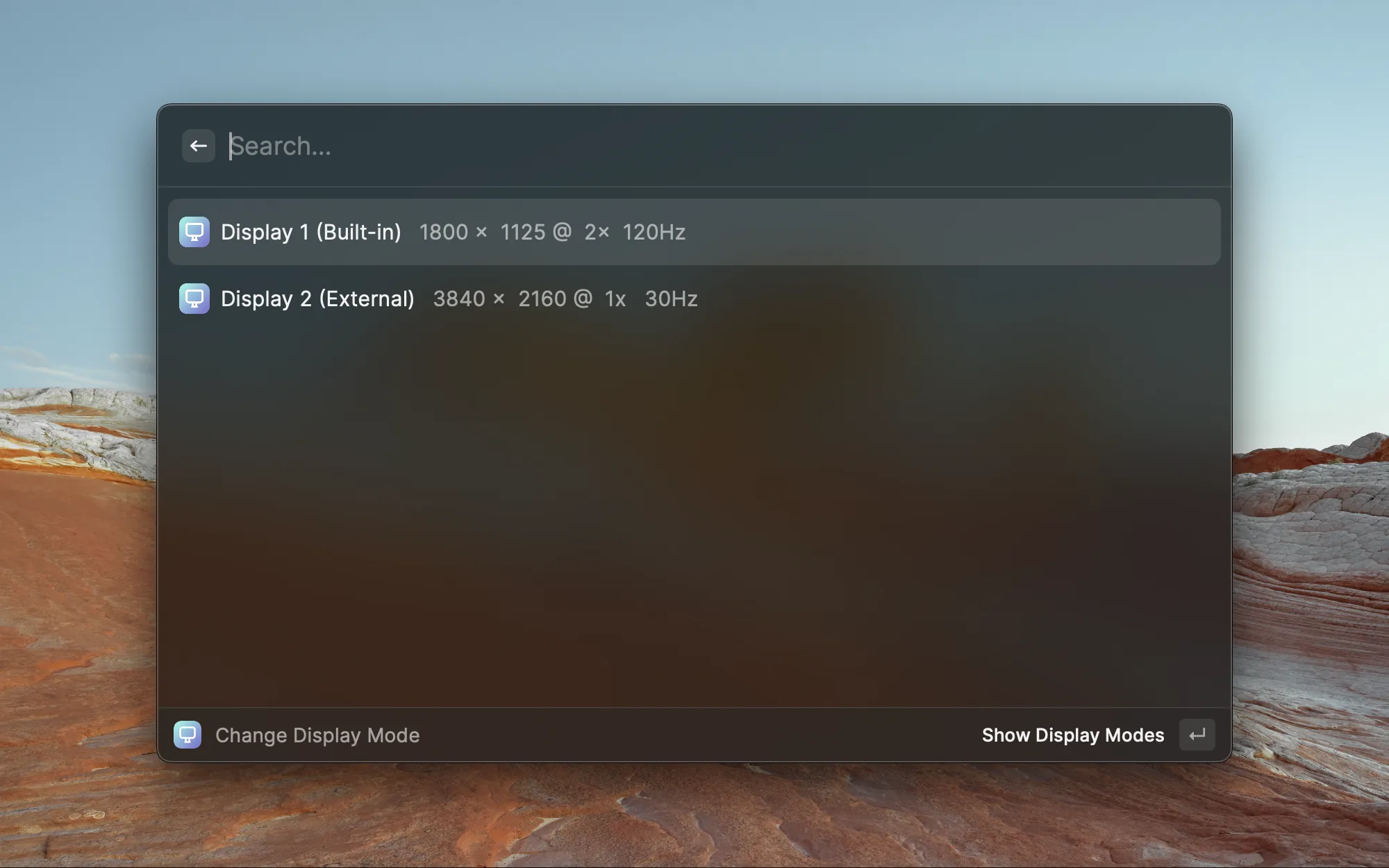
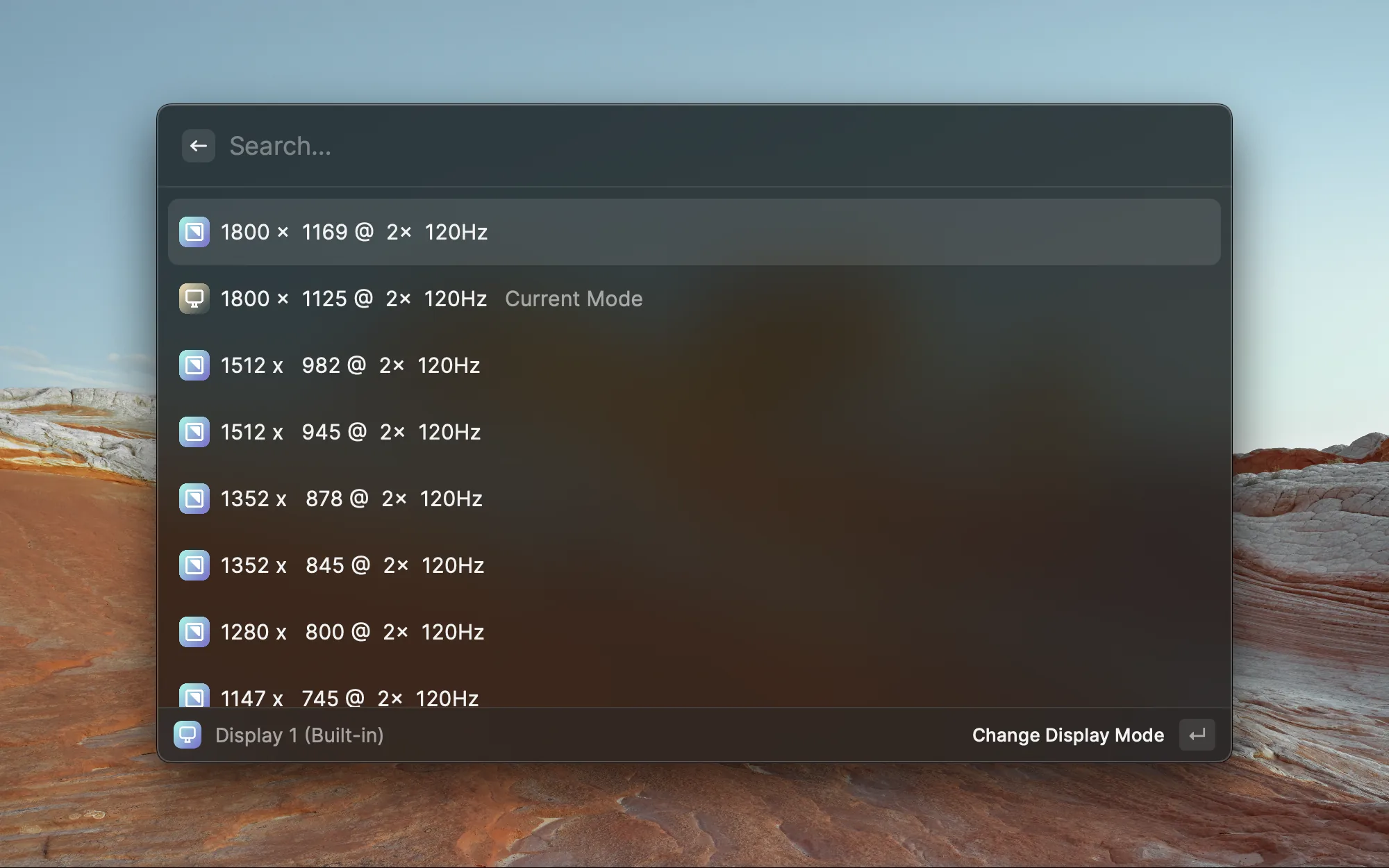
When using an external monitor, I often need to adjust resolution and refresh rate. This extension lists all connected displays with their current resolution and lets you quickly switch between display modes. So much easier than digging through System Settings.

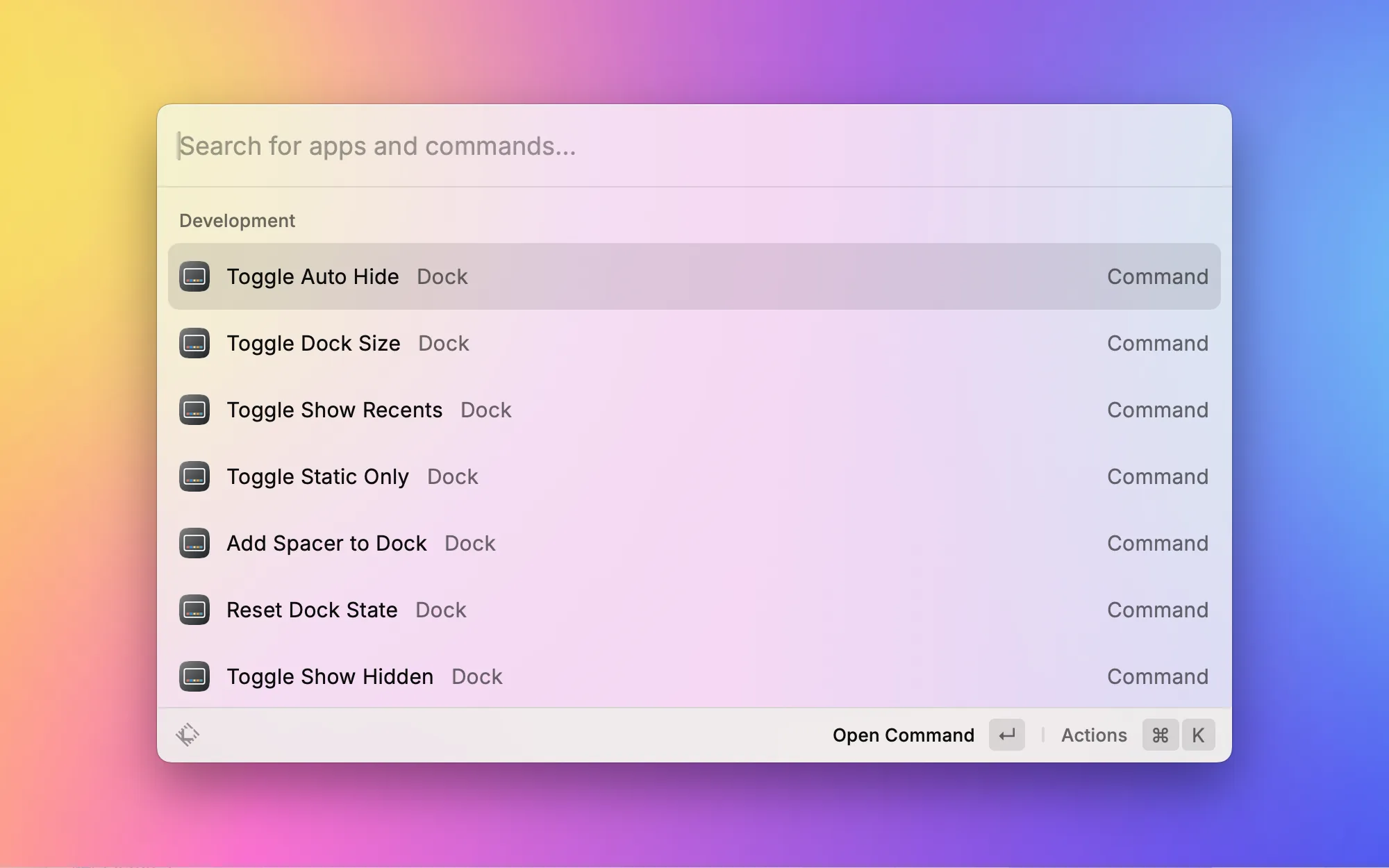
The macOS Dock has a bunch of hidden settings — auto-hide behavior, size adjustments, showing recent apps, and more. Dock Tinker brings all those tweaks (normally buried in terminal commands) into Raycast. Toggle various Dock behaviors with a click — no more memorizing defaults write commands.

If you use both a trackpad and an external mouse, you know the pain — trackpads want "Natural" scrolling, mice want "Traditional," but macOS only has one global setting. This extension lets you toggle between the two scroll directions instantly. A lifesaver whenever I plug in a mouse.

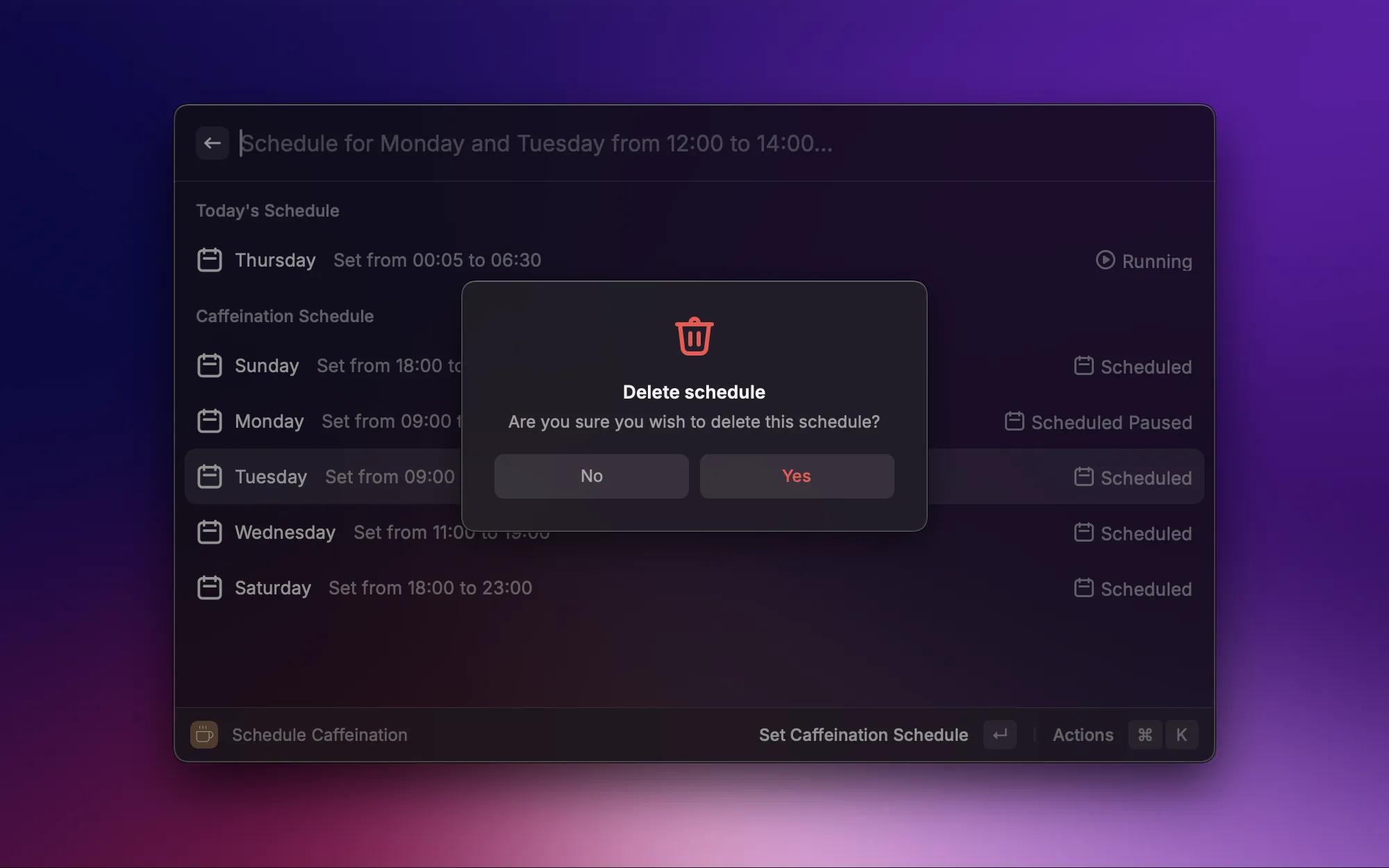
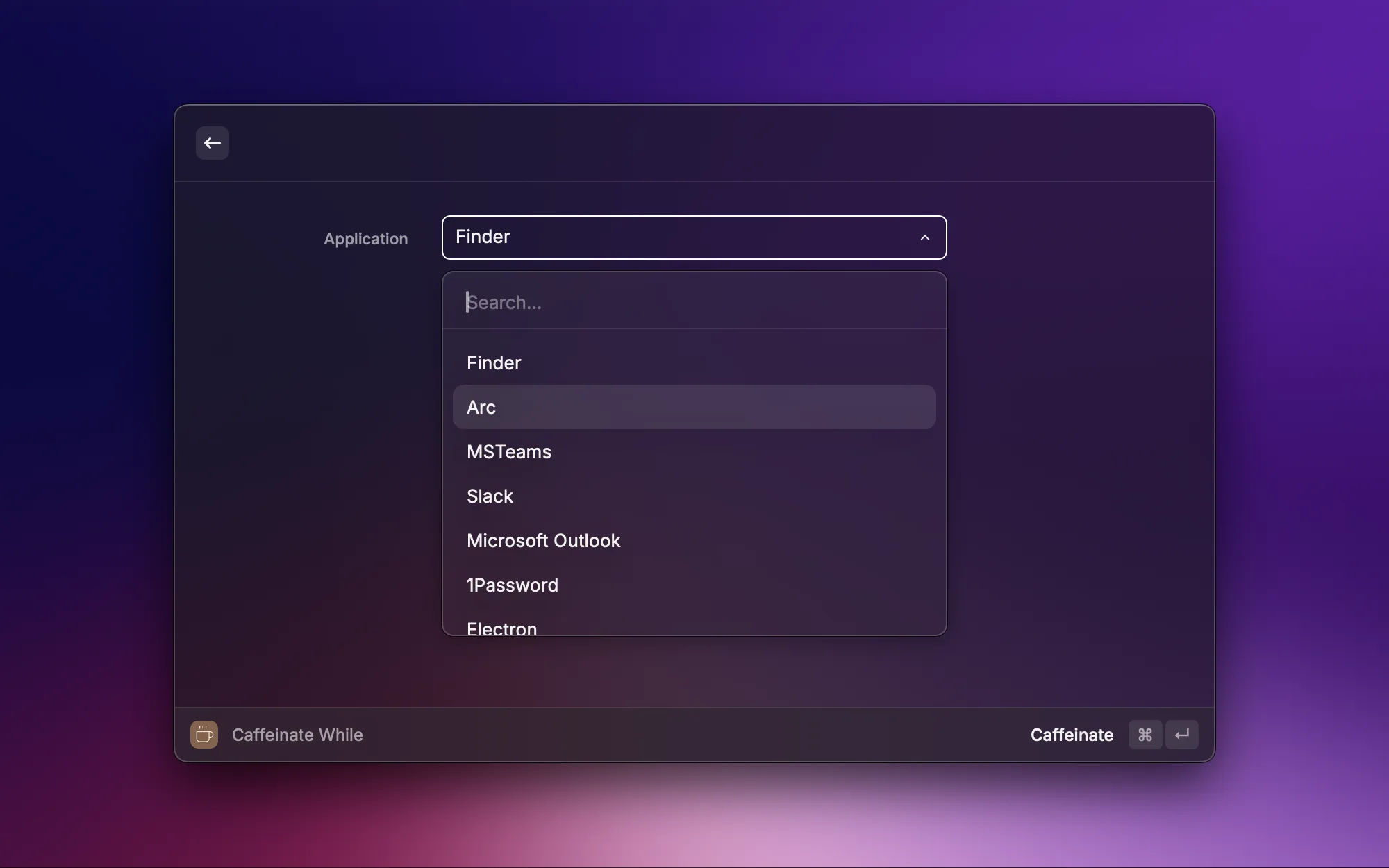
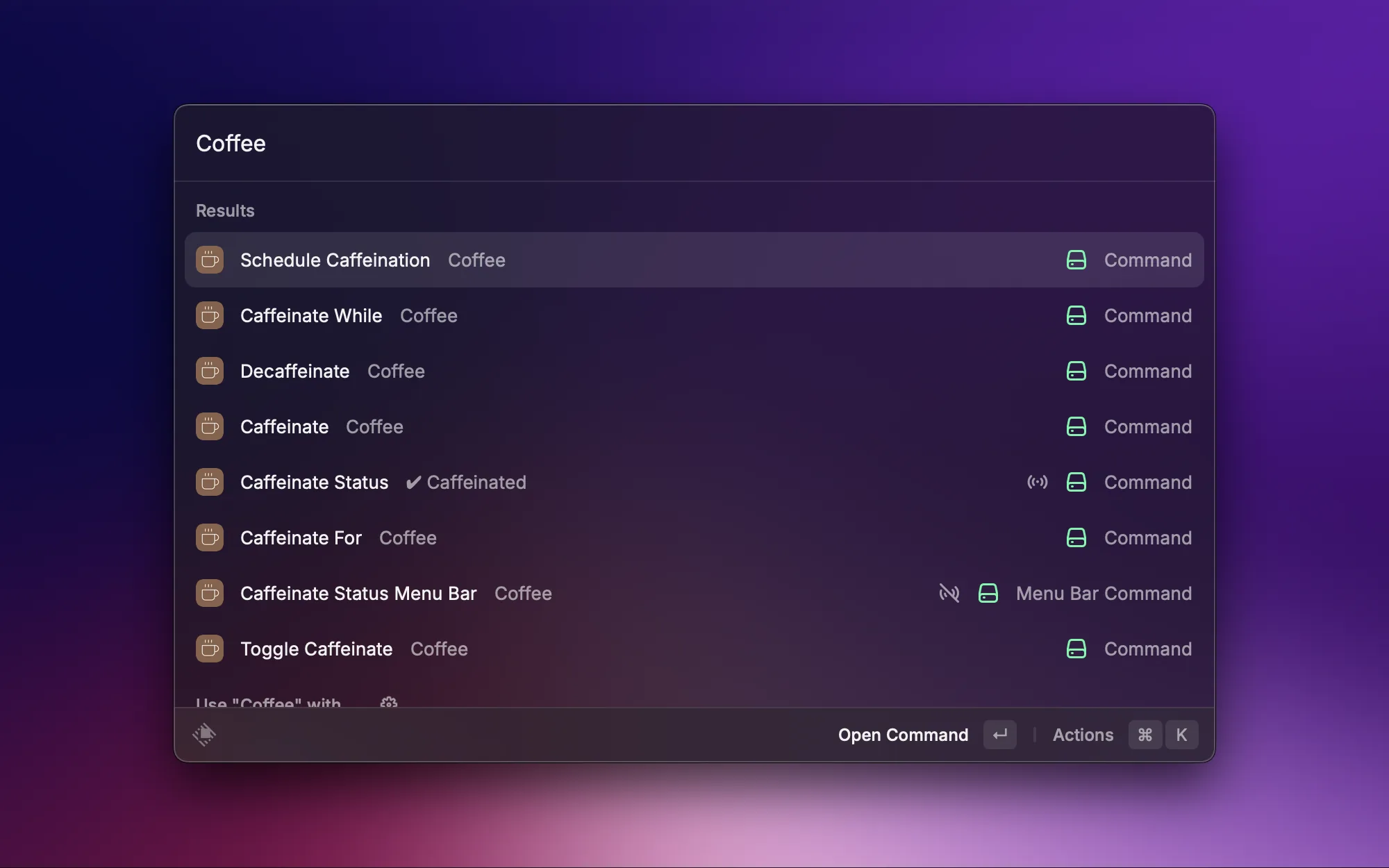
When downloading large files, running long tasks, or presenting your screen, the last thing you want is your Mac going to sleep. Coffee is like pouring your computer a cup of joe — one click keeps it awake without having to change system sleep settings. Just turn it off when you're done.

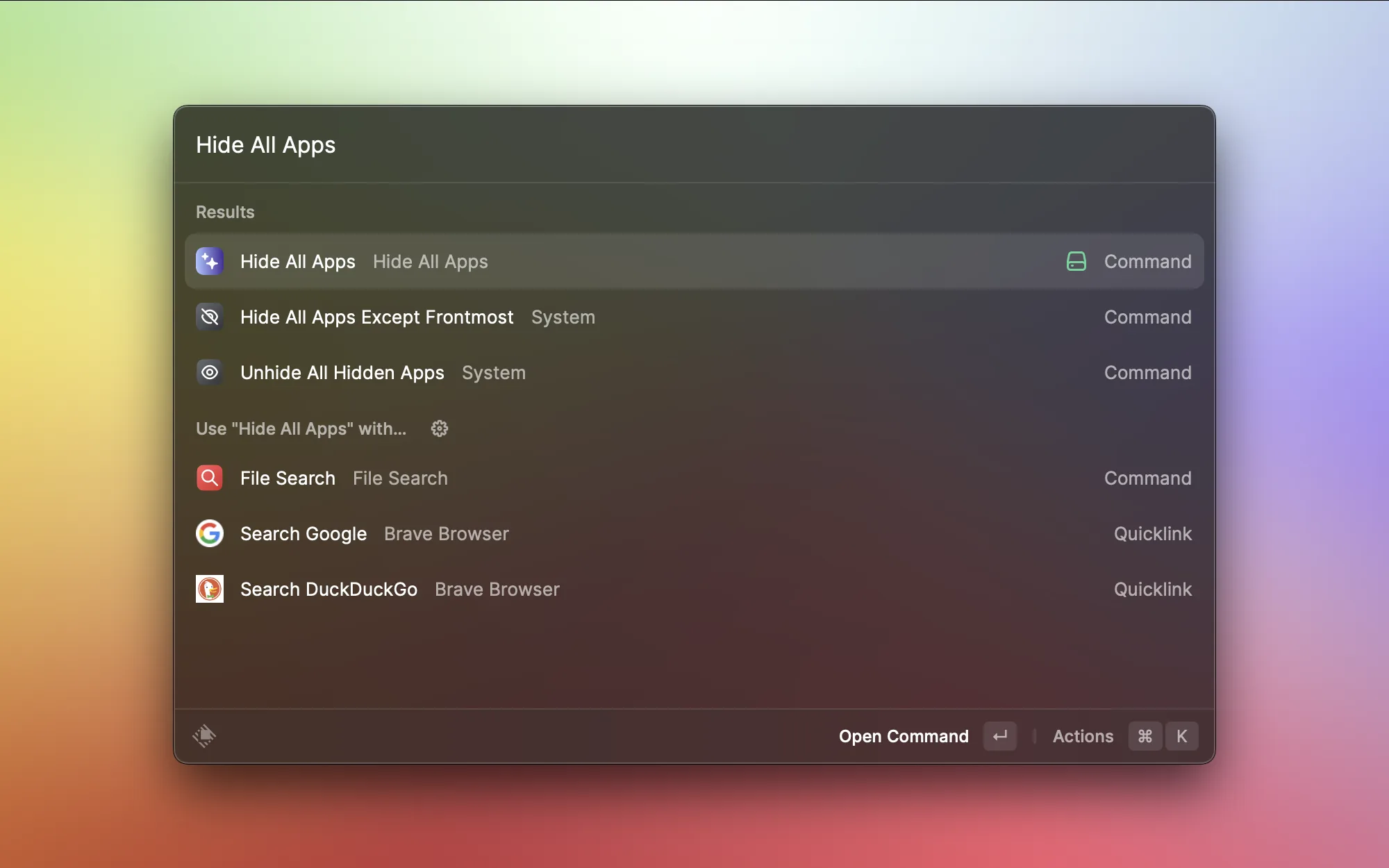
Sometimes your desktop is a mess and you want a fresh start to focus. Hide All Apps hides every open window — including Finder — giving you a clean desktop in an instant. Way faster than minimizing windows one by one. Whenever I need a clean slate, this is what I reach for.

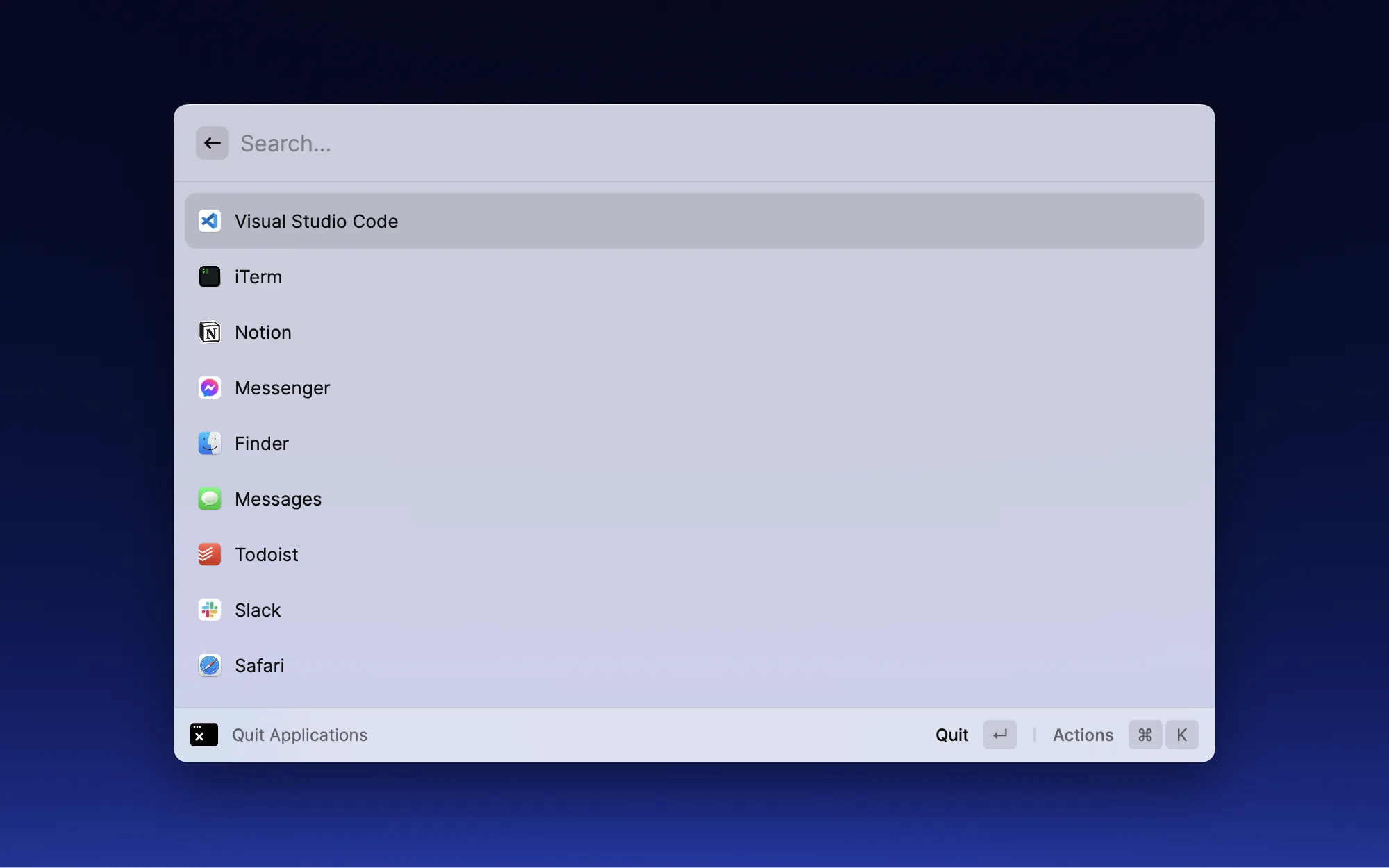
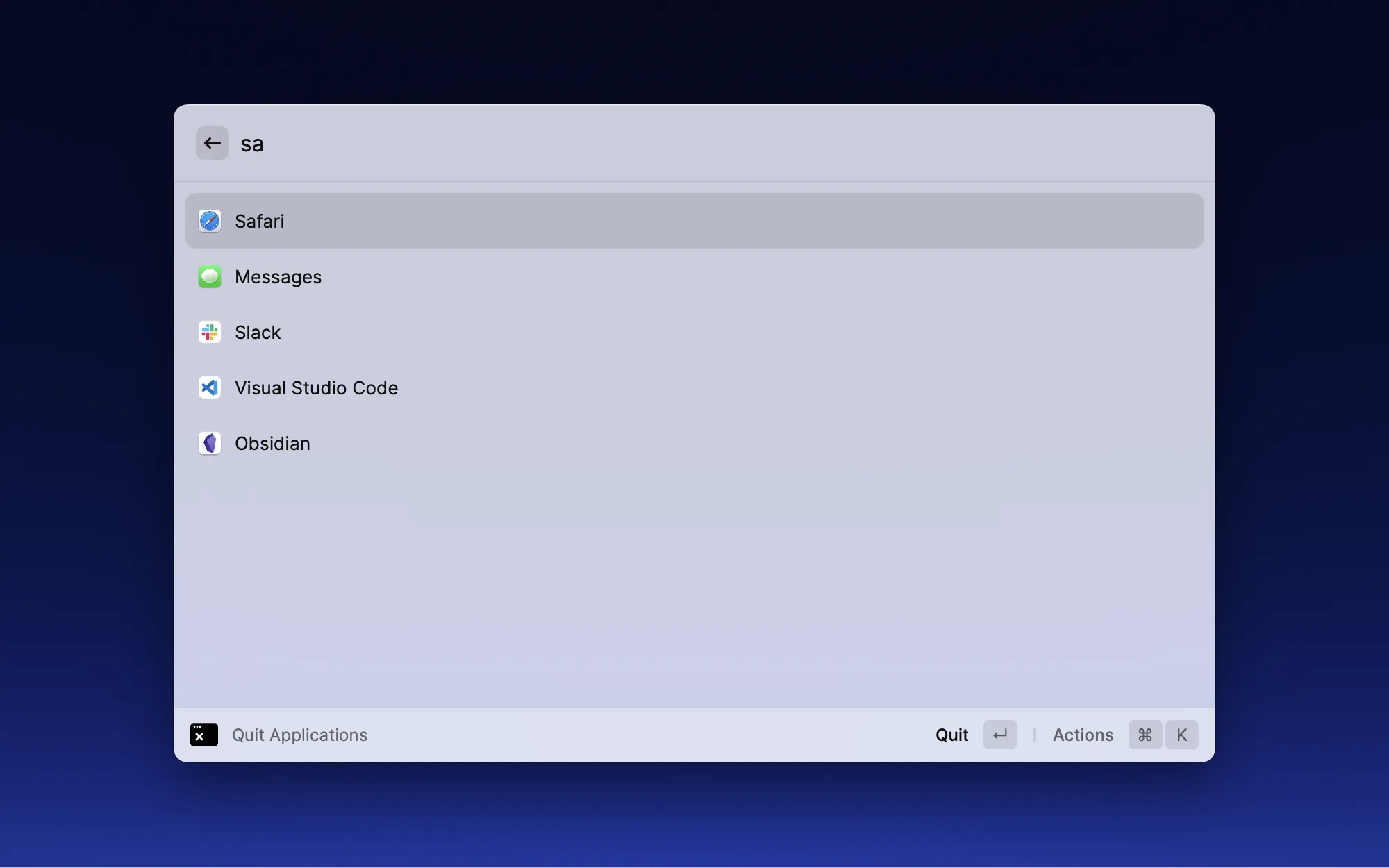
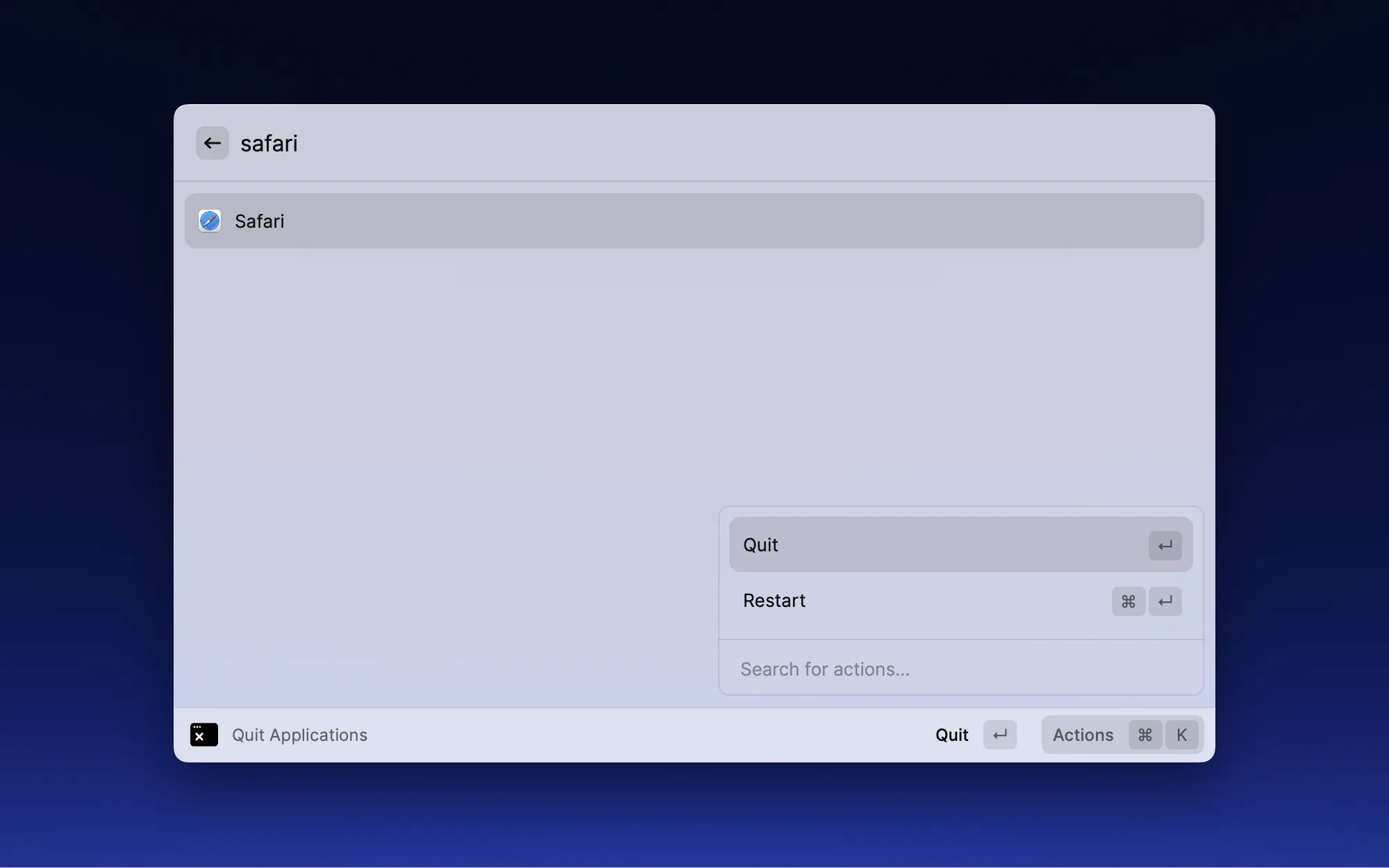
On macOS, closing a window doesn't mean quitting the app — many apps keep running in the background. This extension lets you batch-quit unneeded apps directly from Raycast, freeing up system resources. Especially useful when memory is tight and you need to clean up background apps quickly.

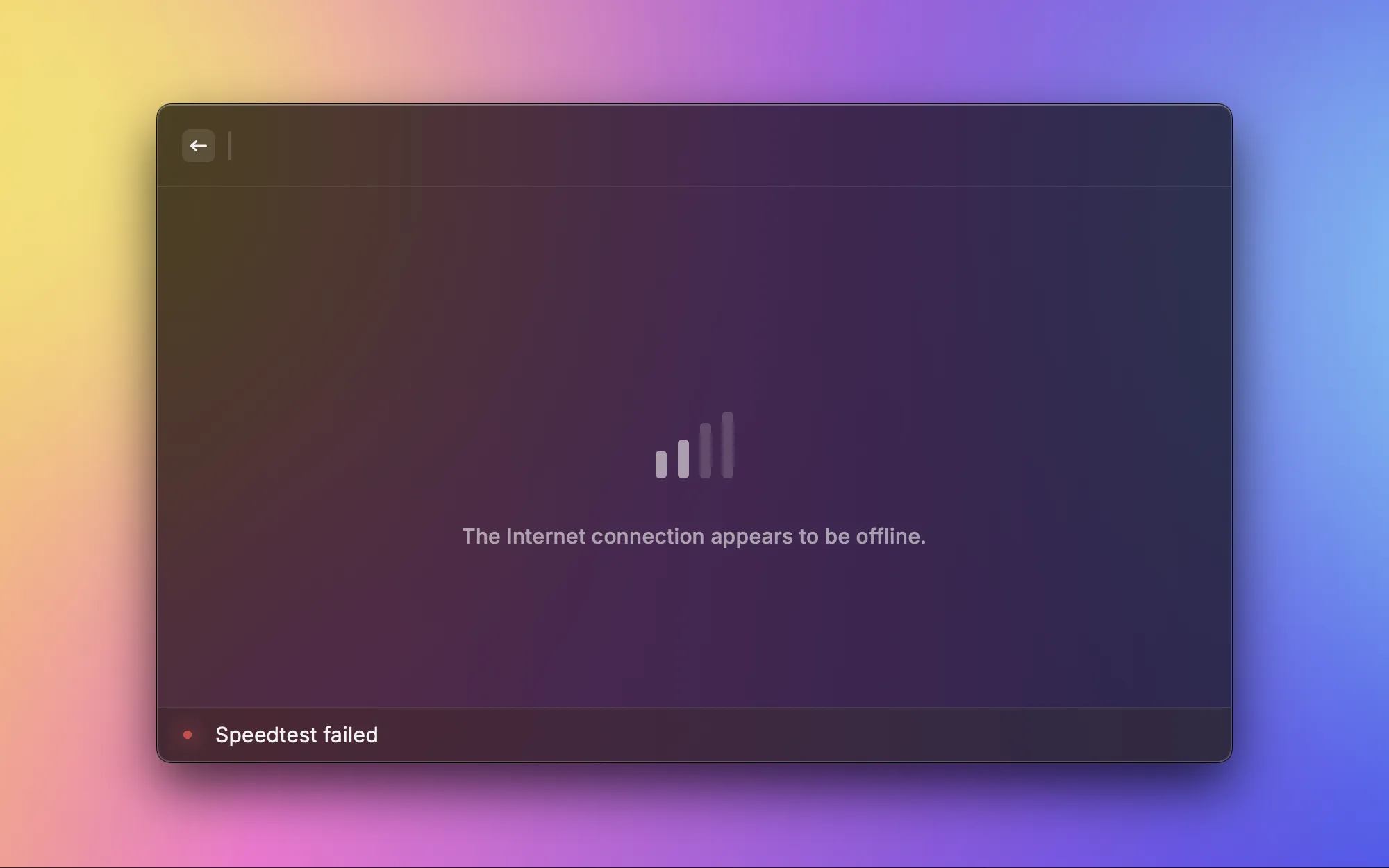
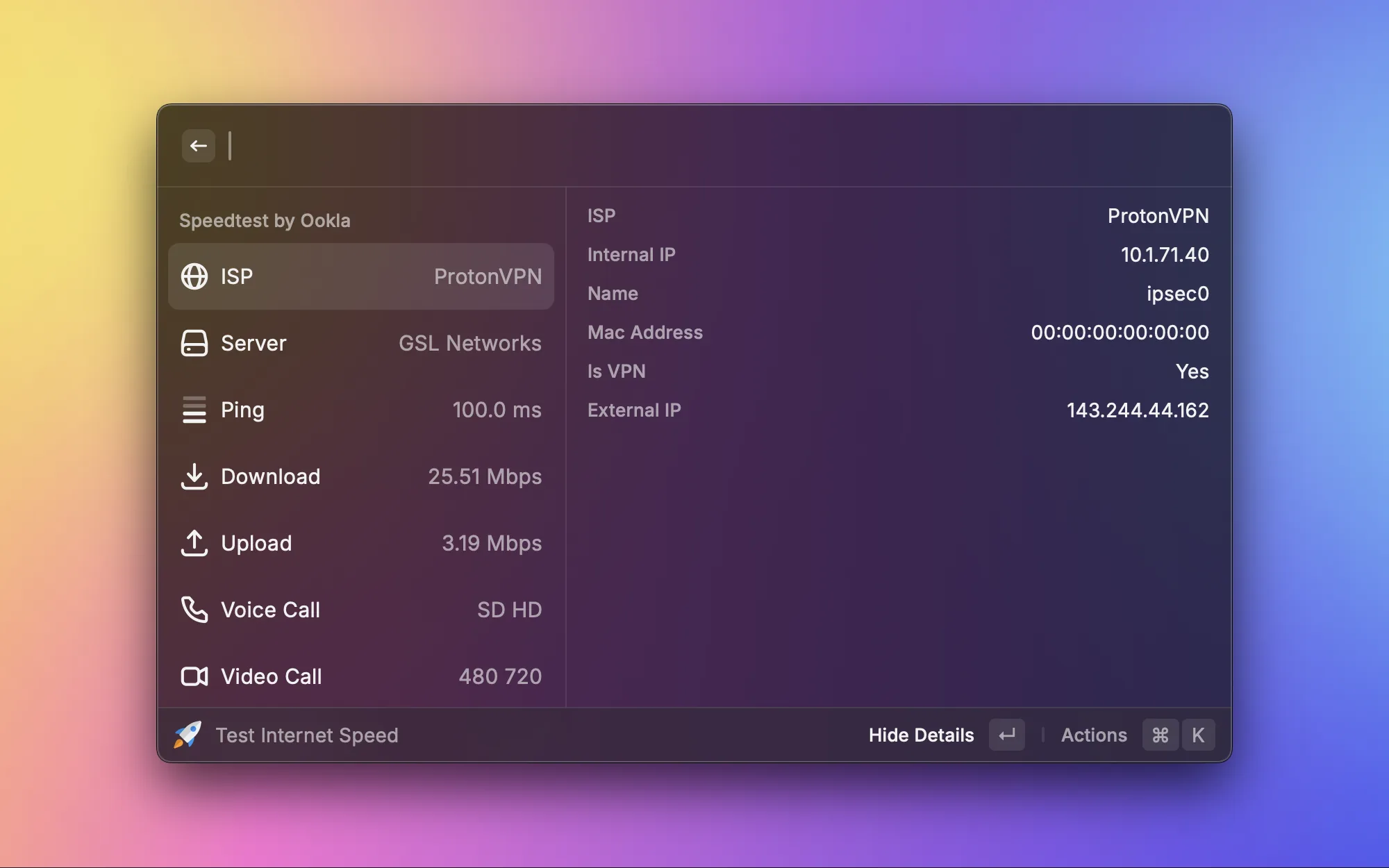
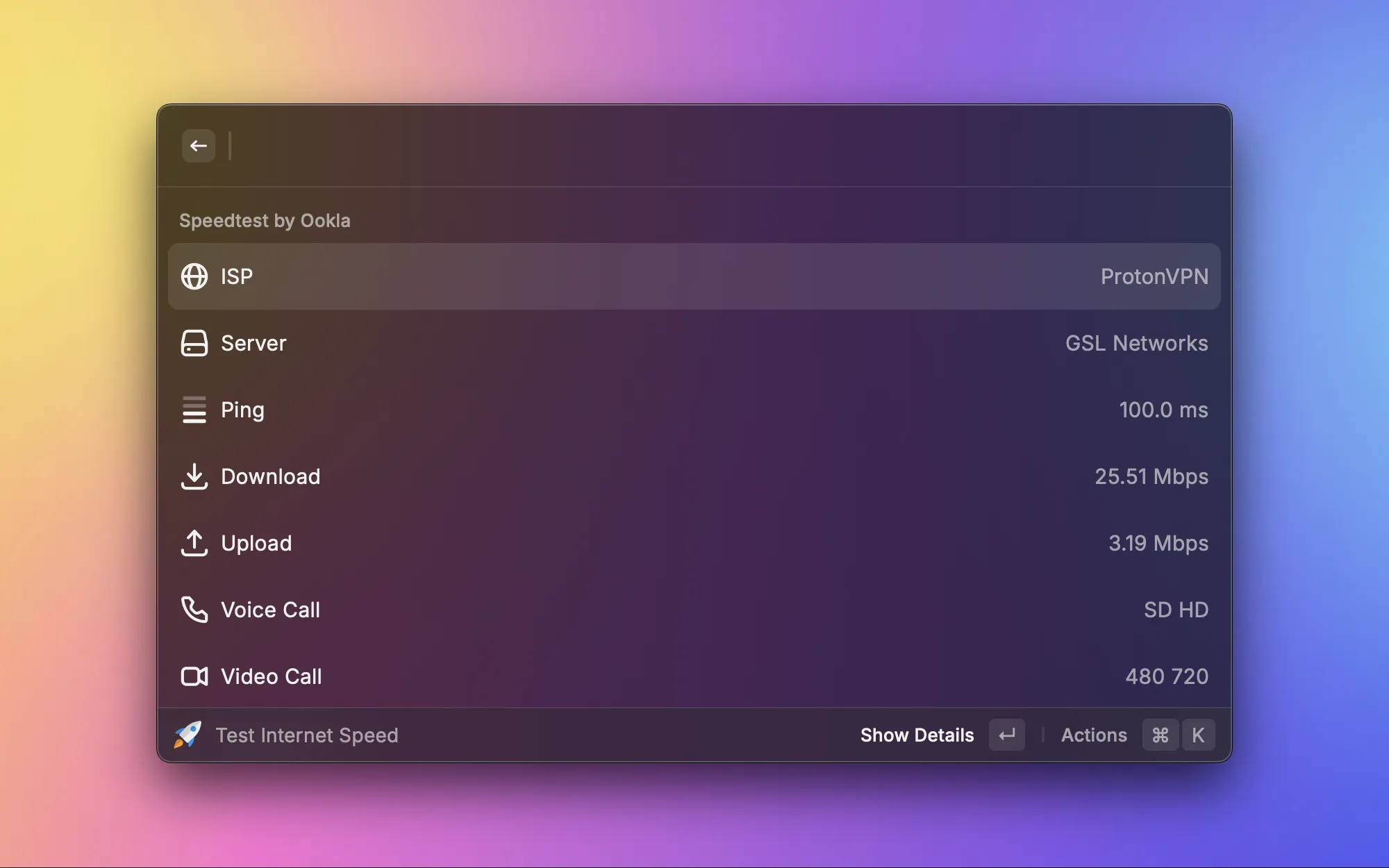
Internet feeling slow? No need to open a browser and go to speedtest.net — run a speed test right from Raycast. Upload, download speeds, and latency at a glance, and you can copy and share the results when done. When troubleshooting network issues, this is the fastest way.

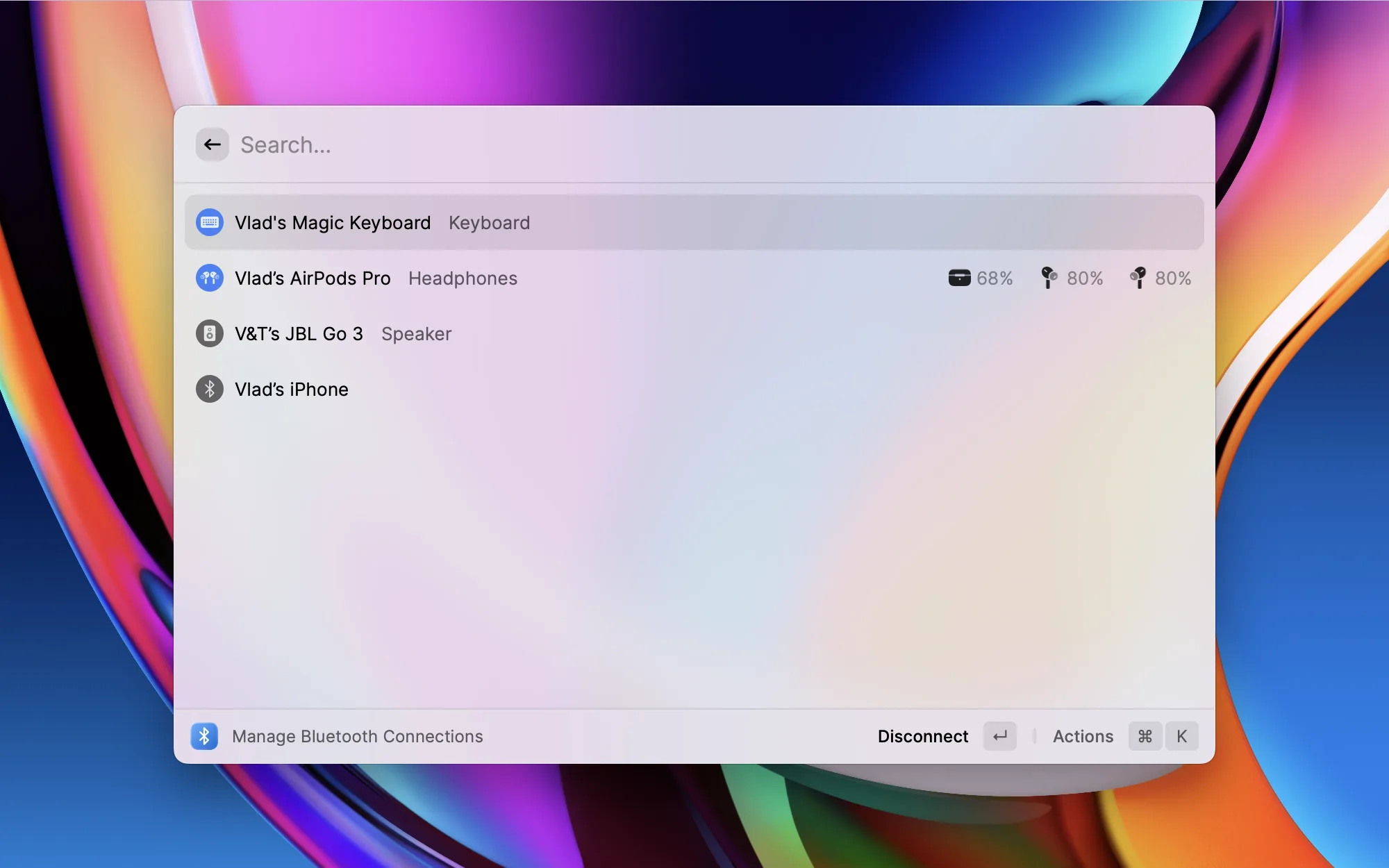
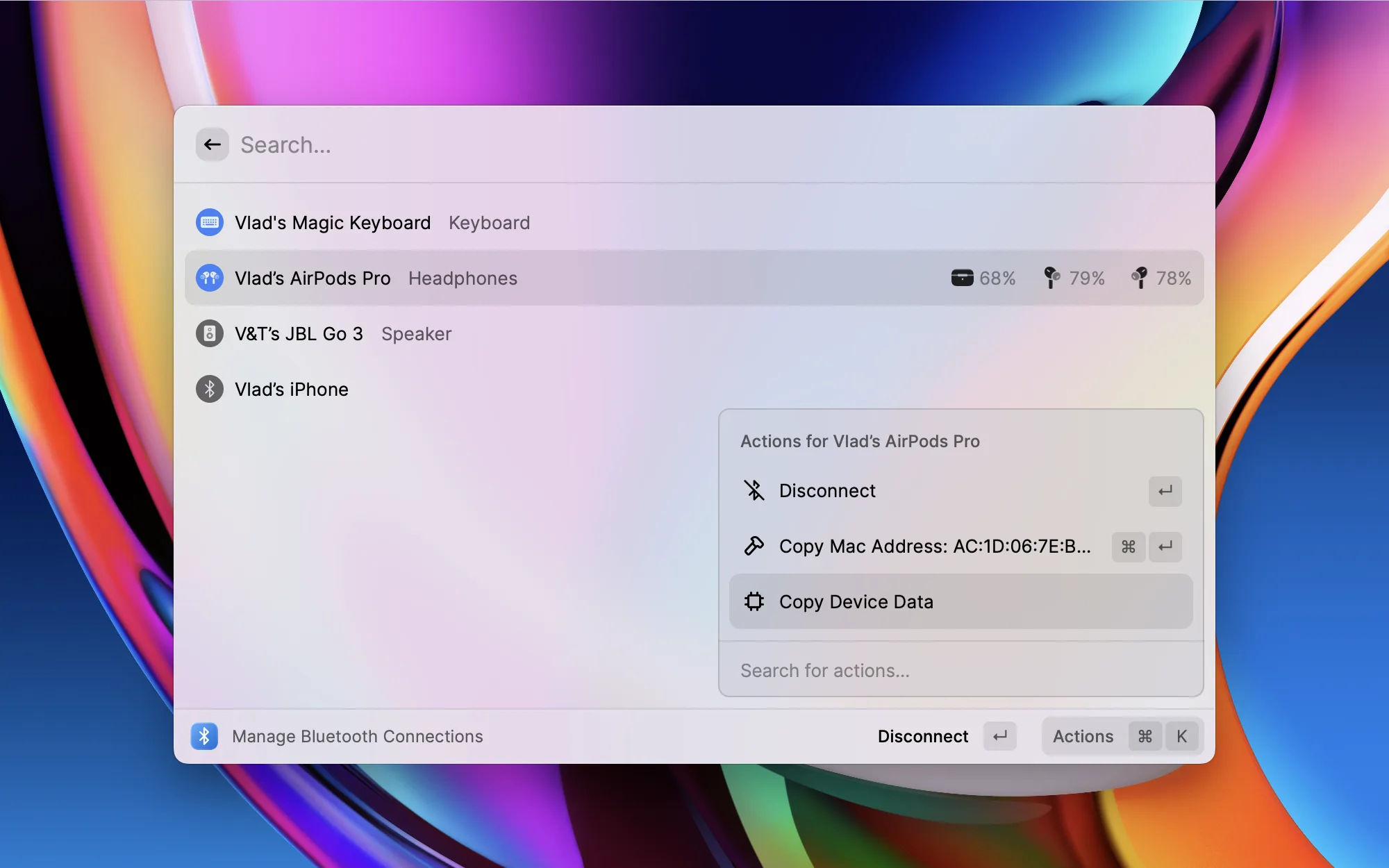
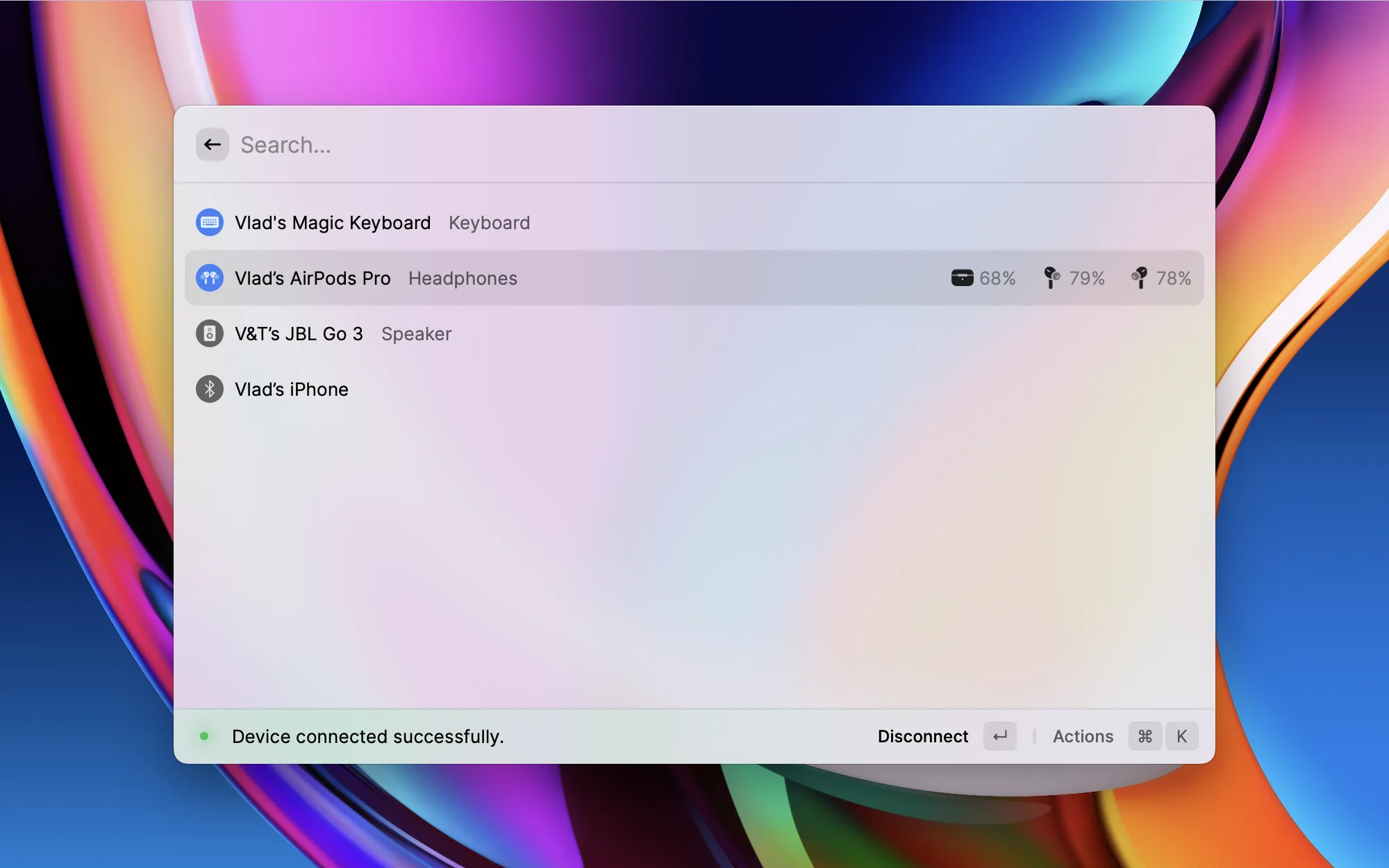
Switching Bluetooth devices normally takes several steps — open System Settings, find Bluetooth, select the device. Toothpick lists all your Bluetooth devices right in Raycast, letting you connect or disconnect with a single click. Switching between AirPods and a Bluetooth speaker every day, this extension has saved me a ton of time.
File Management

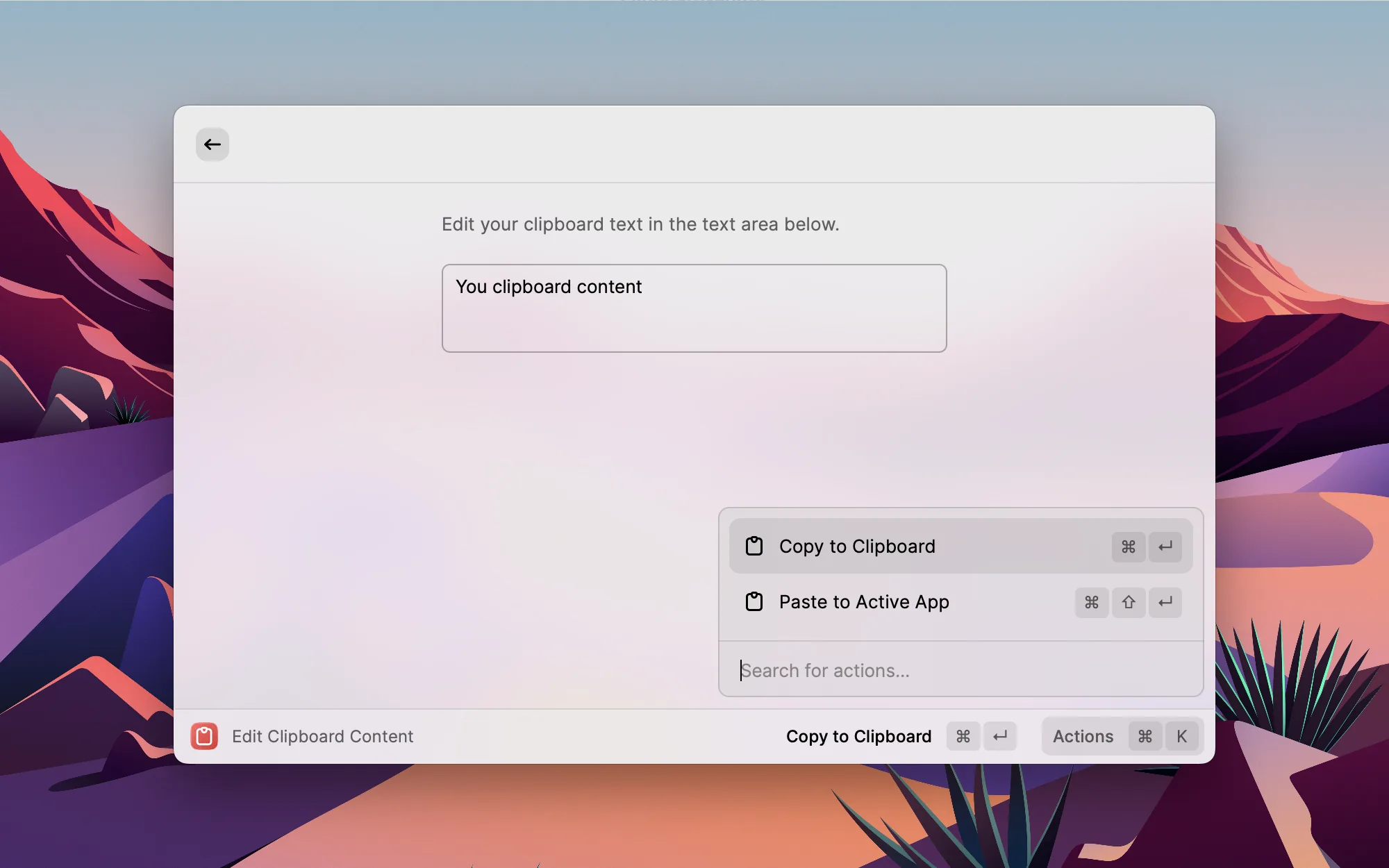
Sometimes you've copied some text and want to tweak it slightly before pasting, but don't want to open a full editor. Clipboard Editor gives you a clean text area to modify your clipboard content directly, then copy or paste it into the current app. Perfect for quick text edits on the fly.

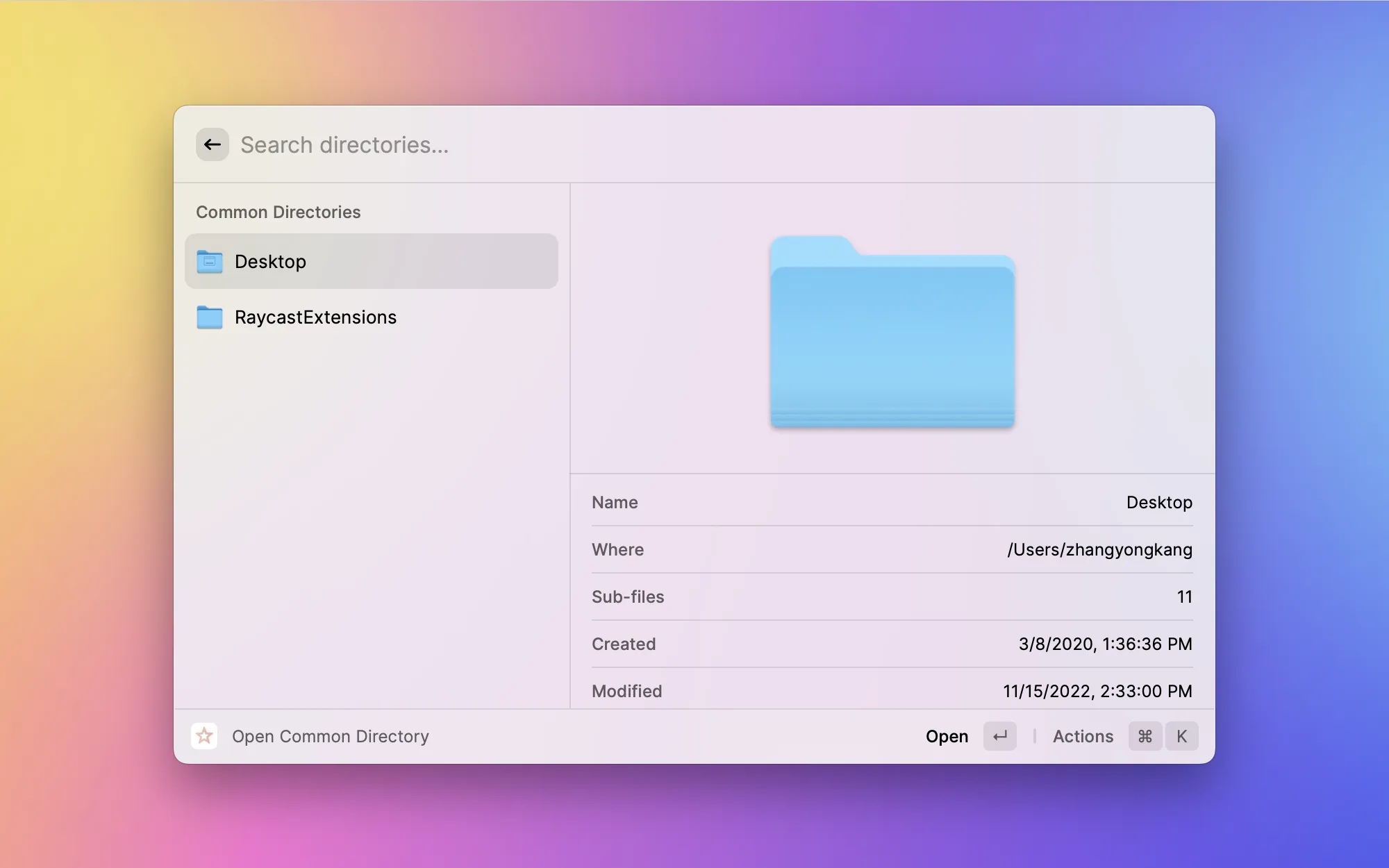
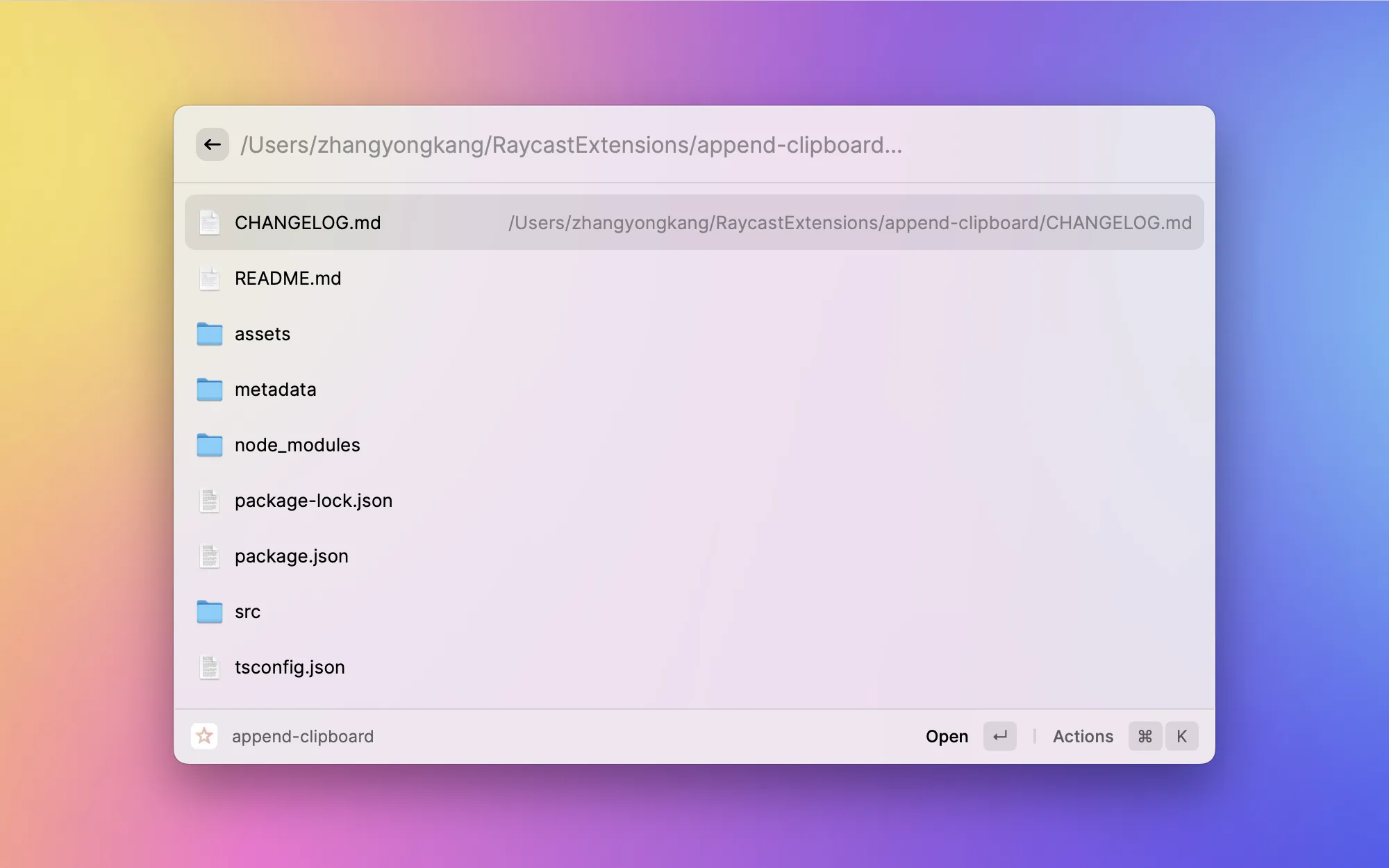
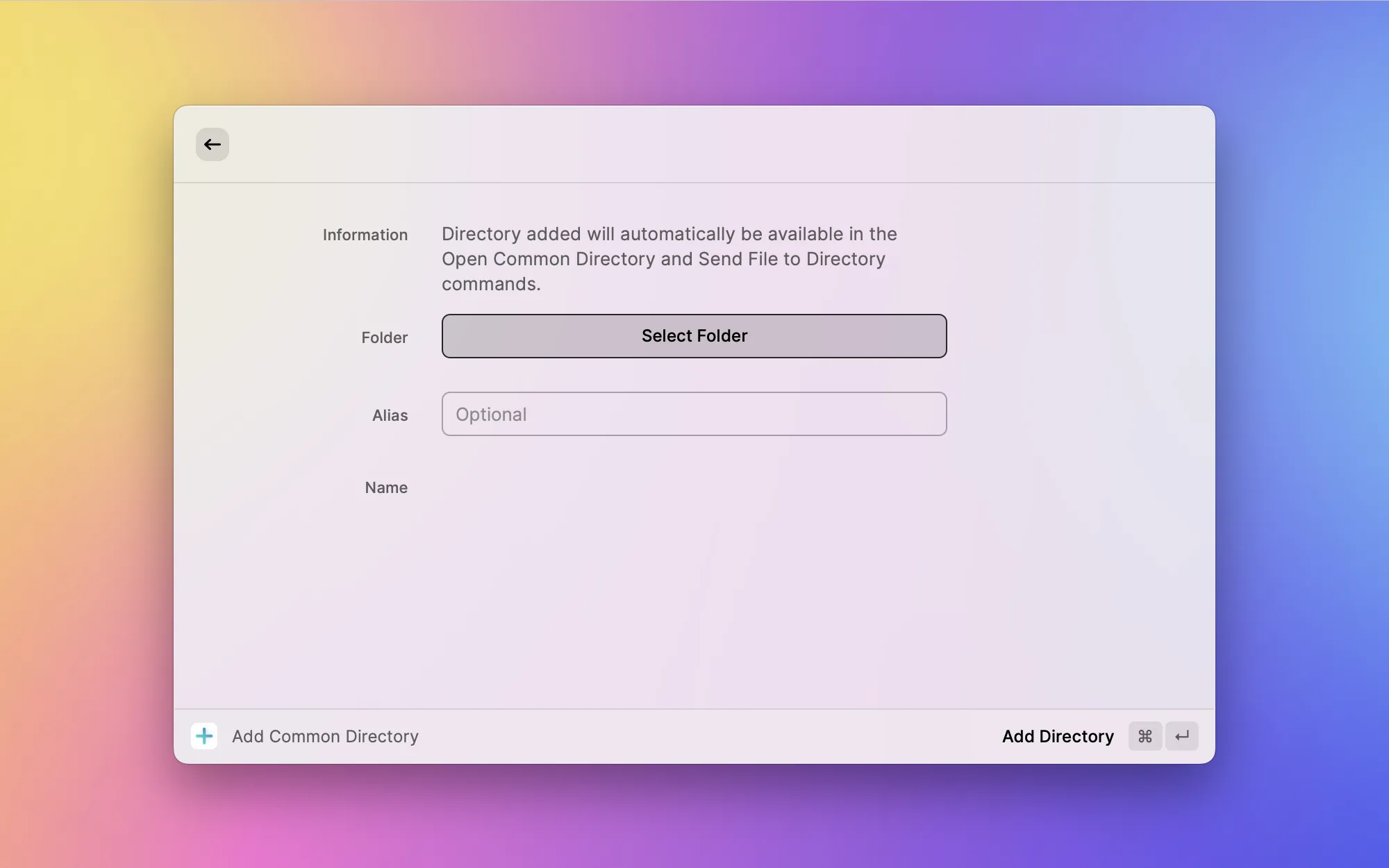
Project directories, document folders, the Downloads folder... I open these every day. Common Directory lets you save these frequently used paths and open them in Finder or Terminal with a single click. No more clicking through layer after layer in the file system.

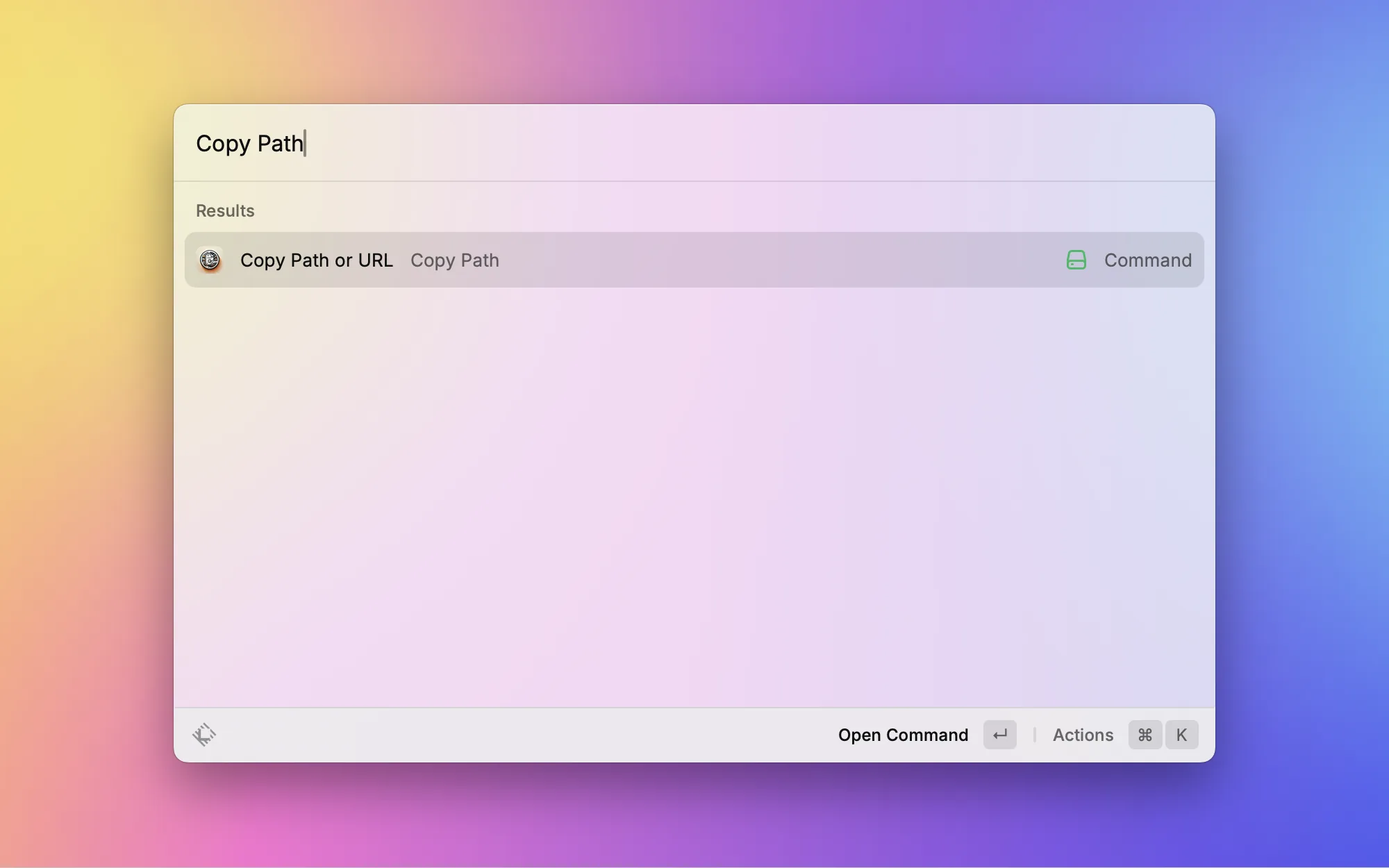
When working between Terminal and Finder, I often need a file's full path. Copy Path copies the current Finder window's path, a selected file's path, or even the URL of the current browser tab with one click. Even faster when bound to a shortcut.

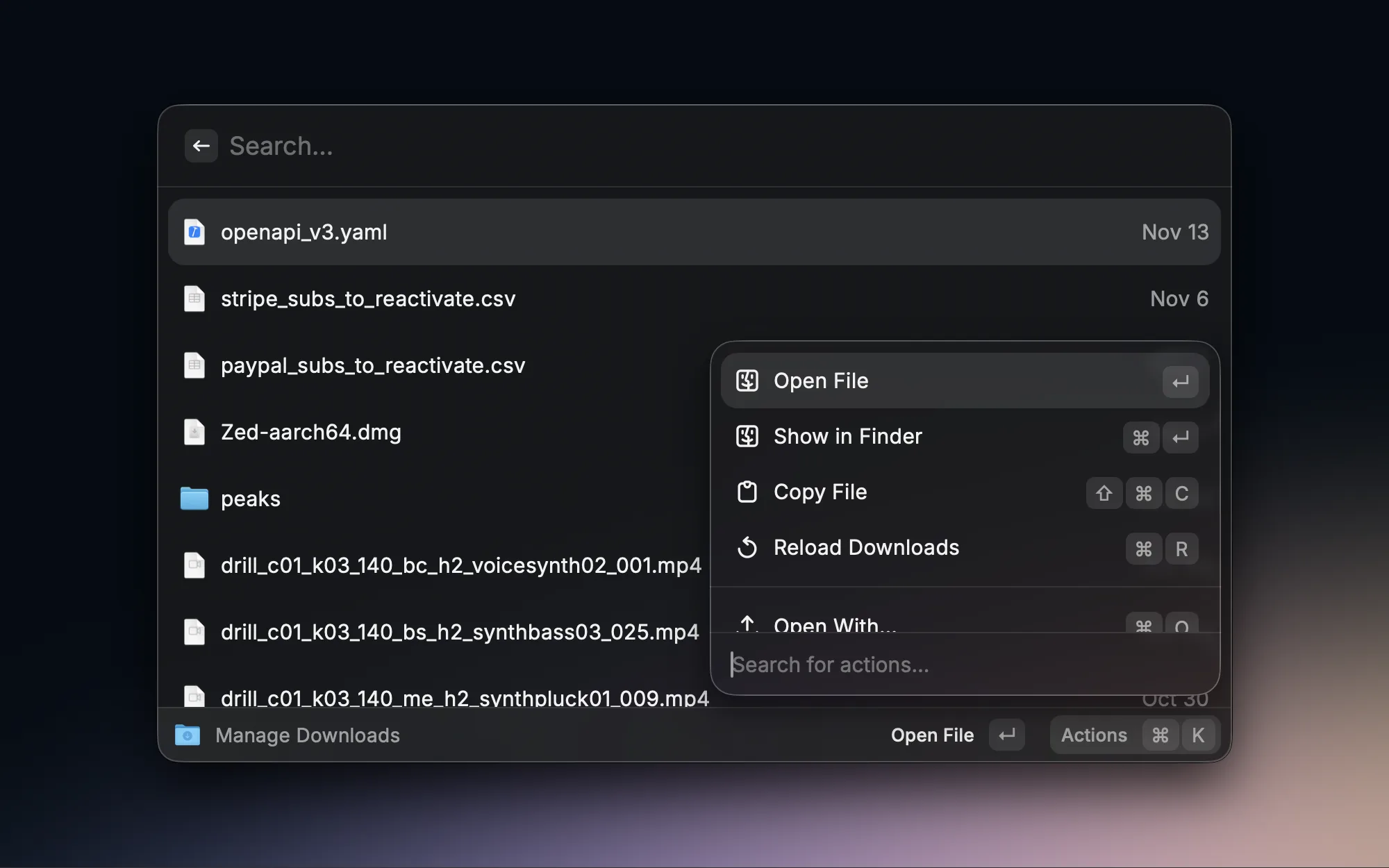
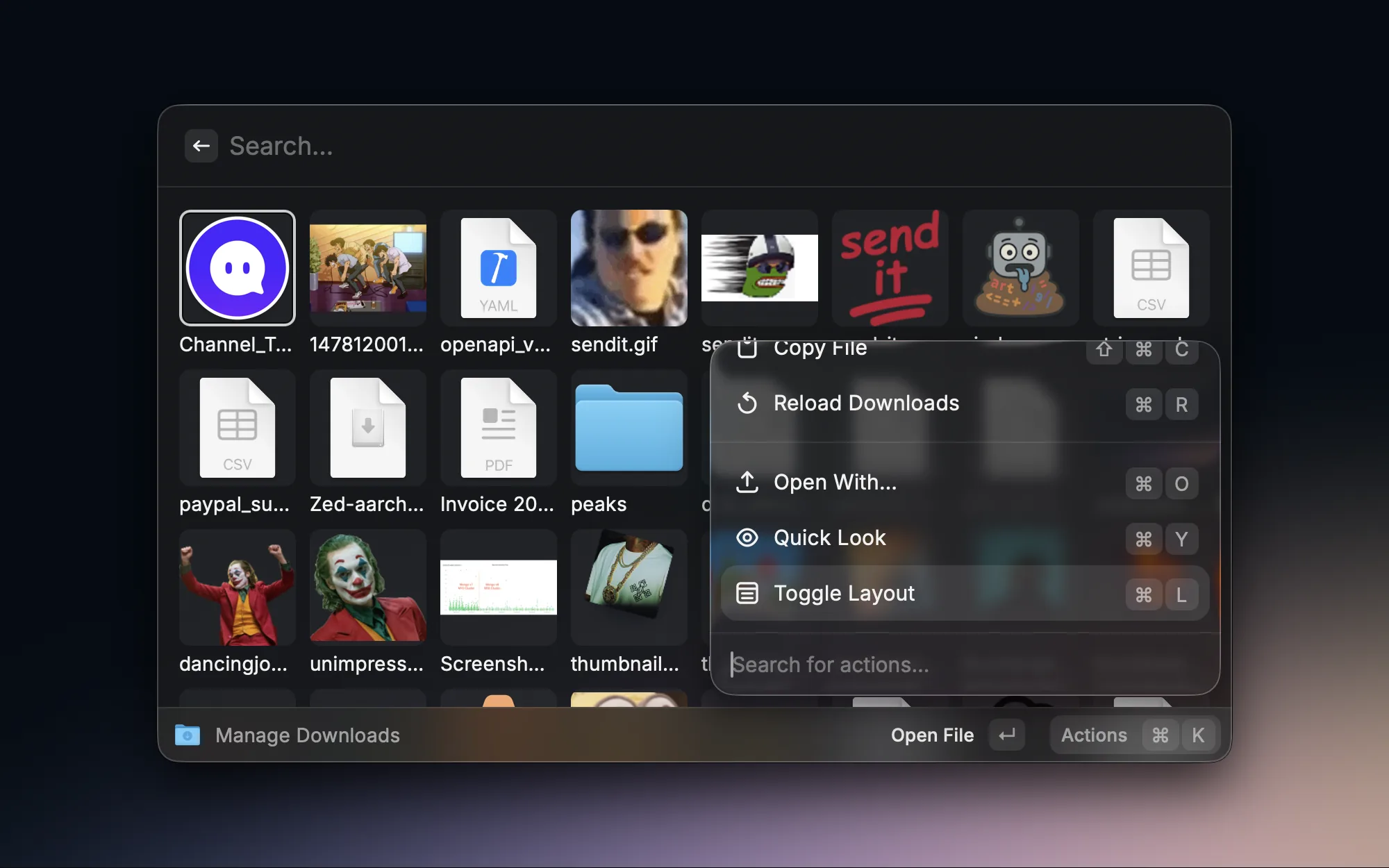
The Downloads folder always ends up cluttered with all sorts of files, making it a pain to find anything. Downloads Manager lets me search and manage downloads right in Raycast, quickly locating recently downloaded files without rummaging through Finder.

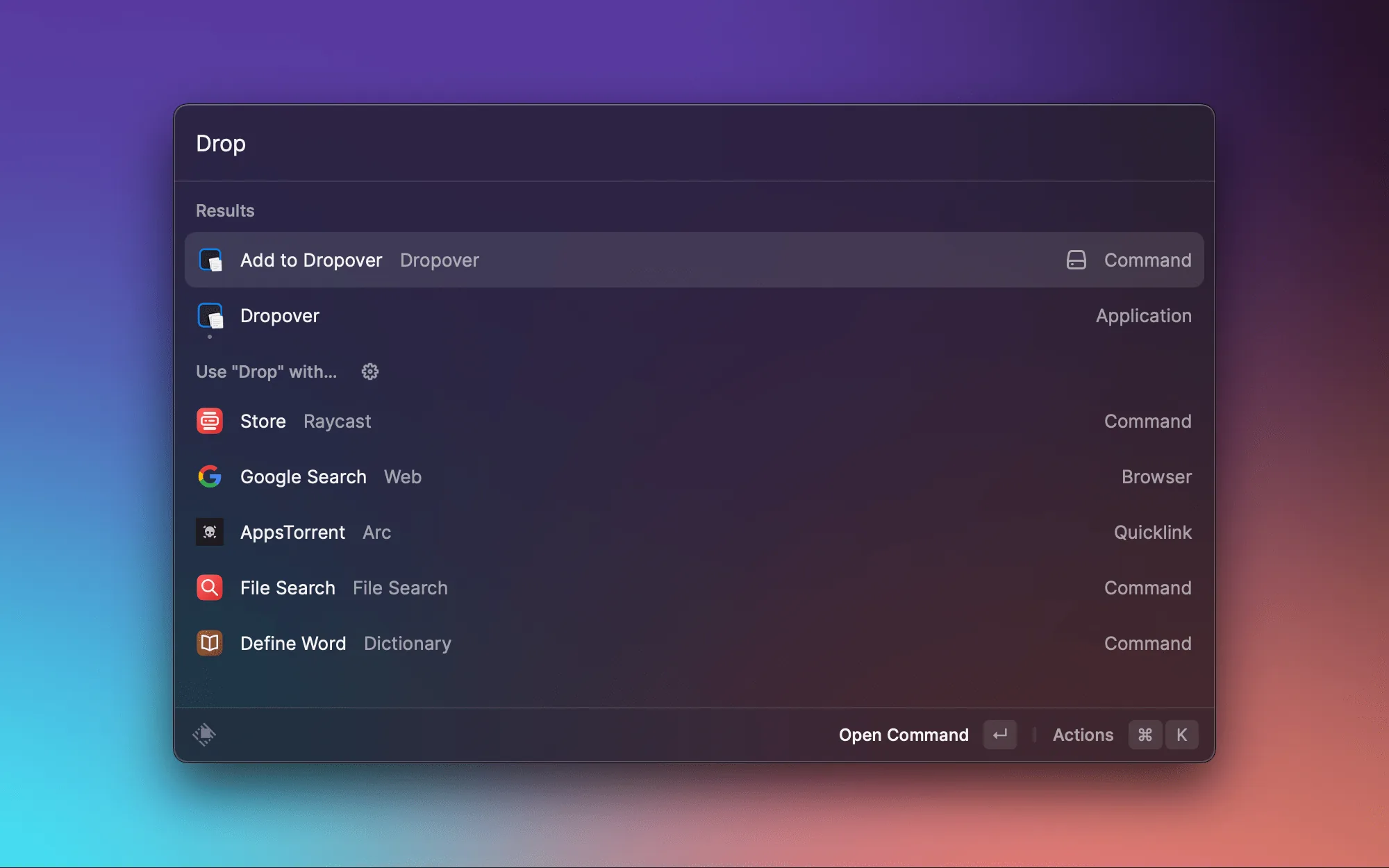
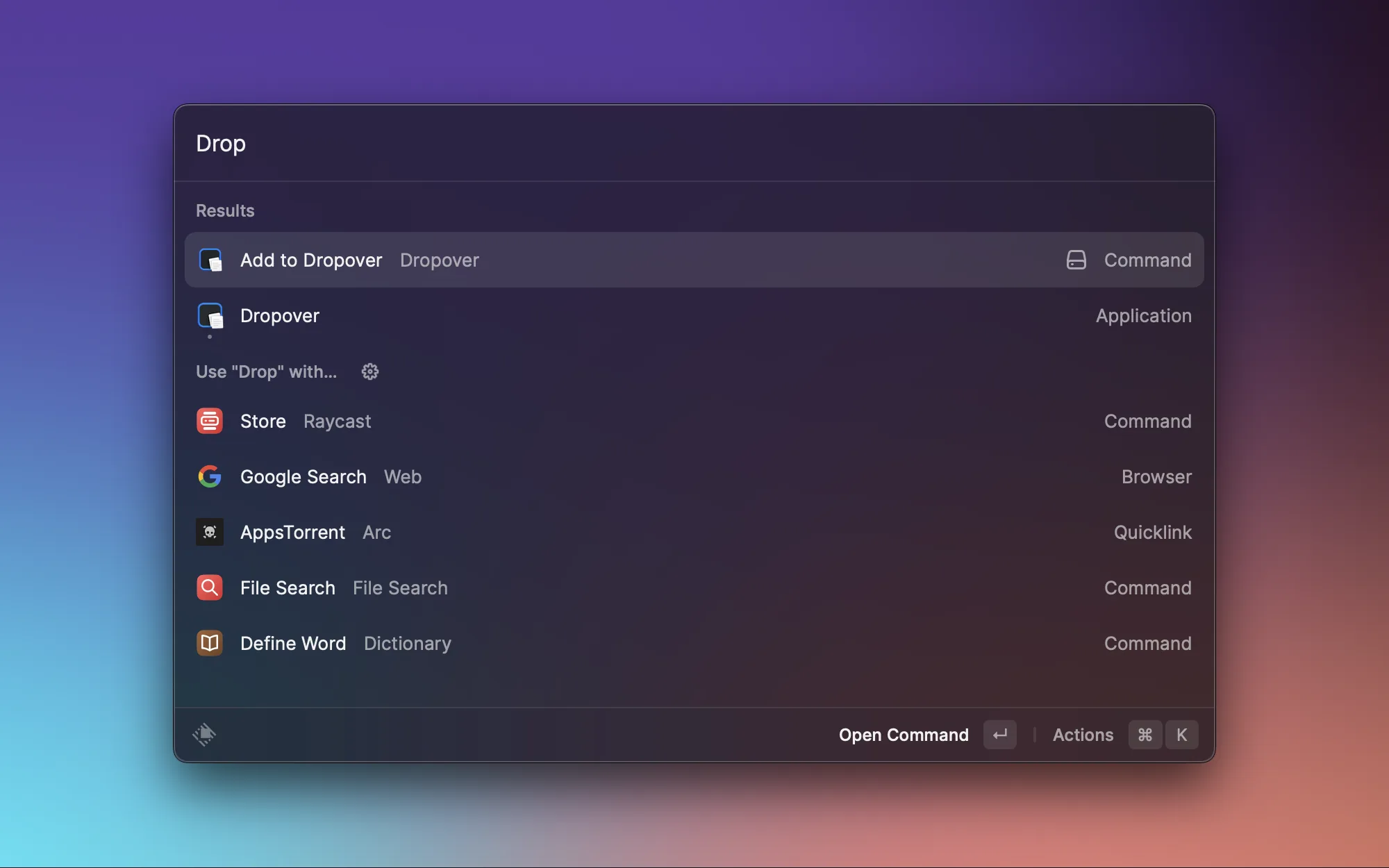
Dropover is already a great file staging tool on its own, and this Raycast extension lets me quickly add selected files to a Dropover shelf via a command. Paired with Dropover, dragging files between windows becomes much smoother.
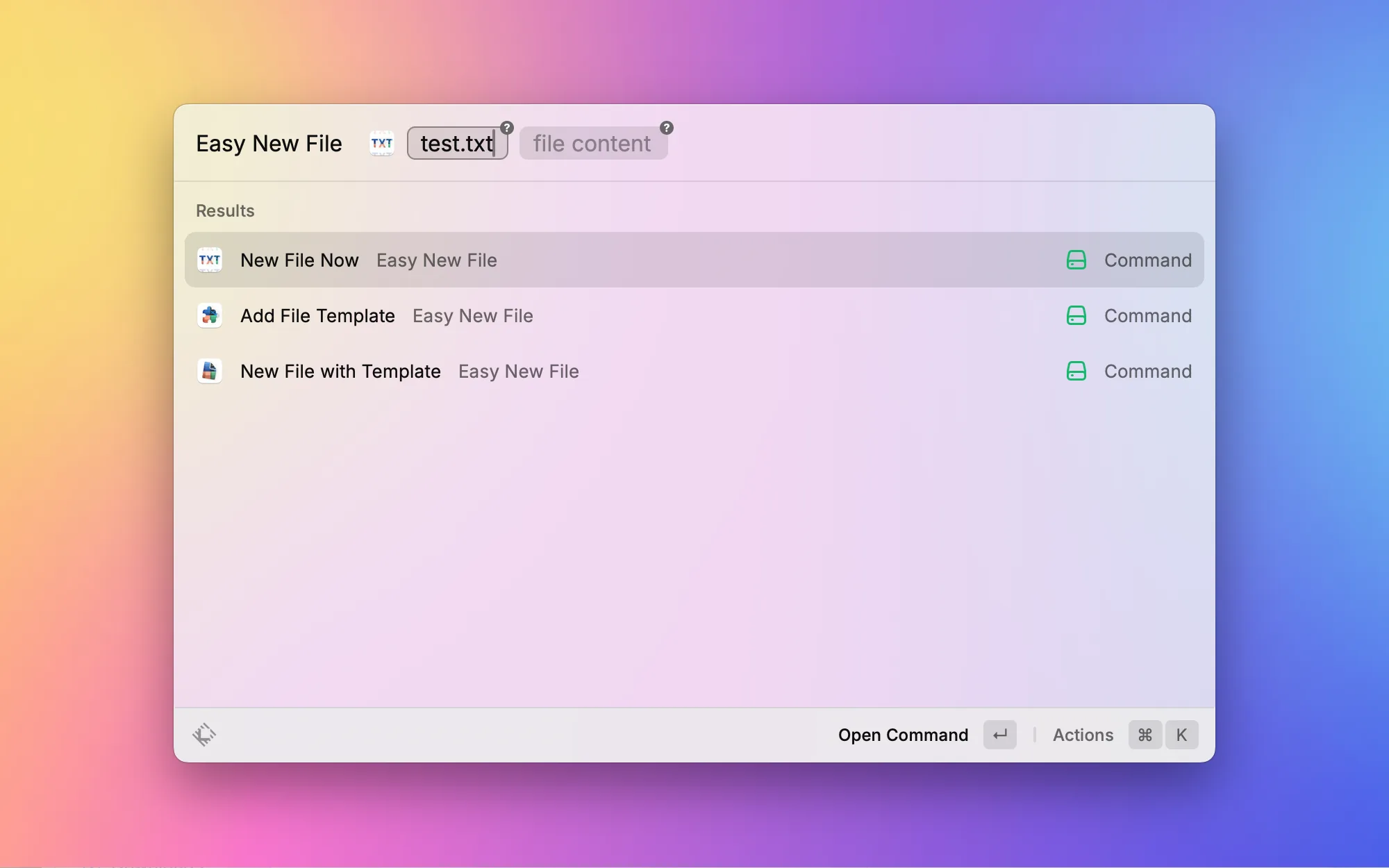
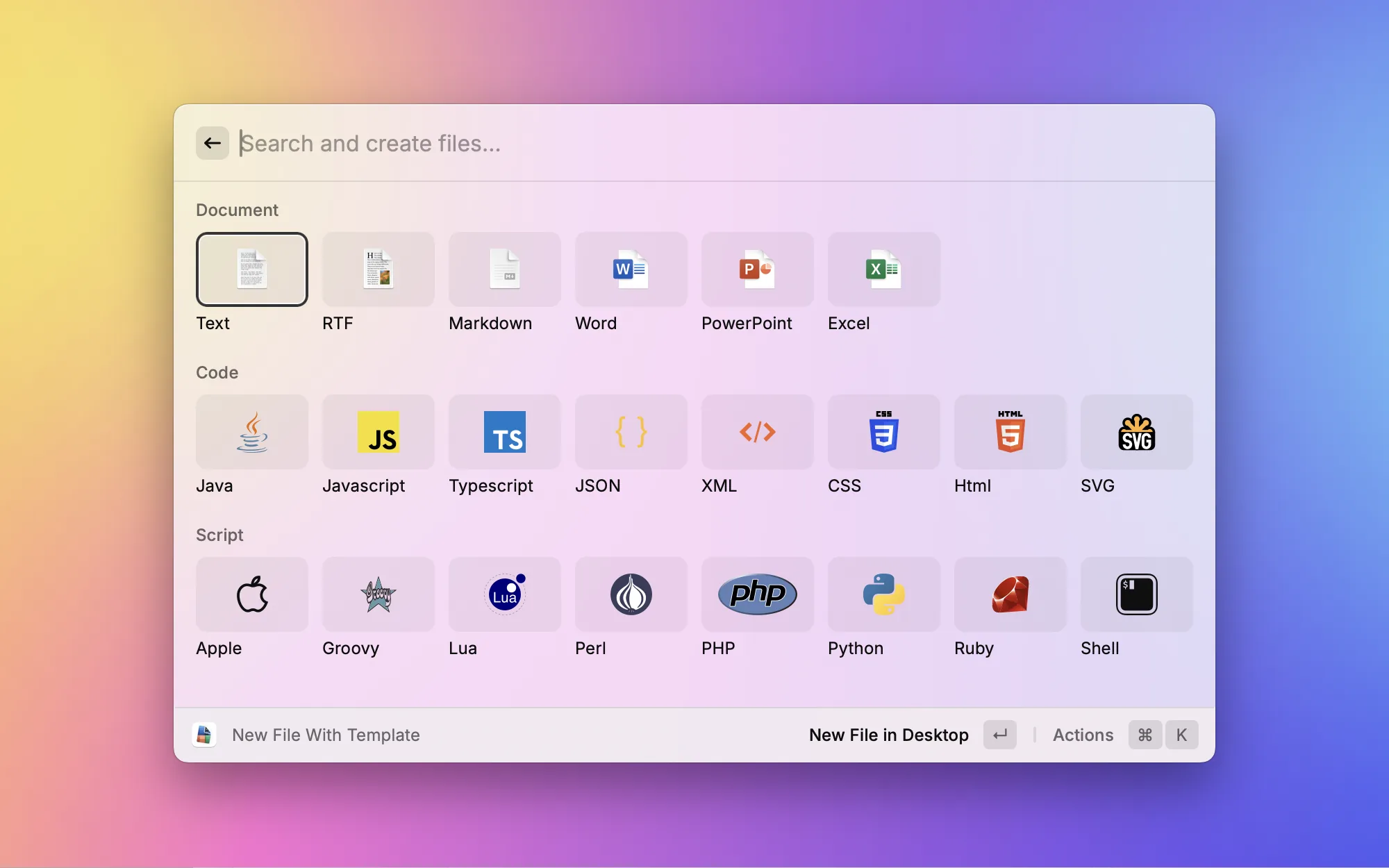
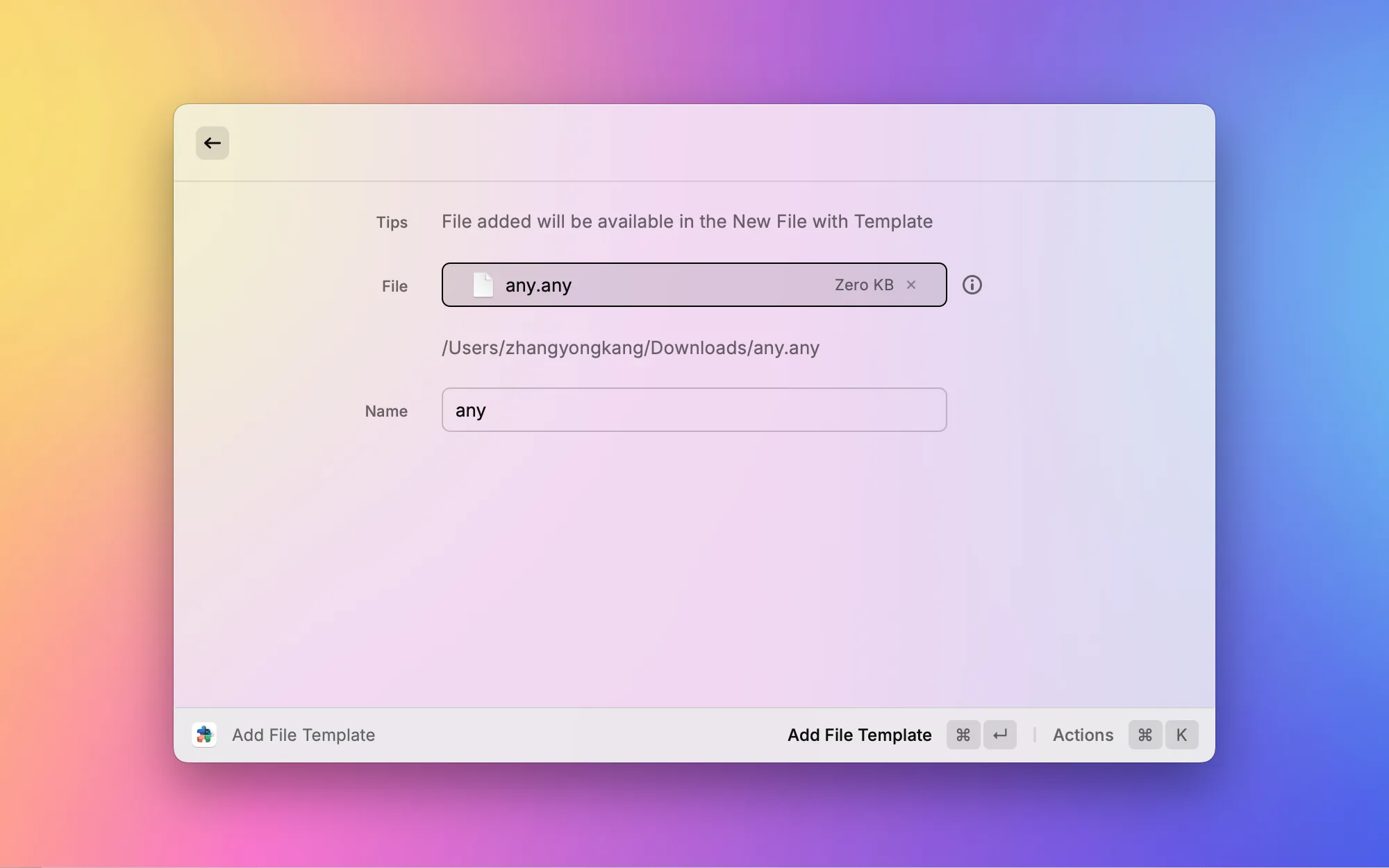
Finder on macOS has no "New File" option in the right-click menu, which has always bugged users coming from Windows. Easy New File fills that gap — it supports creating .txt, .md, .json, and many other file types directly in the current Finder directory. Simple and practical.

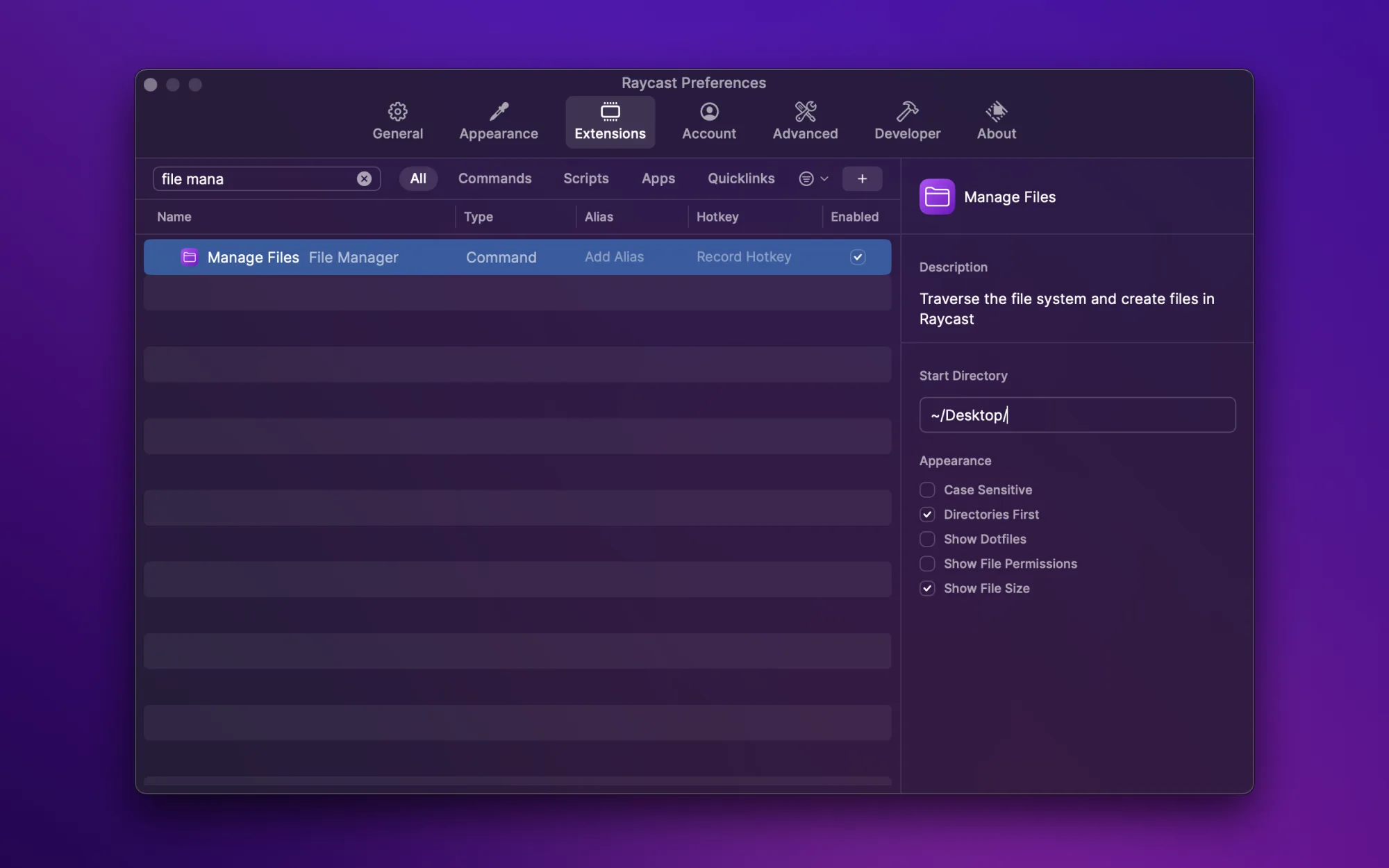
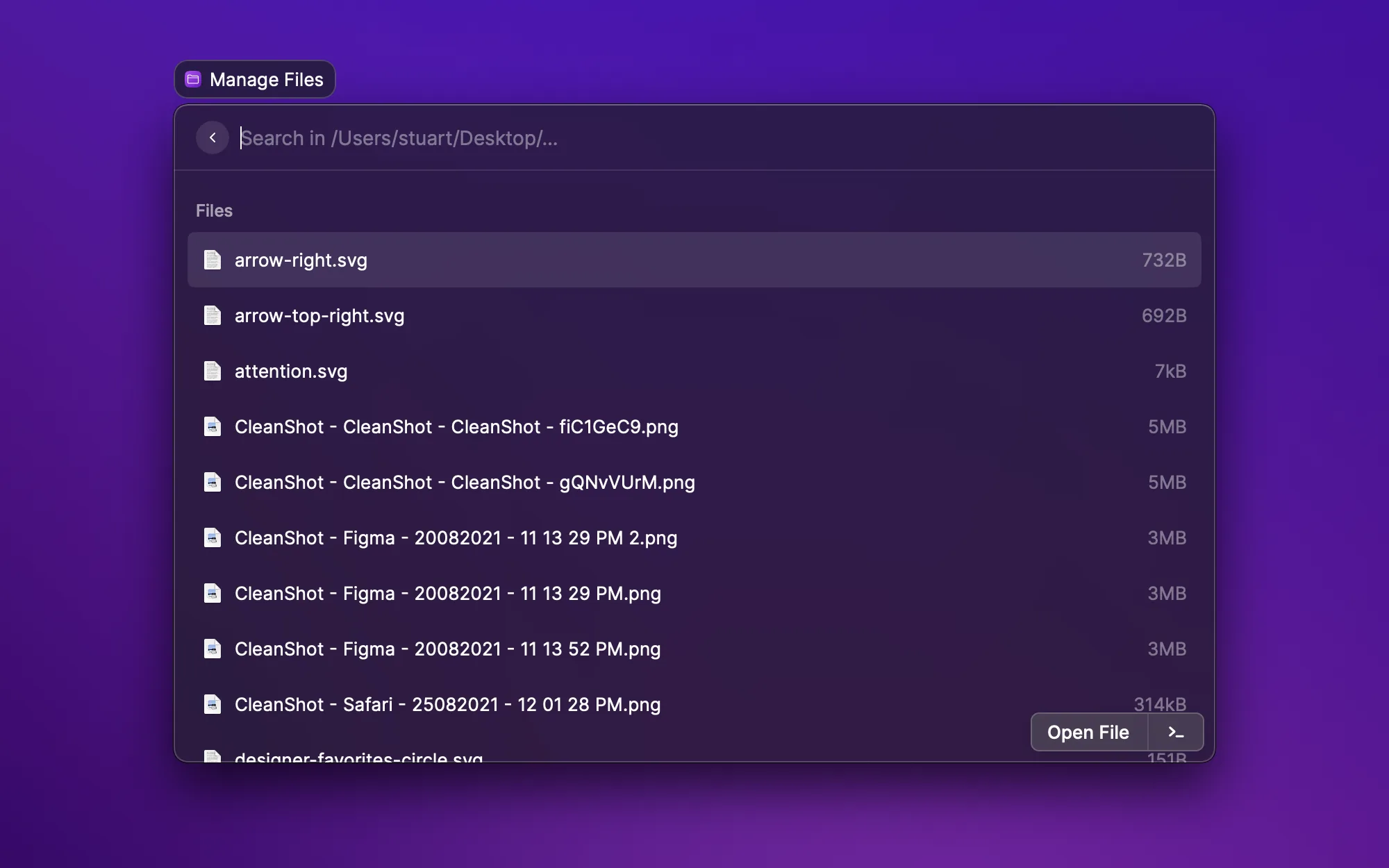
A lightweight file management solution that lets you browse the file system without leaving Raycast. Great for quickly finding and opening files, especially when you roughly know the path but don't want to click through folders in Finder.

Sometimes you want to open a file with a specific app — say Cursor instead of VS Code for a project. This extension lists all available apps and lets you quickly pick which one to open the selected Finder file with. Faster than hunting through the "Open With" submenu in the right-click context menu.

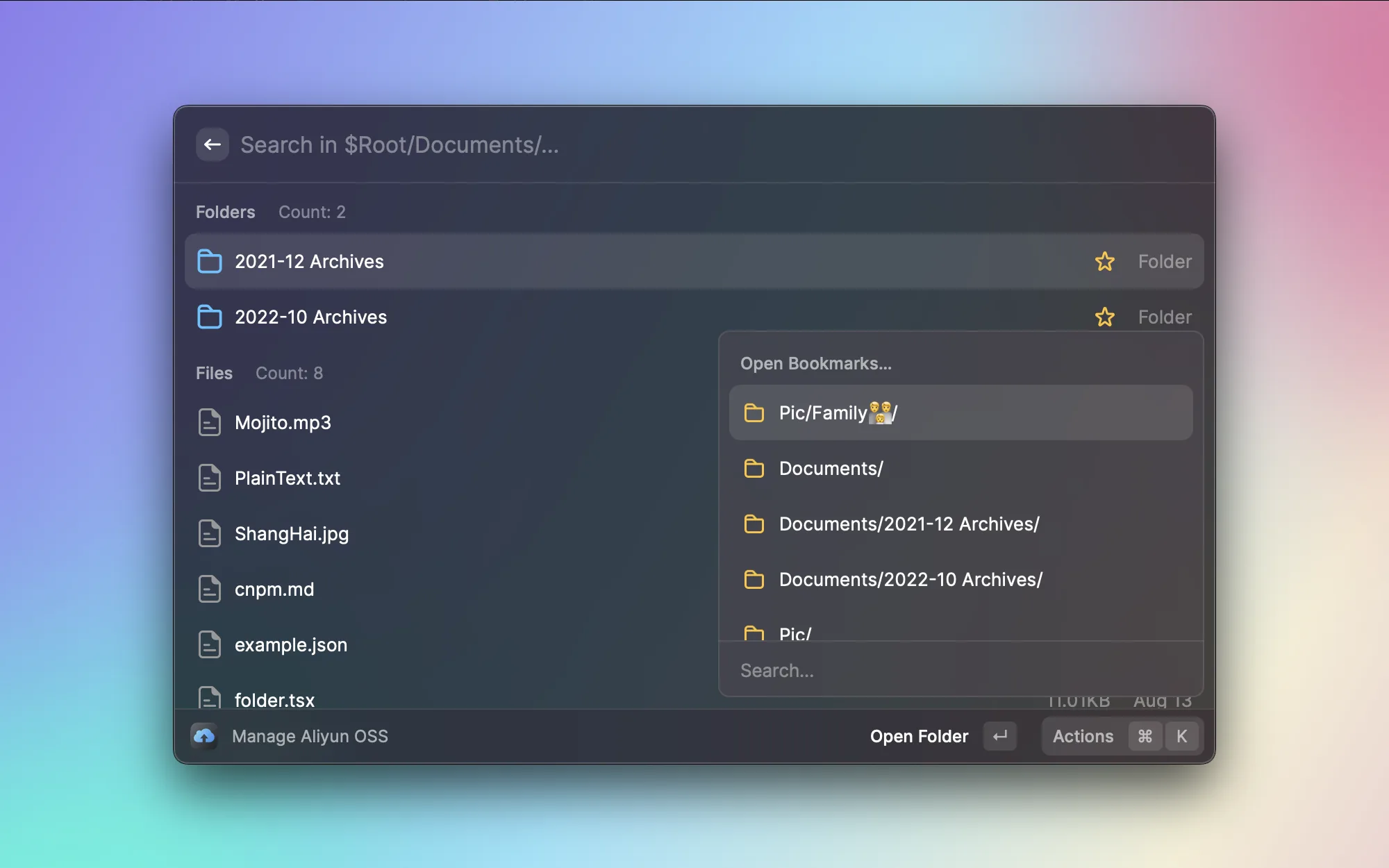
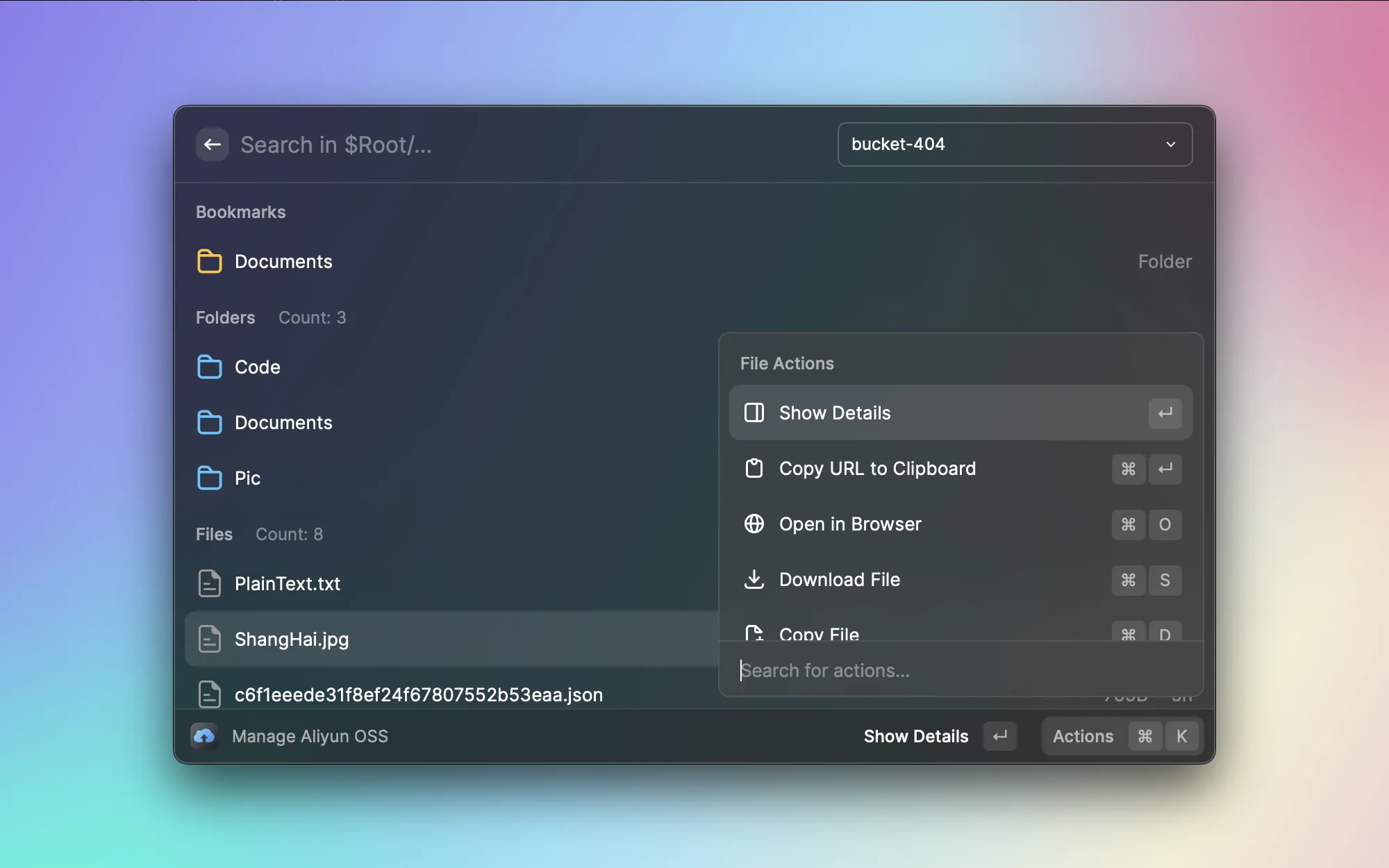
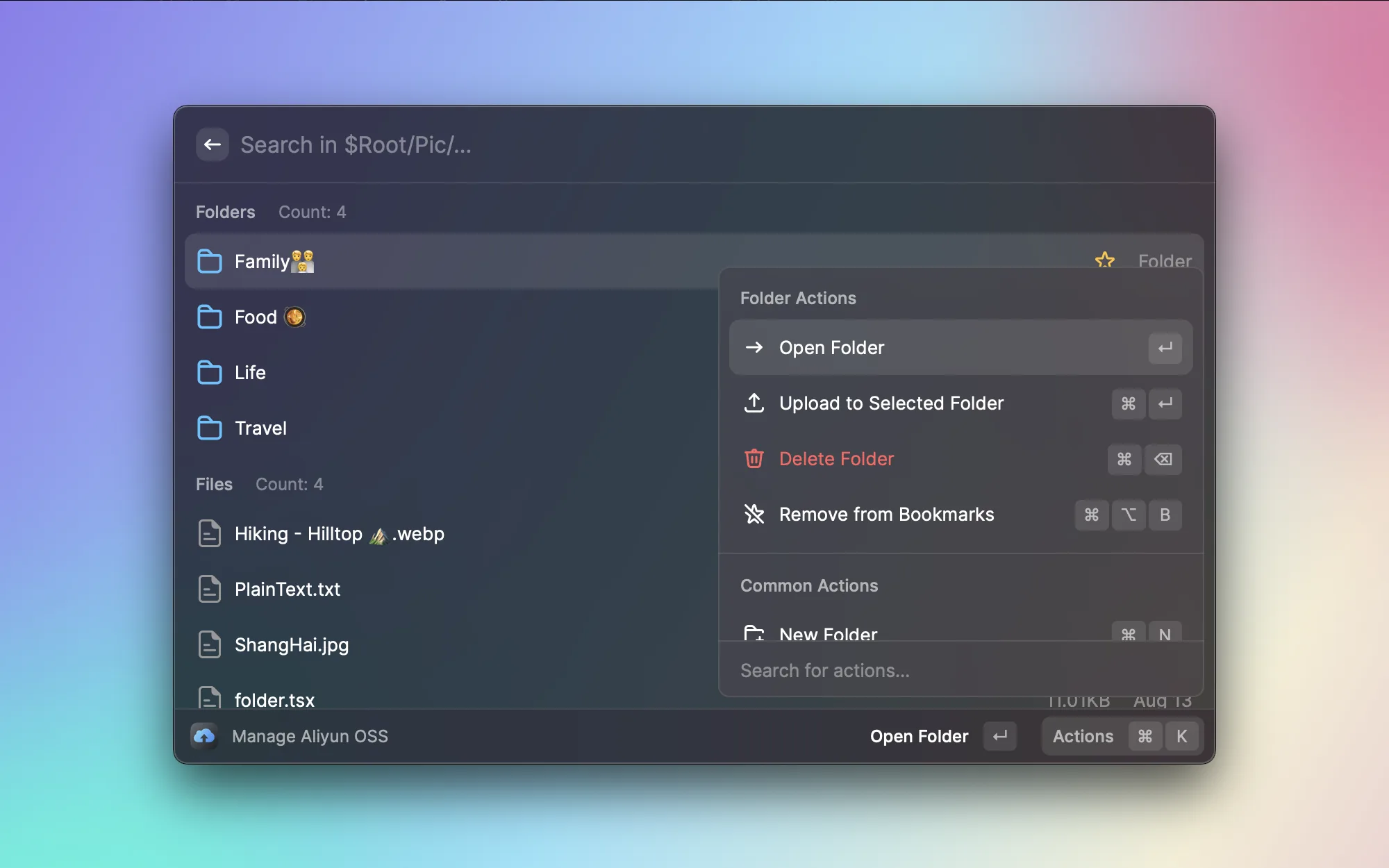
When writing blog posts, I often need to upload images to Alibaba Cloud OSS. OSS Browser lets me browse the bucket's file structure directly in Raycast, with a bookmark feature for jumping to frequently used directories. No need to open the web-based OSS console anymore — managing cloud files has become much more seamless.

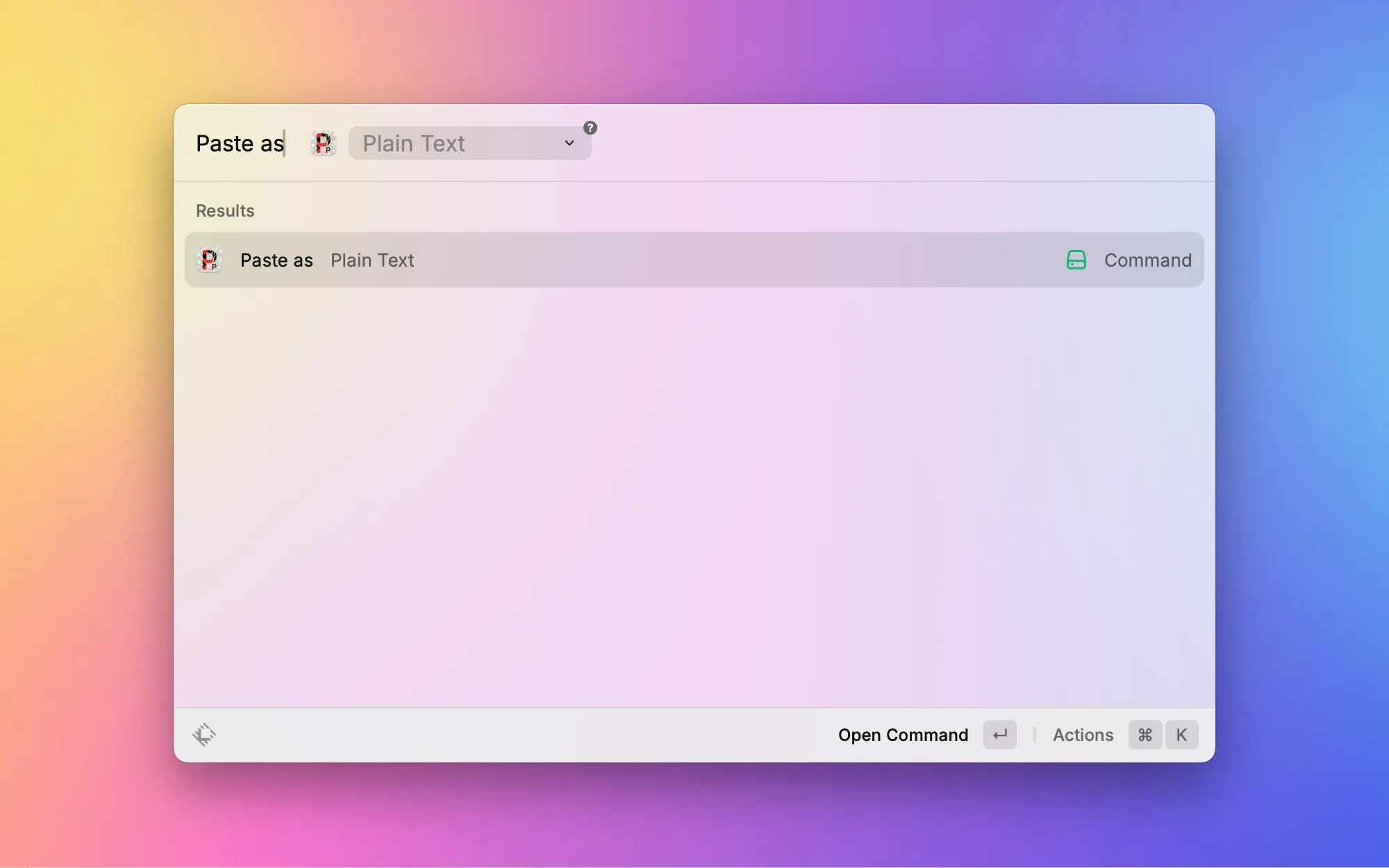
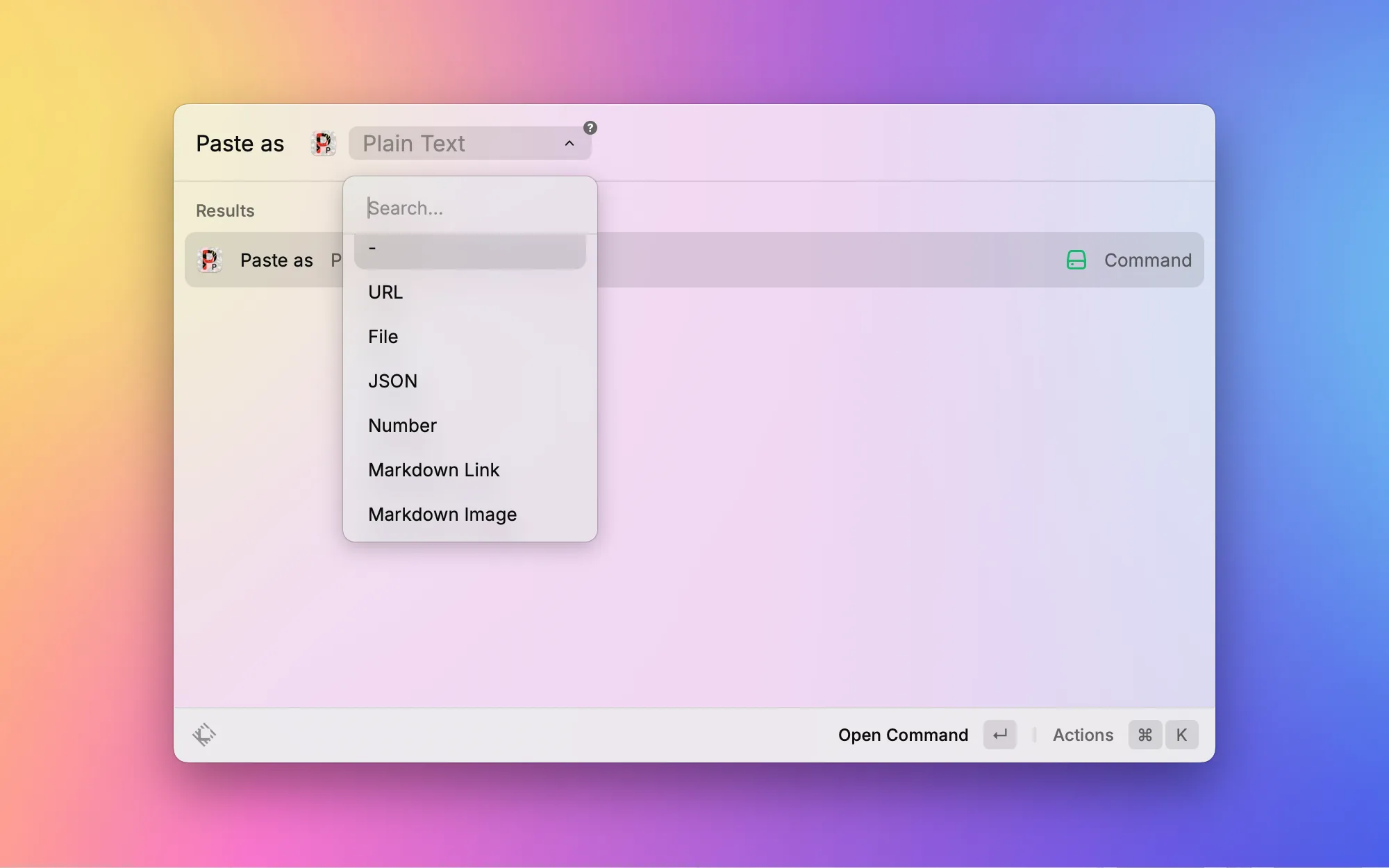
When you copy text from a webpage and paste it into a document, it often brings along all sorts of unwanted formatting — wrong fonts, colors, and sizes everywhere. Paste as Plain Text strips all formatting with one click. I've bound it to a shortcut and use it pretty much every day.

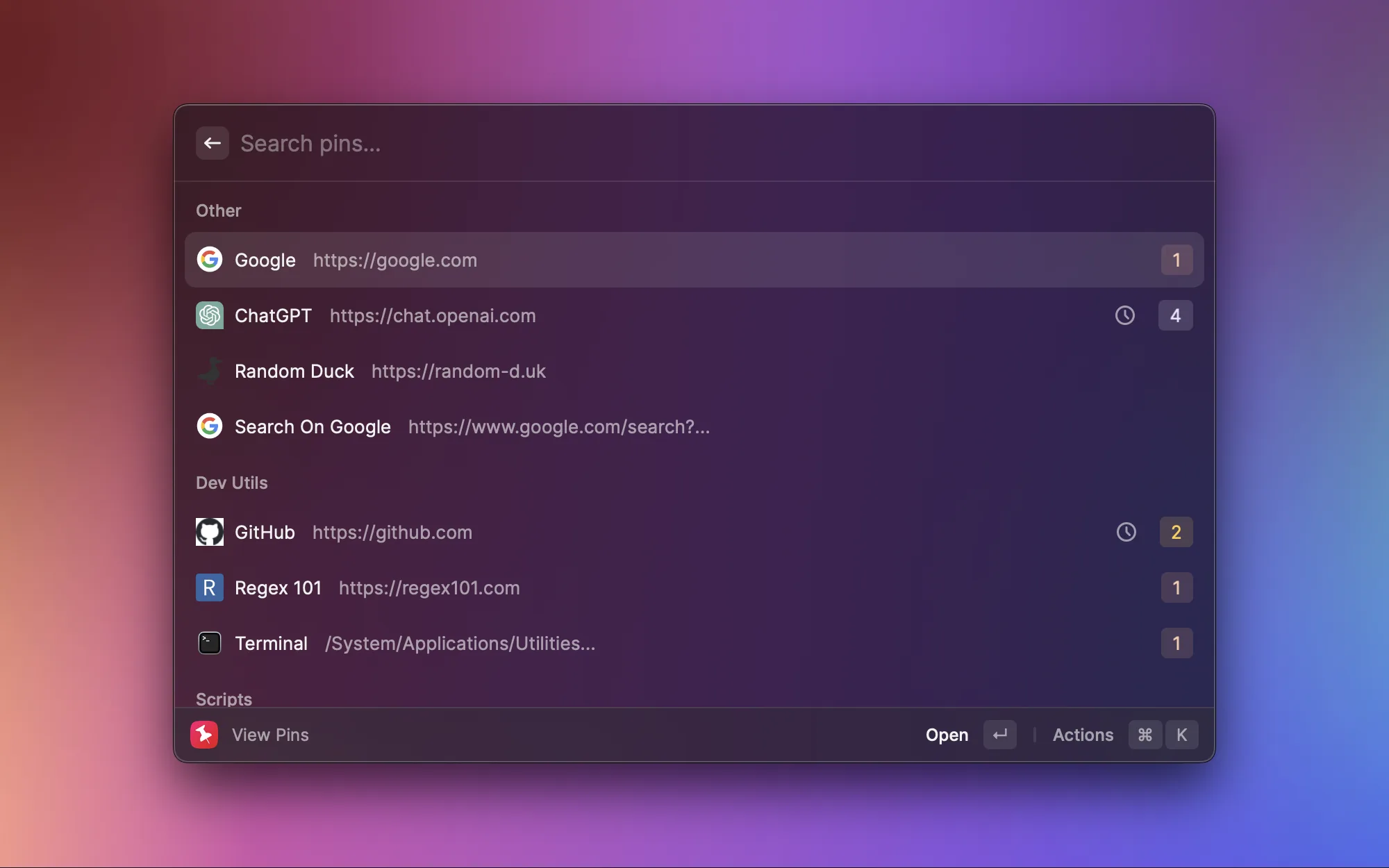
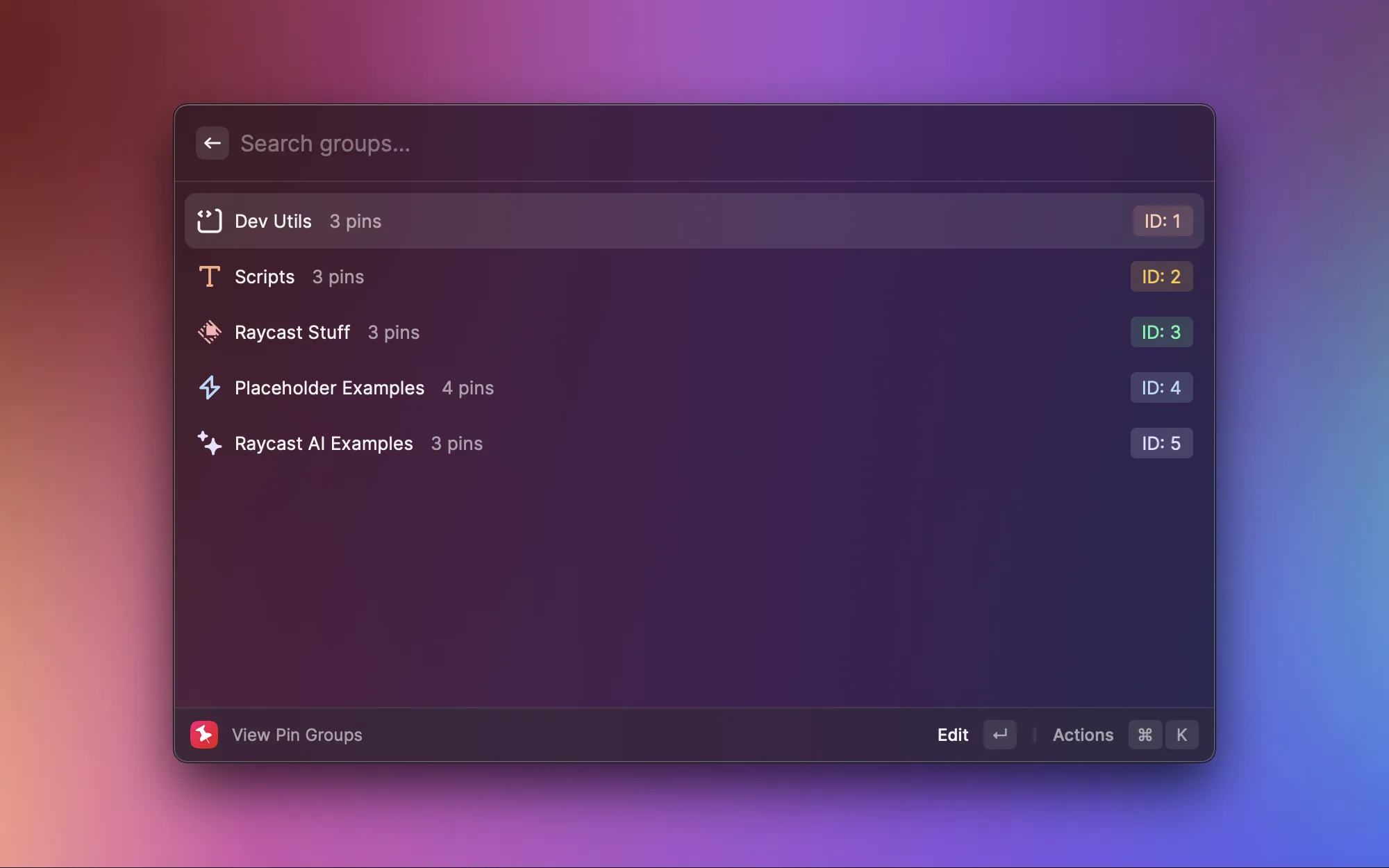
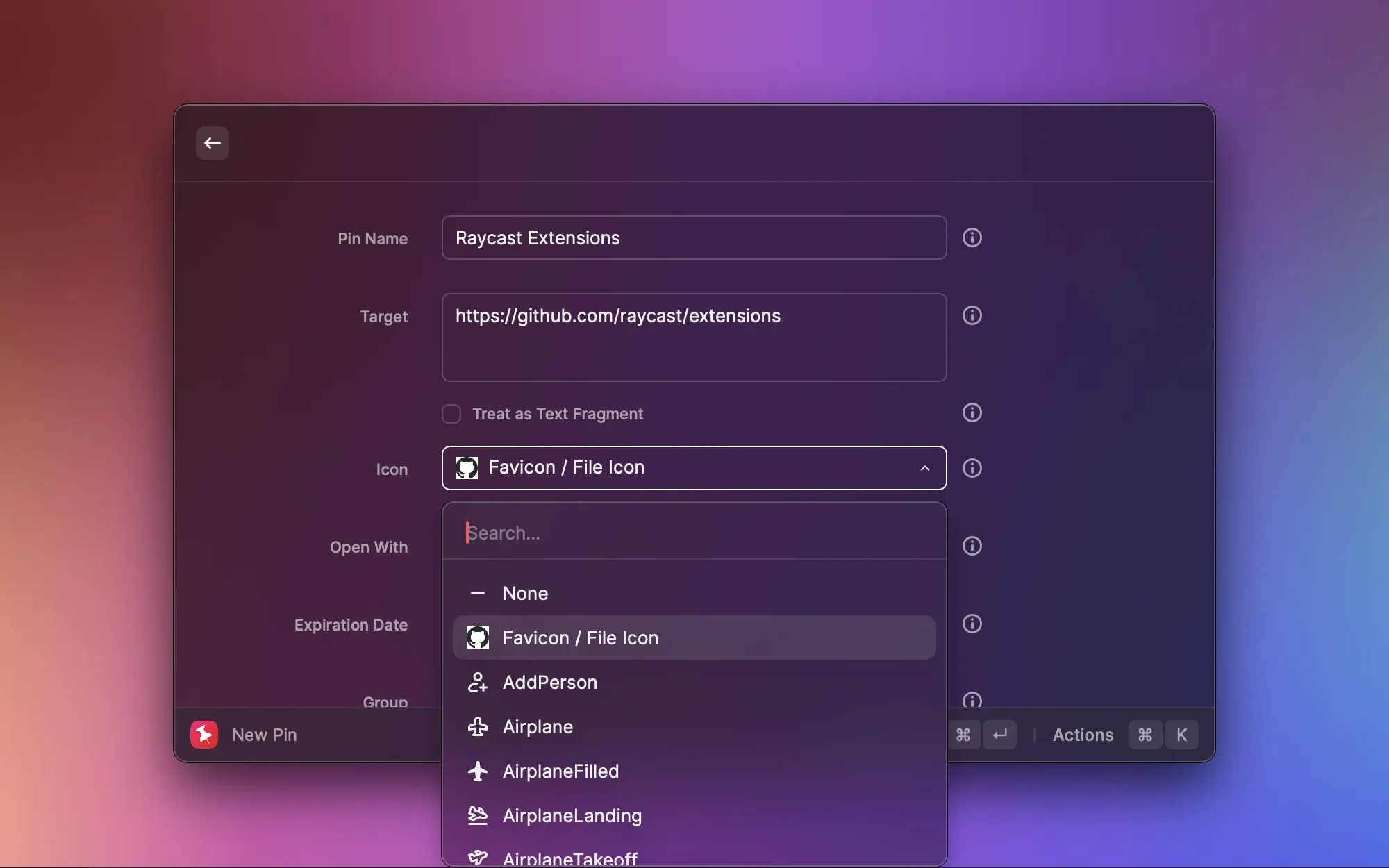
Pin your favorite URLs, file paths, or even terminal commands in Raycast, organized by groups. For example, I've pinned GitHub, Regex101, and other frequently used dev tool URLs. When I need one, I just search "pin" and open it with a click — more convenient than the browser bookmark bar.
Images & Media


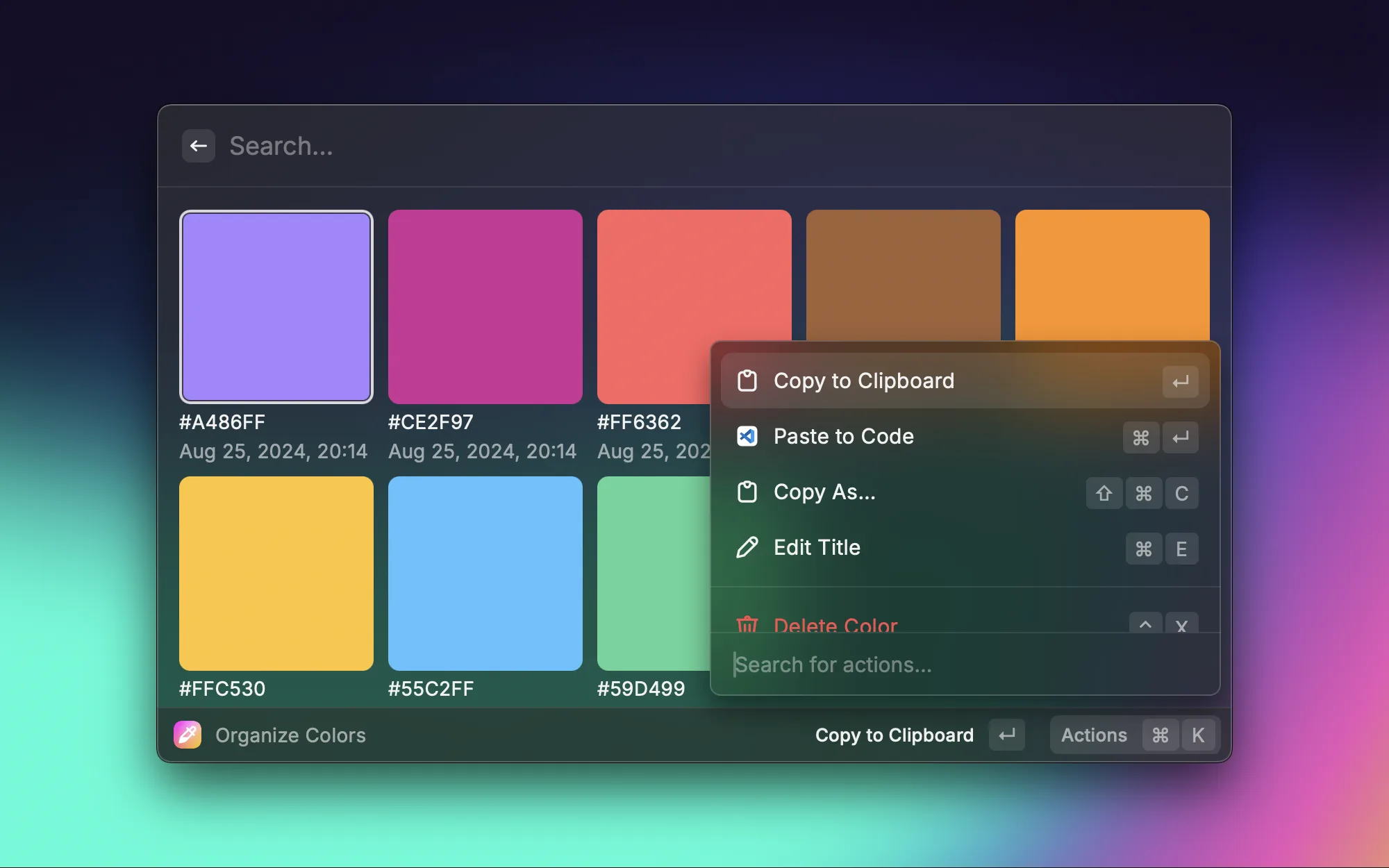
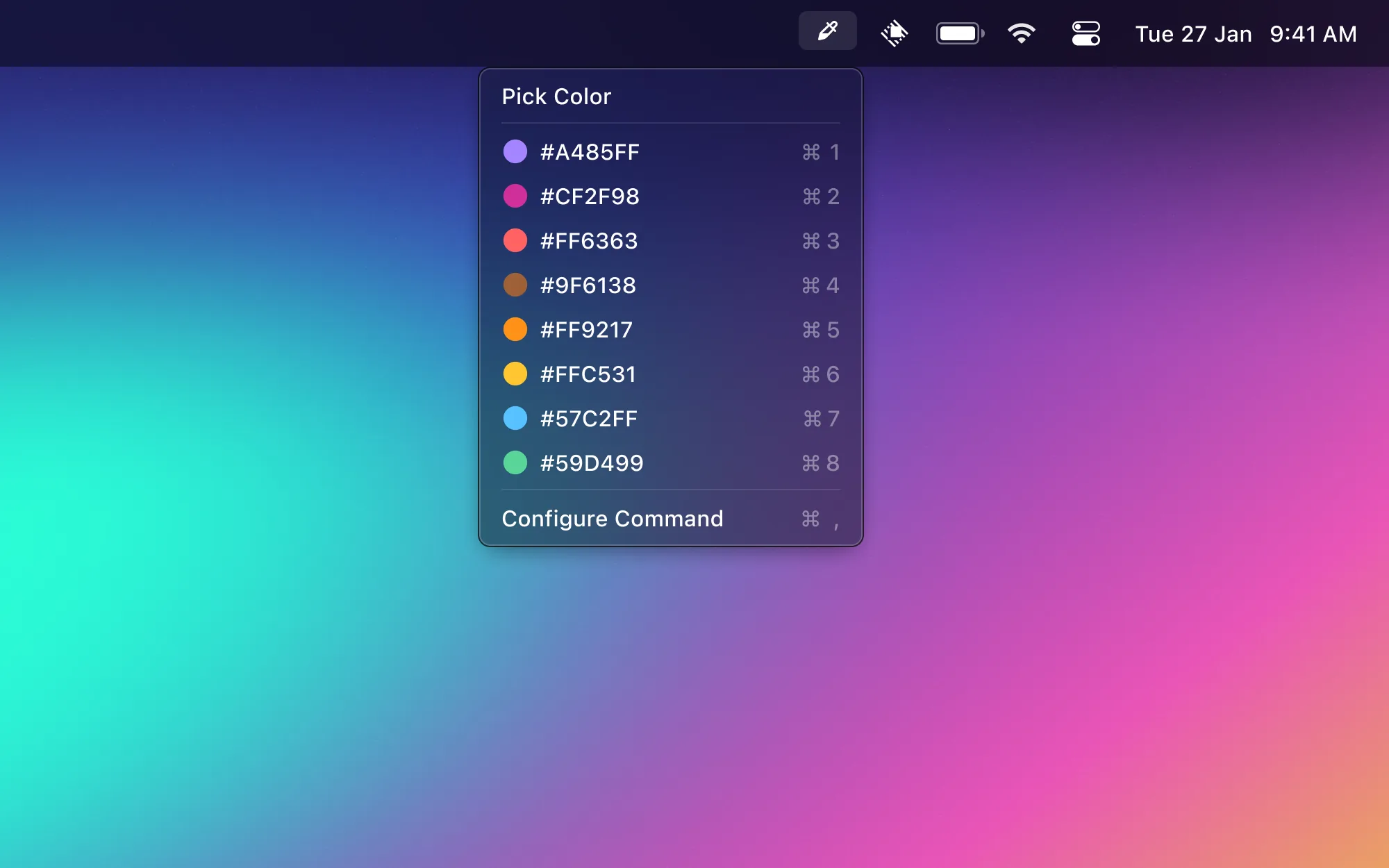
When doing frontend work or tweaking blog styles, I frequently need to grab a color from the screen. Color Picker opens the system color picker, samples a color from any spot, and automatically saves it in HEX, RGB, and other formats. It also maintains a color history so you can reuse colors easily.

Need to remove an image background? No need to upload to an online tool. This extension uses macOS's built-in Vision API to do the job locally — private and fast. Select an image file, hit one button to remove the background, and the results are perfectly fine for everyday use.

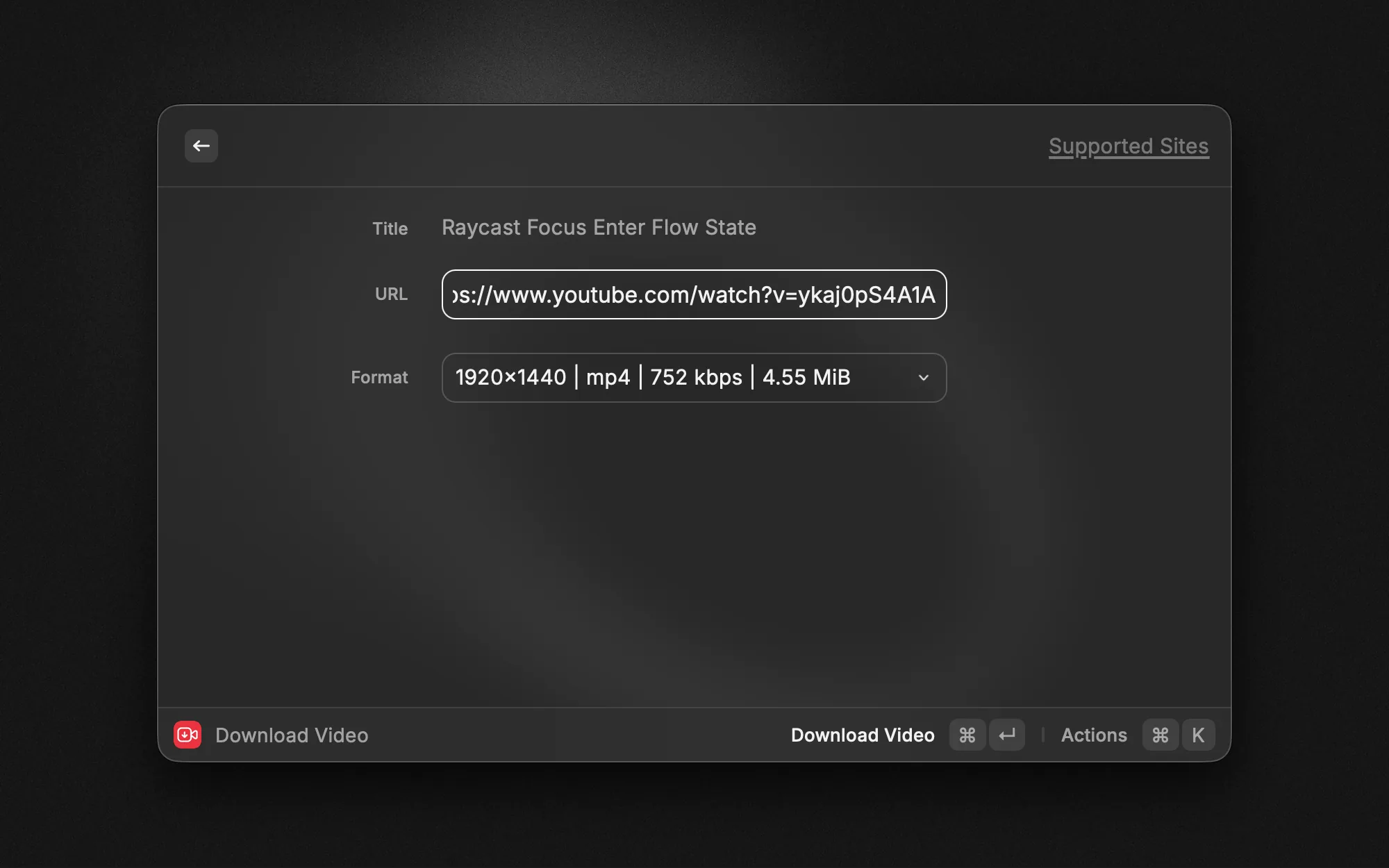
Spotted a great video you want to save? No more hunting for sketchy download websites. Video Downloader supports YouTube, Bilibili, Twitter, and other major platforms. Paste a link, pick your resolution and format, and download. That's it.
Network & Proxy

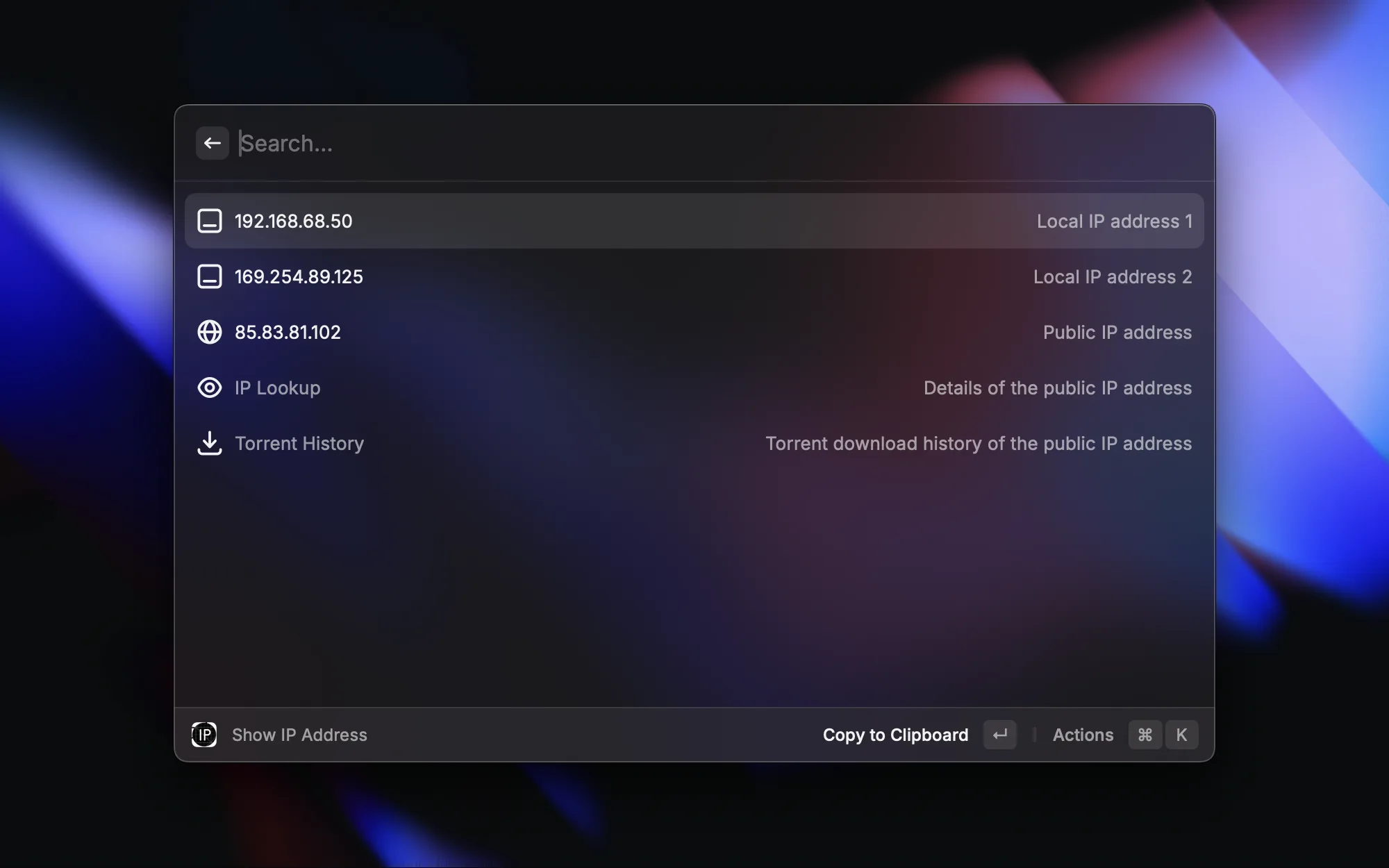
When debugging network issues or configuring services, I often need my IP address. MyIP shows both your local and public IP with a single command — no more running ifconfig in the terminal or visiting whatismyip.com.

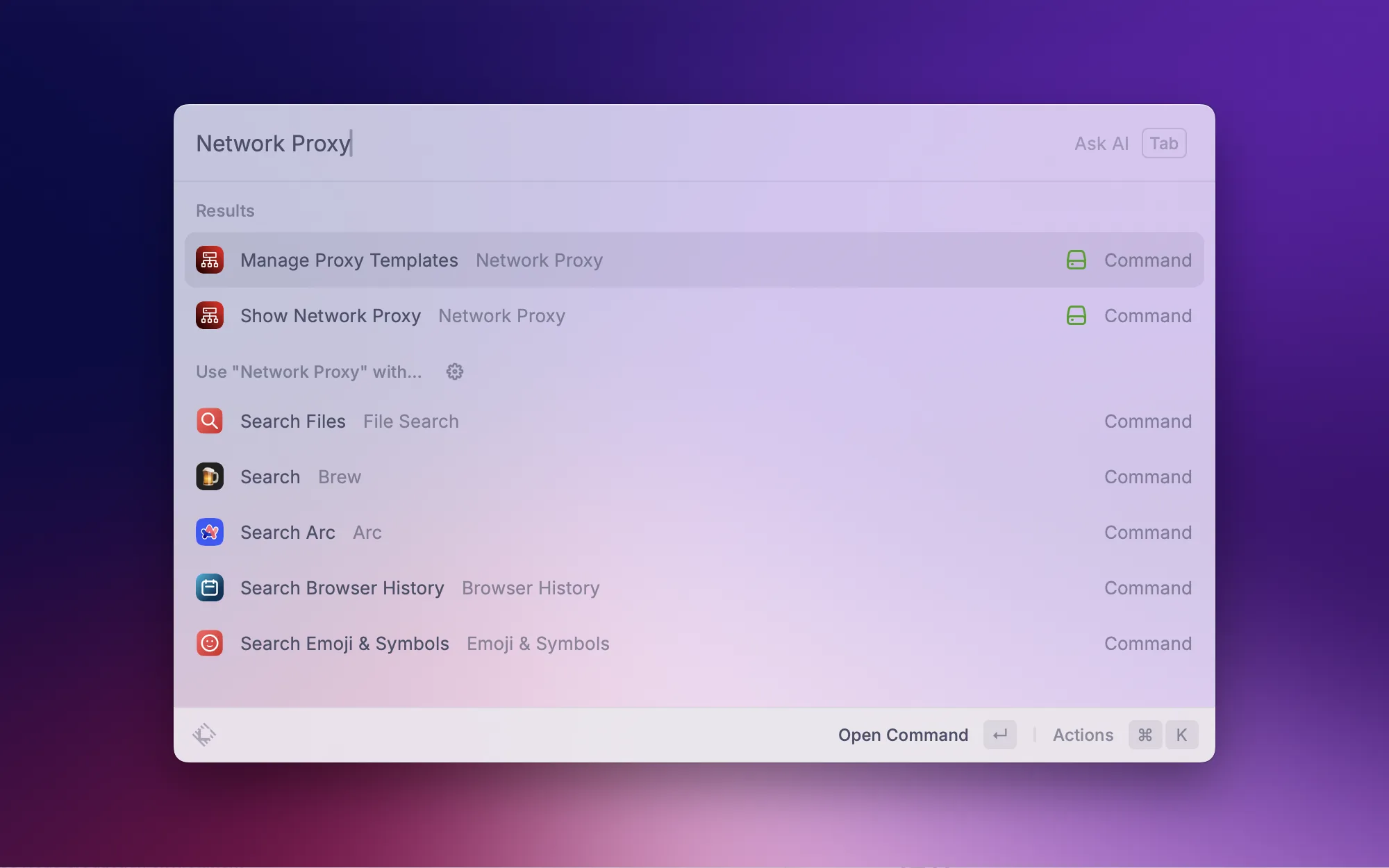
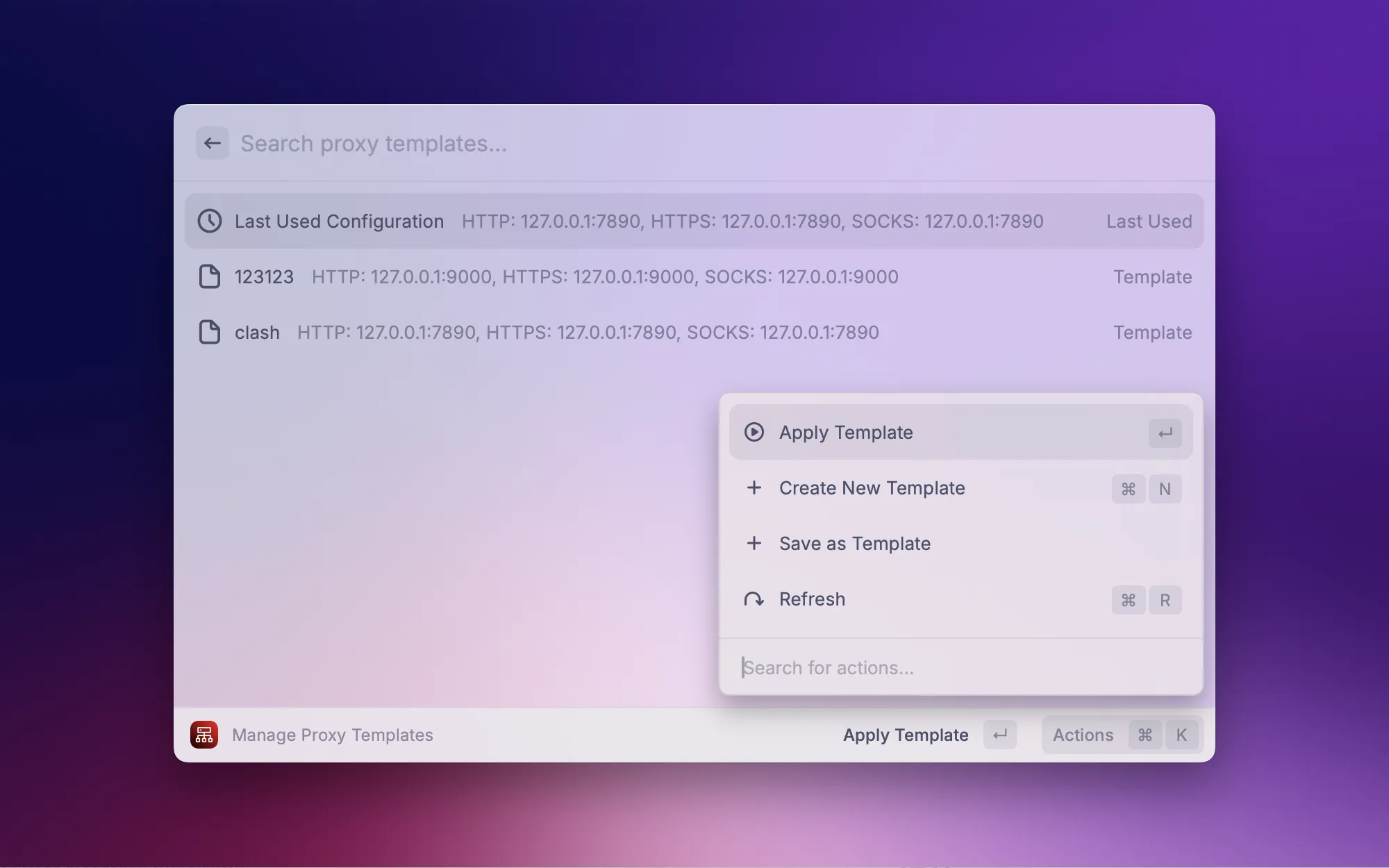
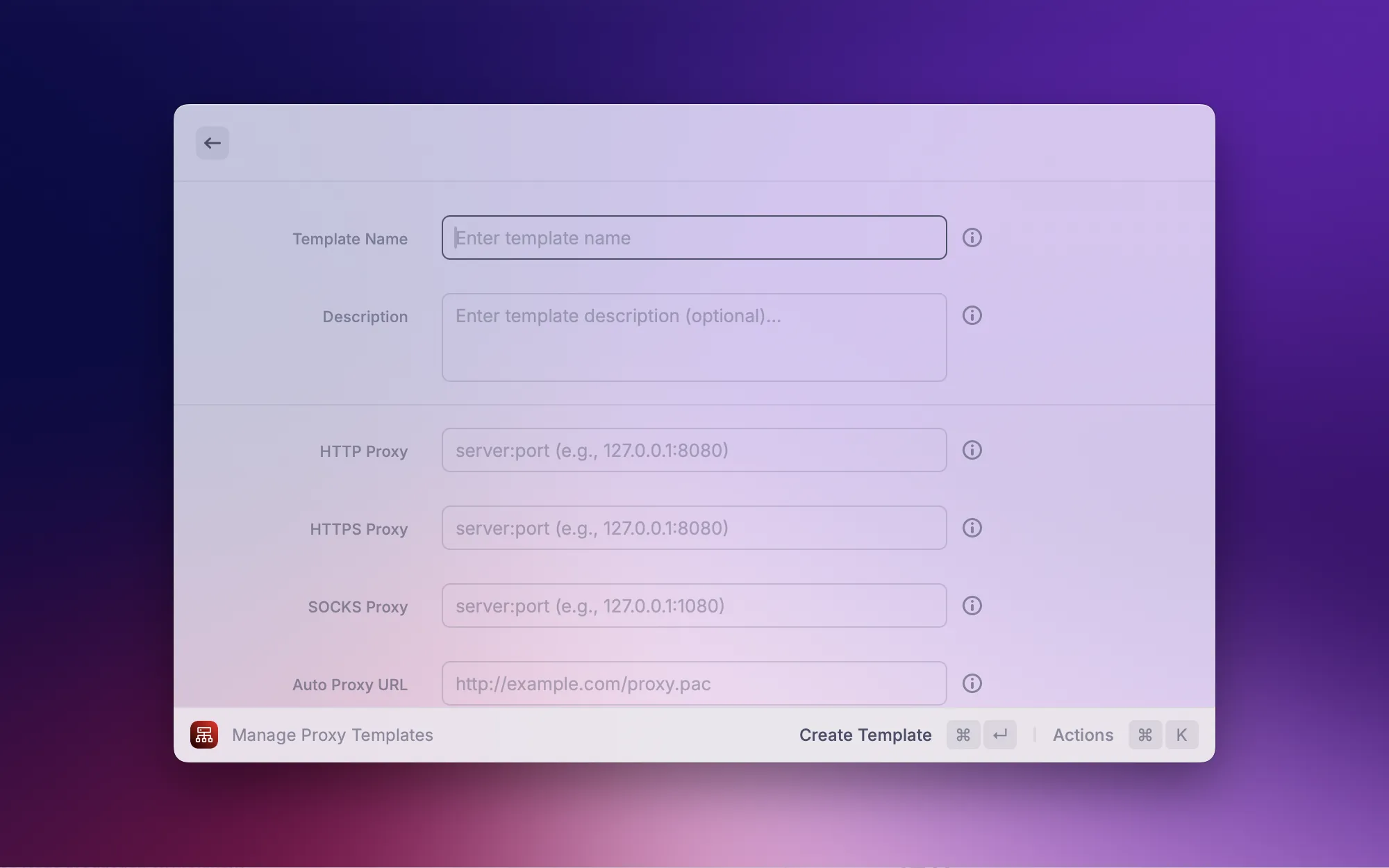
This one's an extension I built myself. Different network environments call for different proxy configs — one setup for the office, another for home. This extension supports proxy template management: save multiple configurations and switch between them with a click. You can also quickly check your current proxy status without going into System Settings every time.
Text Processing

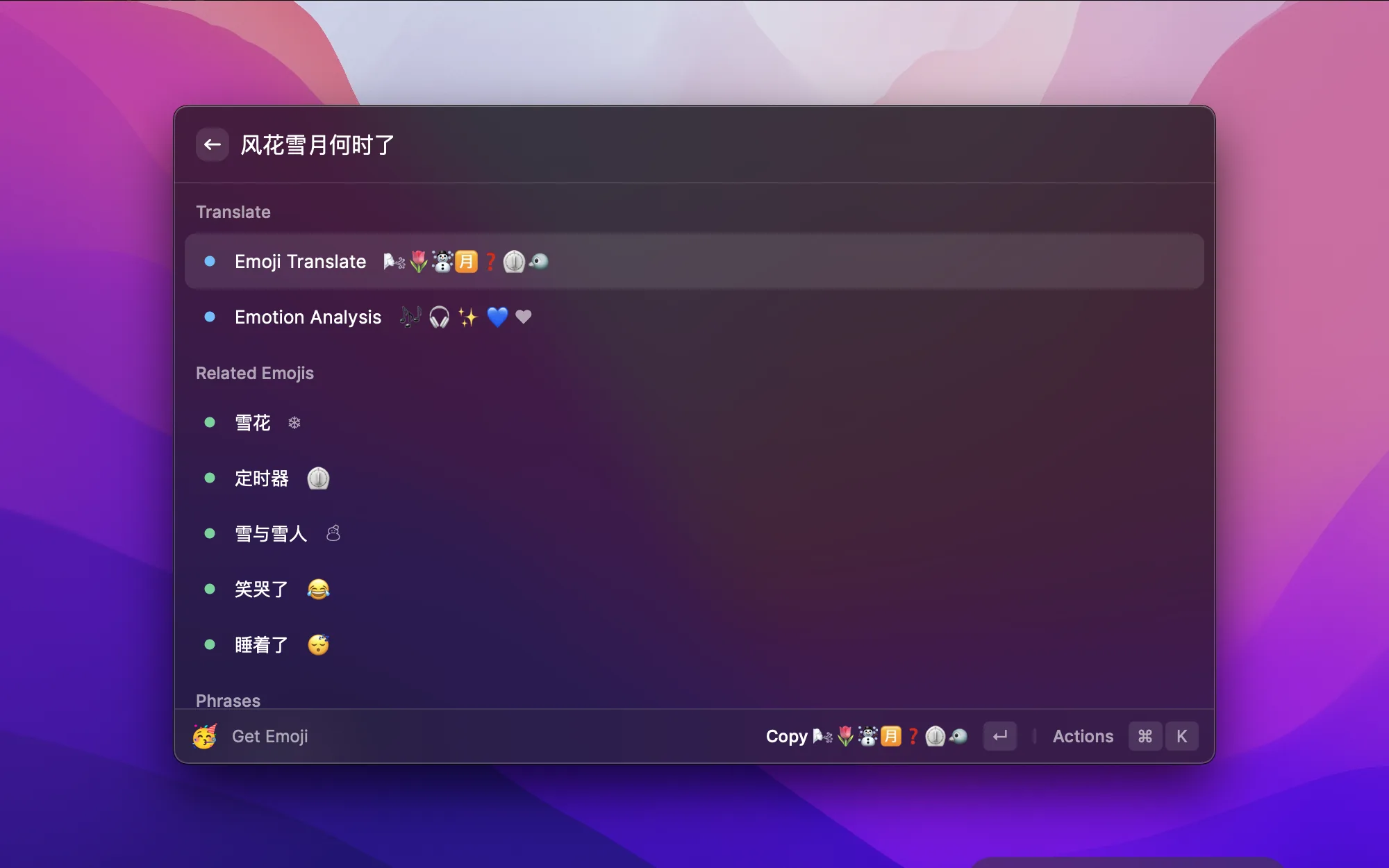
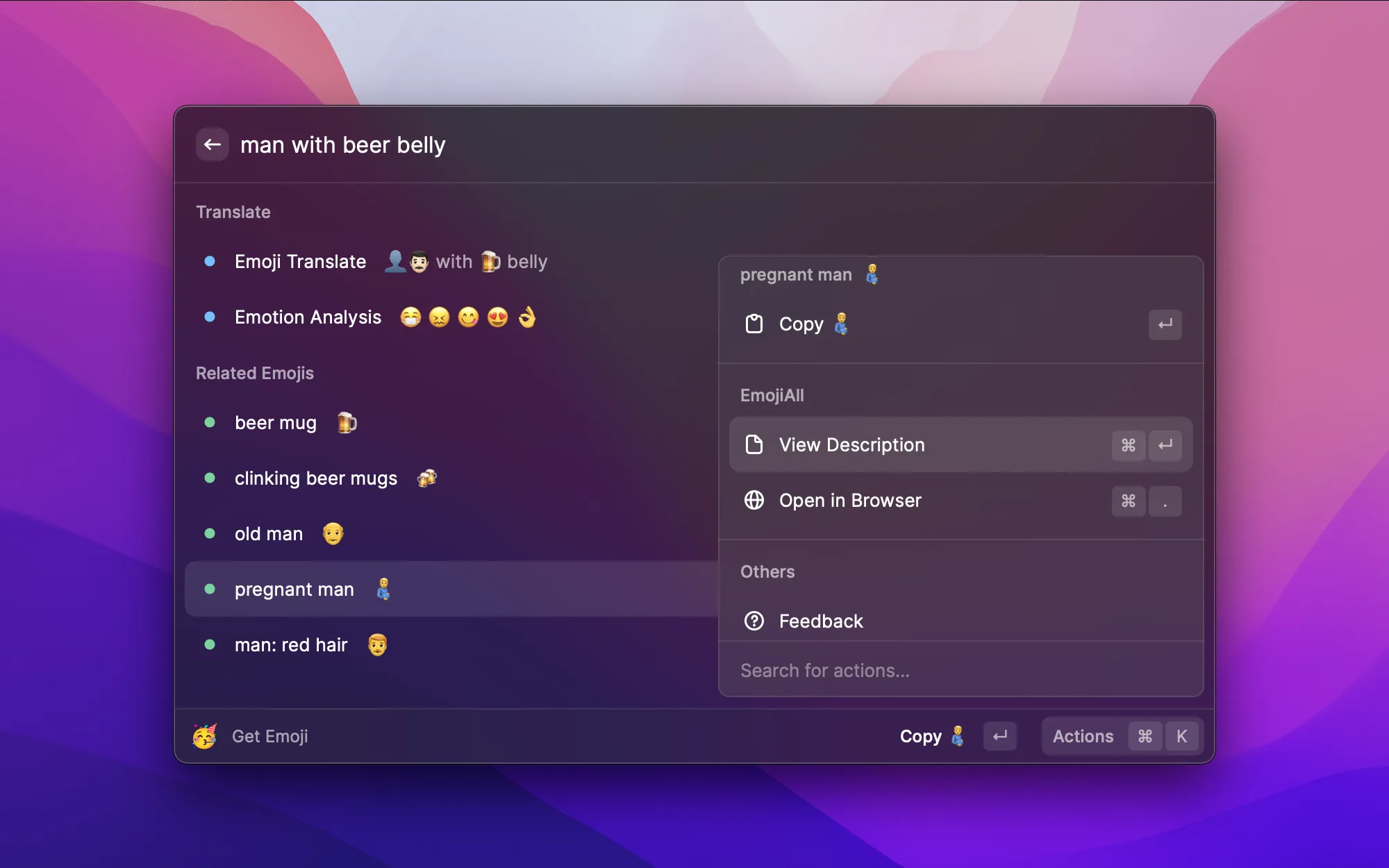
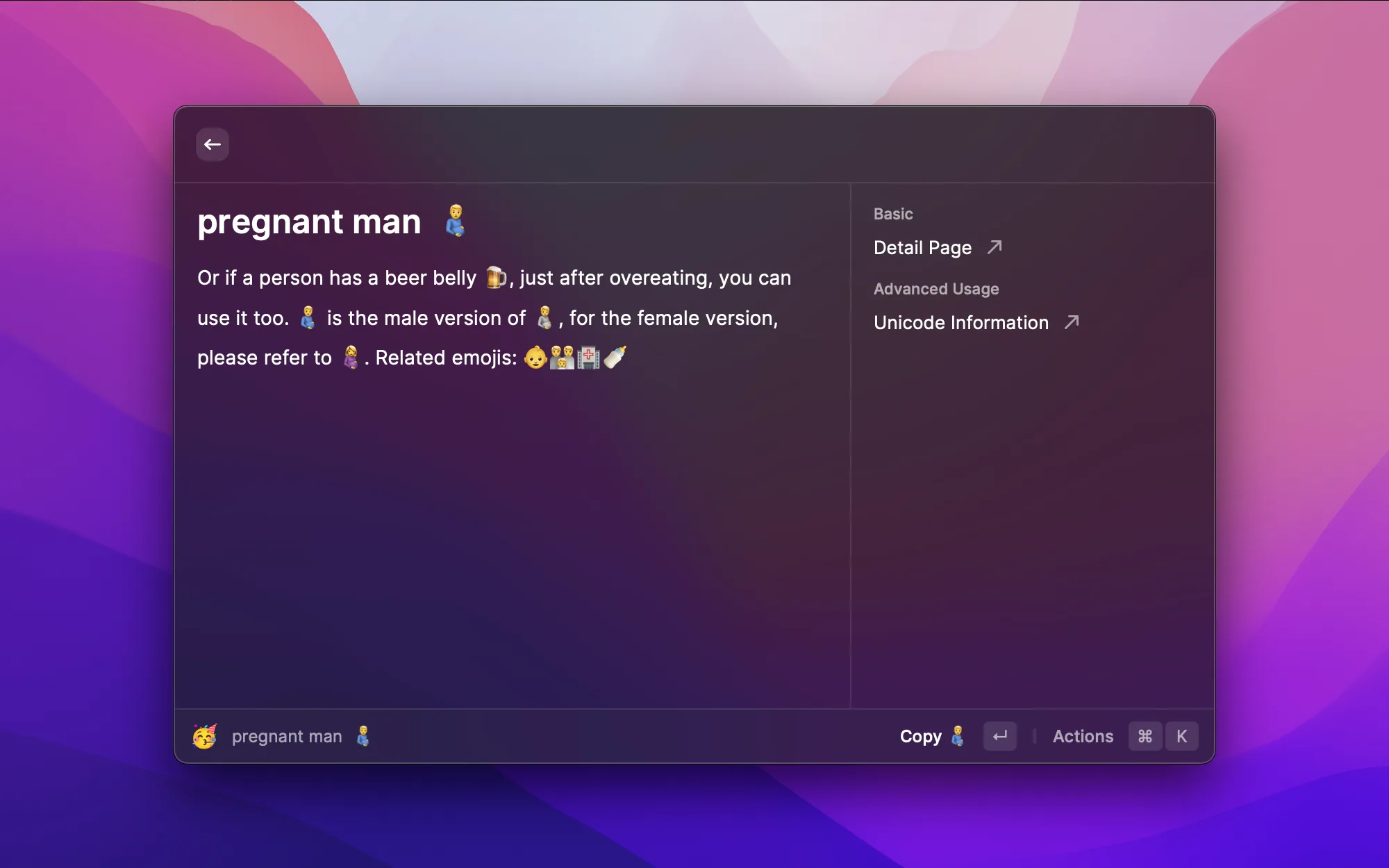
Regular emoji search only matches by name, but DLmoji uses deep learning to understand semantics. Type a natural language description like "man with beer belly" or a poetic phrase in Chinese, and it intelligently suggests relevant emojis. Supports both Chinese and English, and can even do sentiment analysis. No more scrolling through emoji lists one by one.

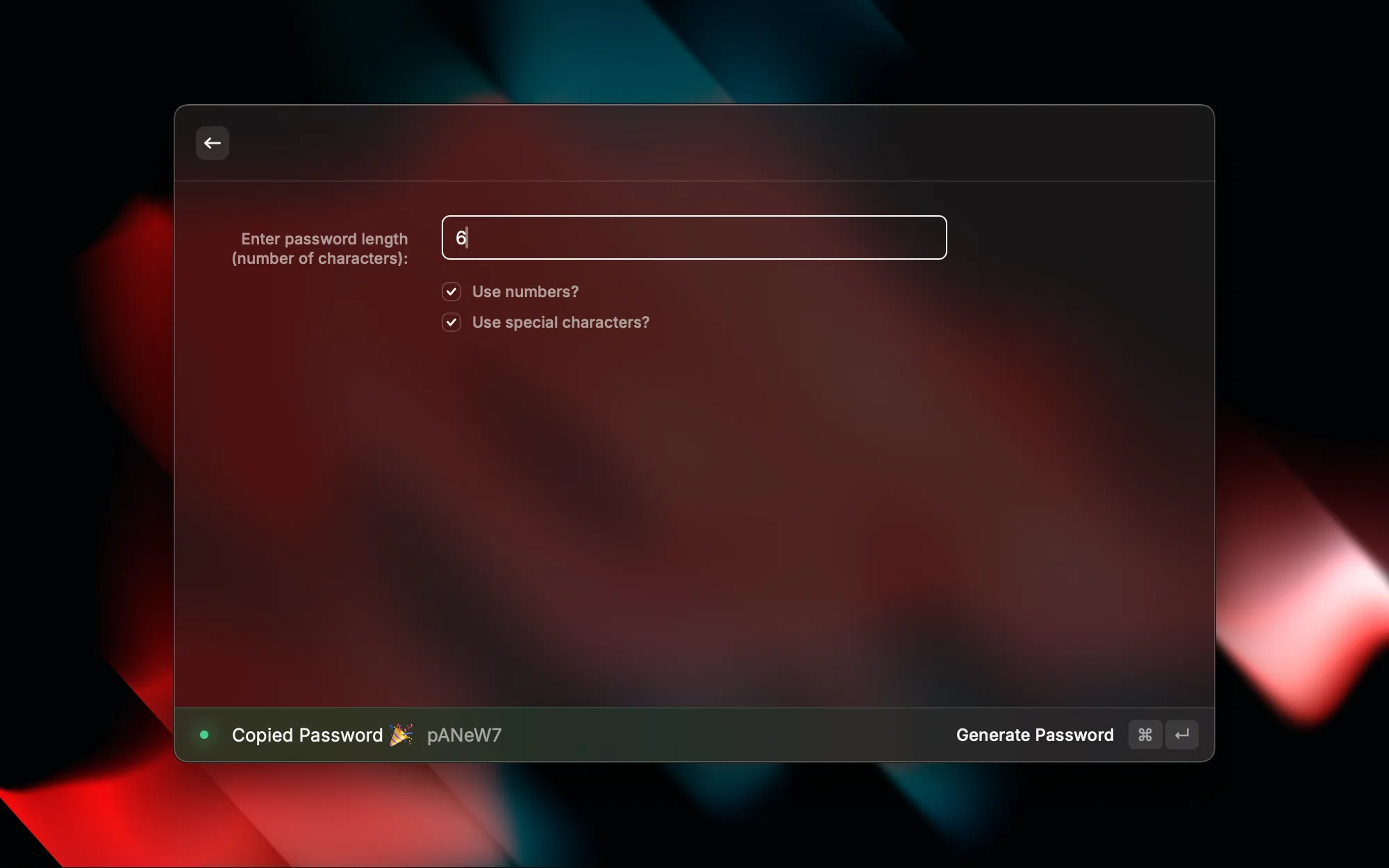
When signing up for a new account or needing a secure password, this extension generates random ones on the spot. Customize the length and character types (uppercase, lowercase, numbers, special characters), and the result is copied straight to your clipboard. More convenient and more secure than online tools.

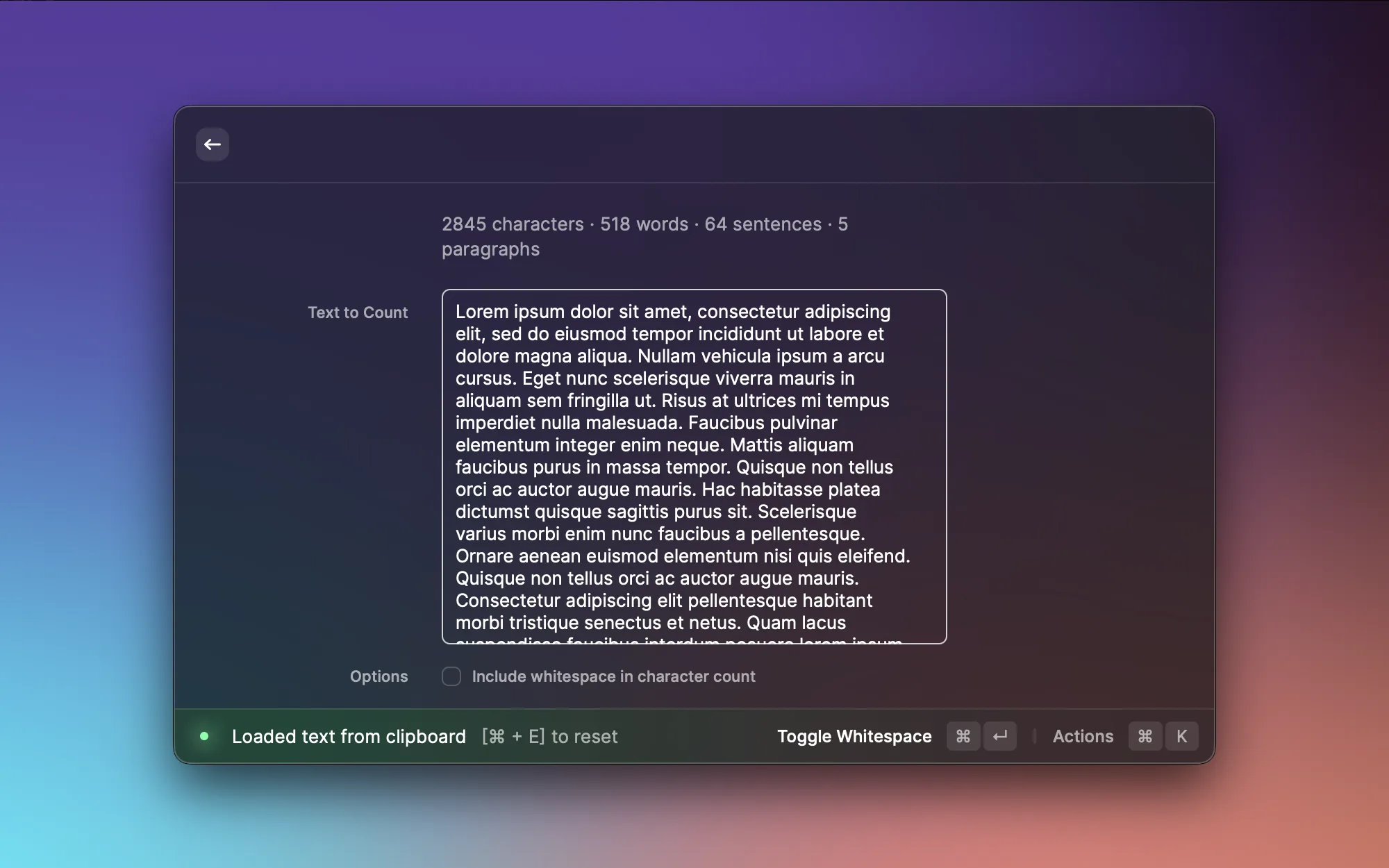
When writing blog posts or docs, I often need to keep an eye on word count. Word Count tallies up characters, words, sentences, and paragraphs from your clipboard or selected text — no need to open Word or find an online tool. A quick check on your writing length whenever you need it.
Communication & Collaboration

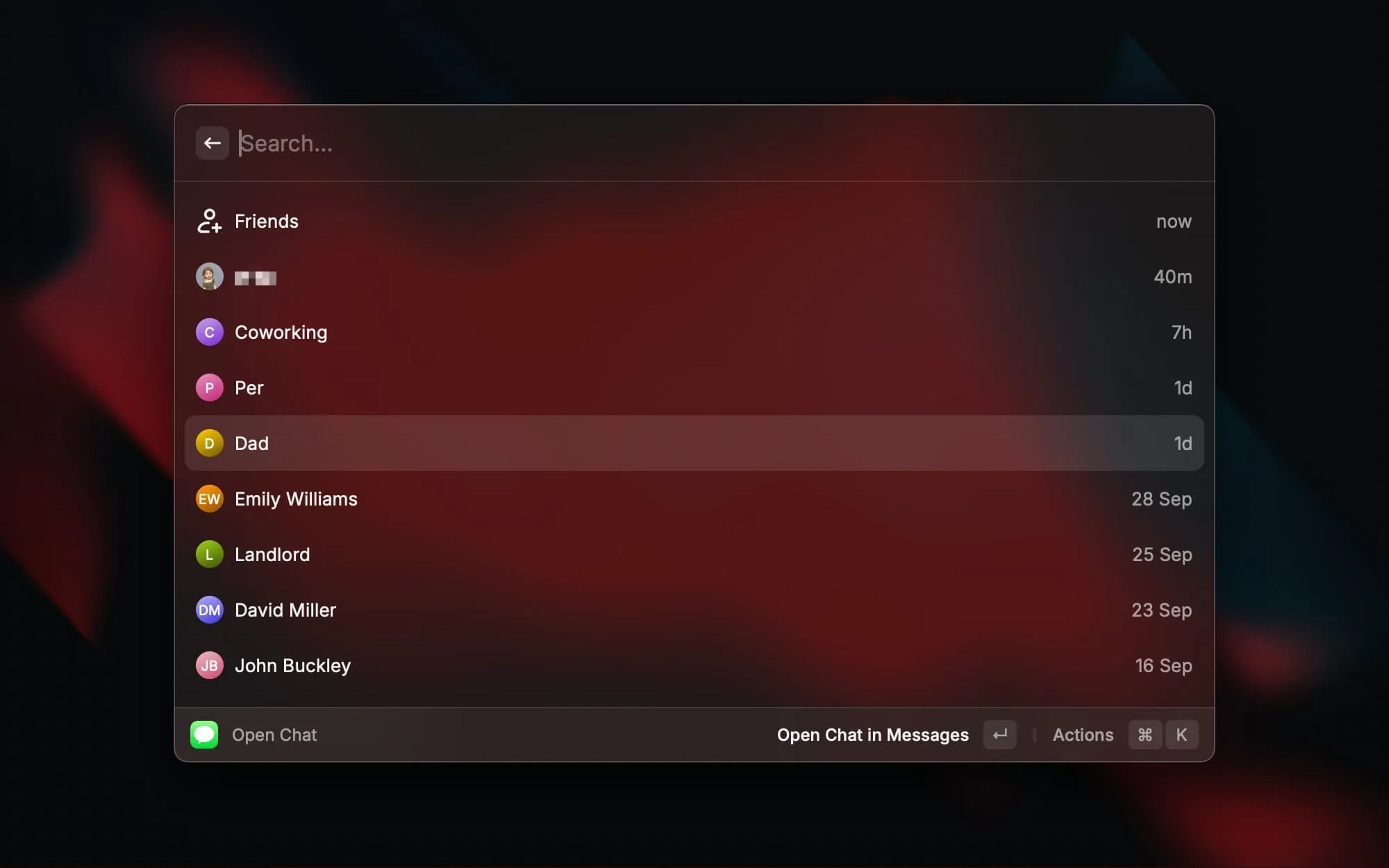


Check your latest iMessages, search contacts, and open conversations without switching to the Messages app. Perfect for quickly replying to messages while staying focused, without breaking your workflow.

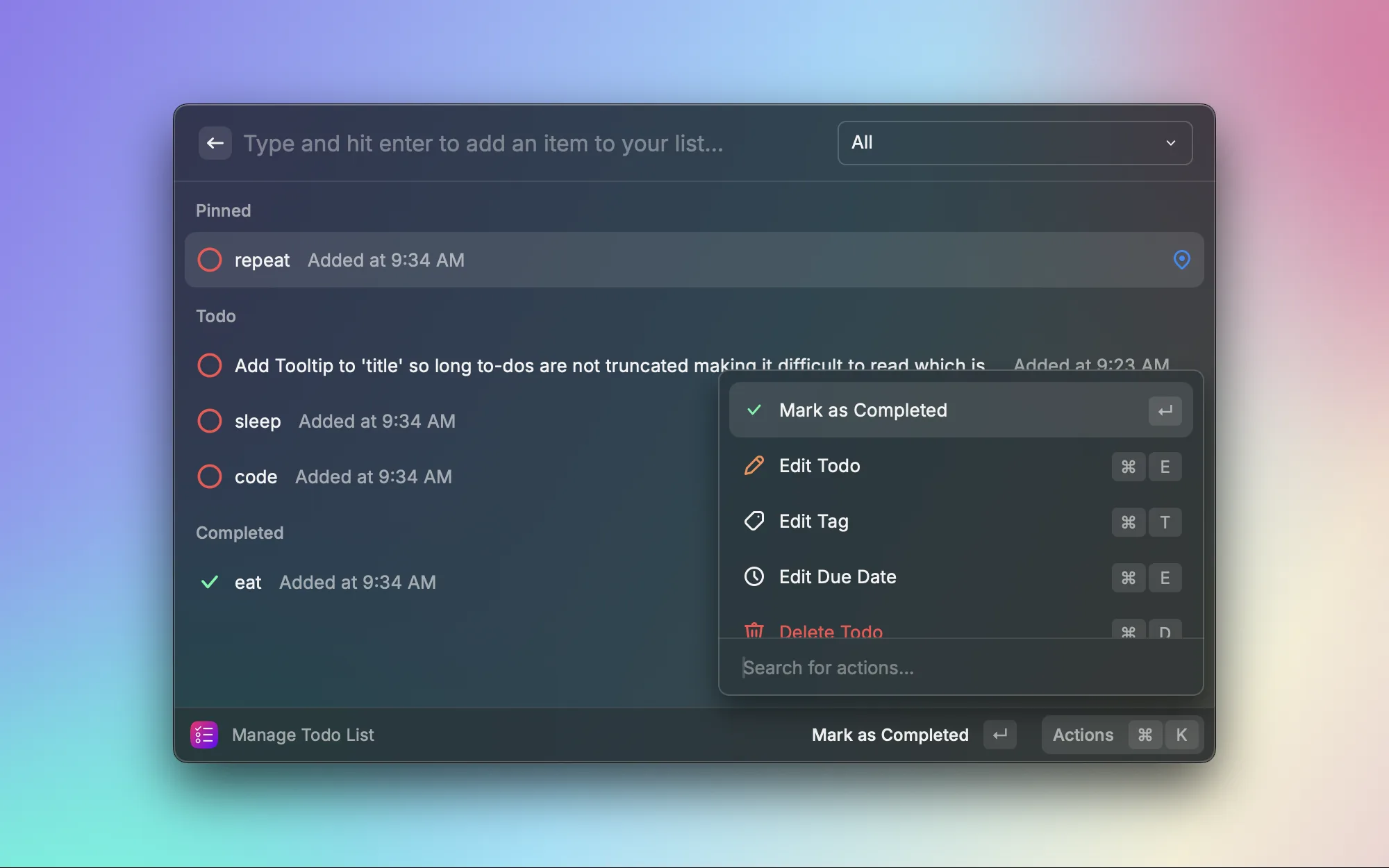
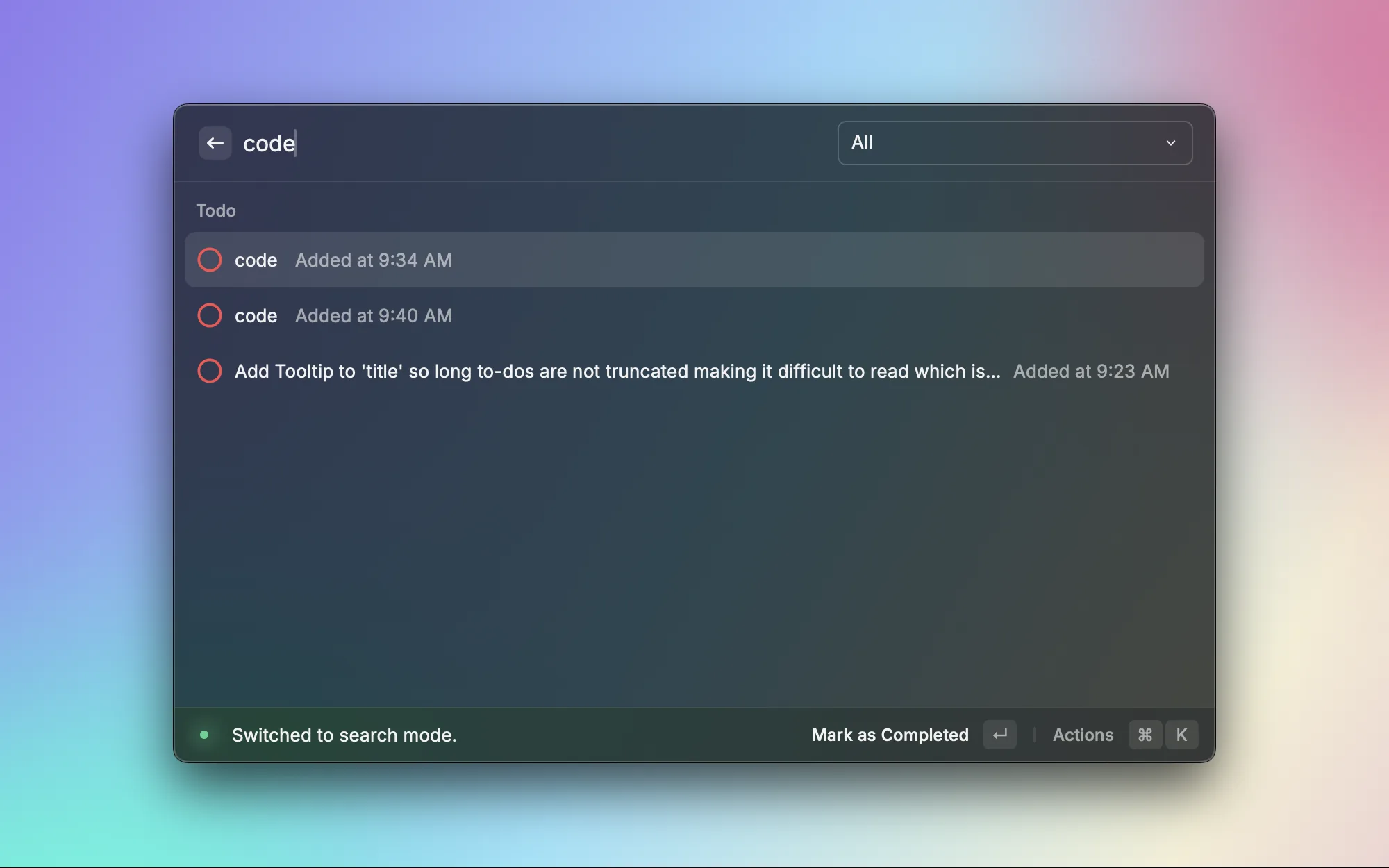
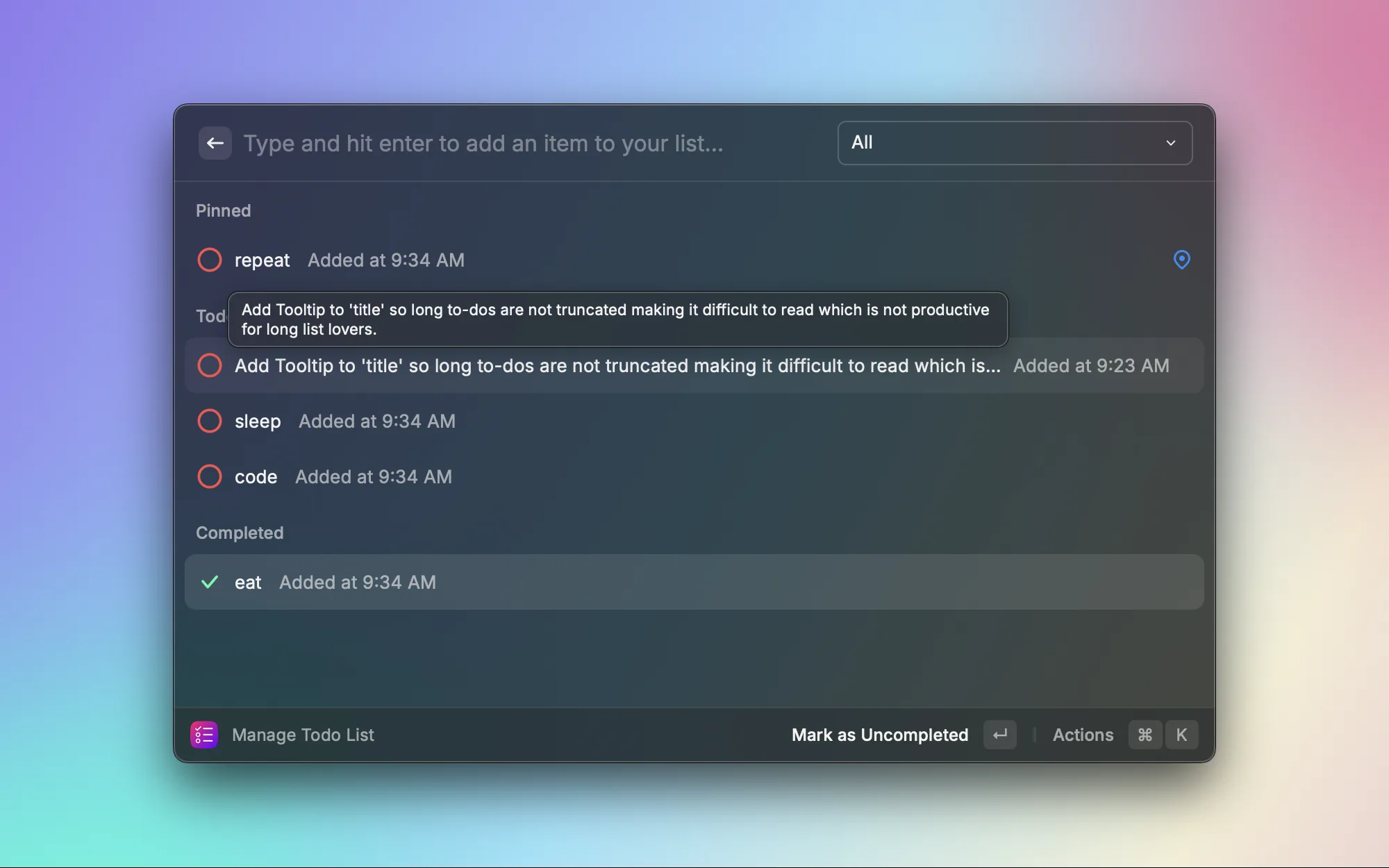
You don't always need a fancy task management tool — sometimes you just want to jot down a few things to do. Todo List is a minimalist to-do list right inside Raycast where you can add, check off, and delete tasks. Lightweight, fast, and perfect for managing short-term ad hoc tasks.
Custom Extensions

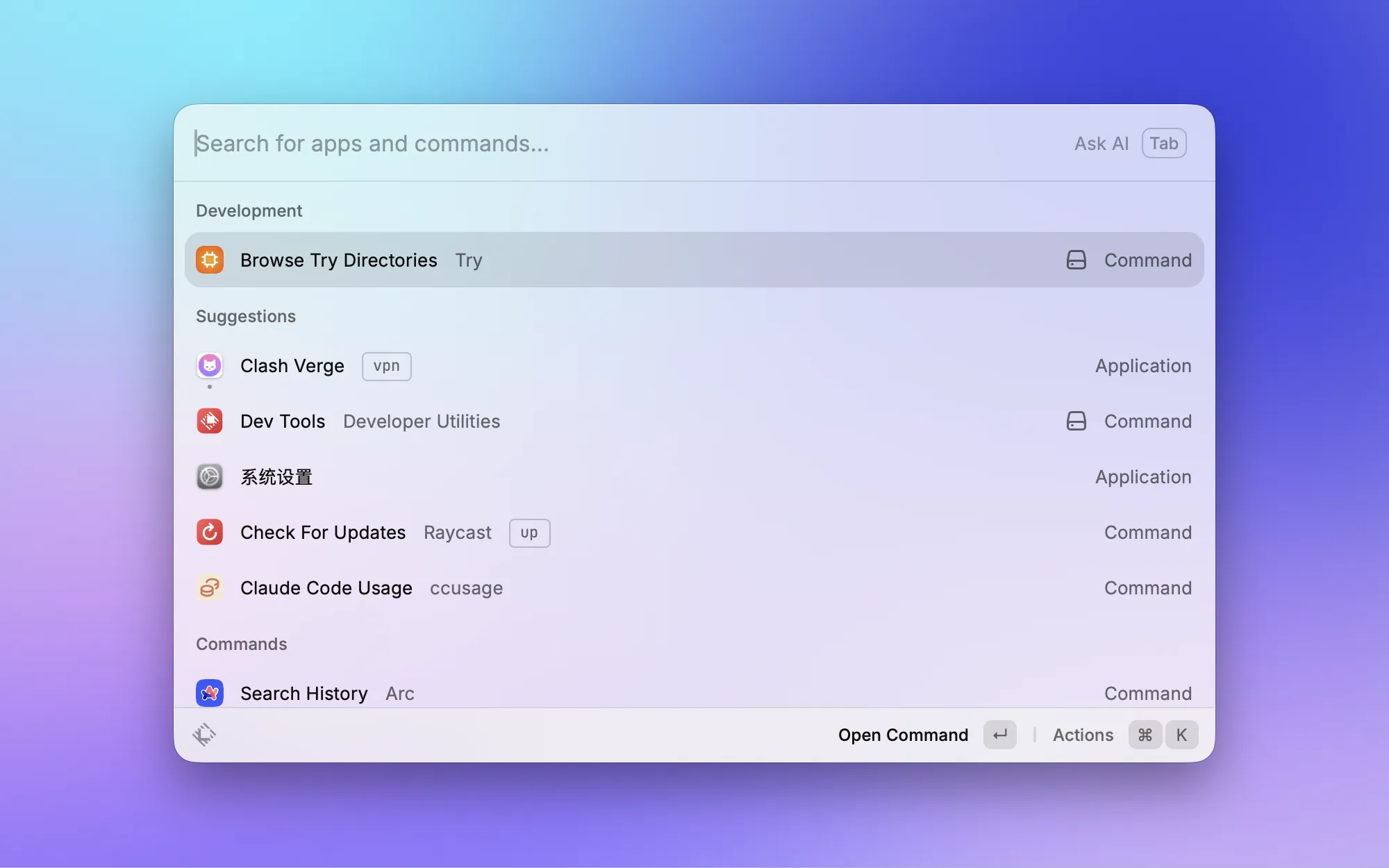
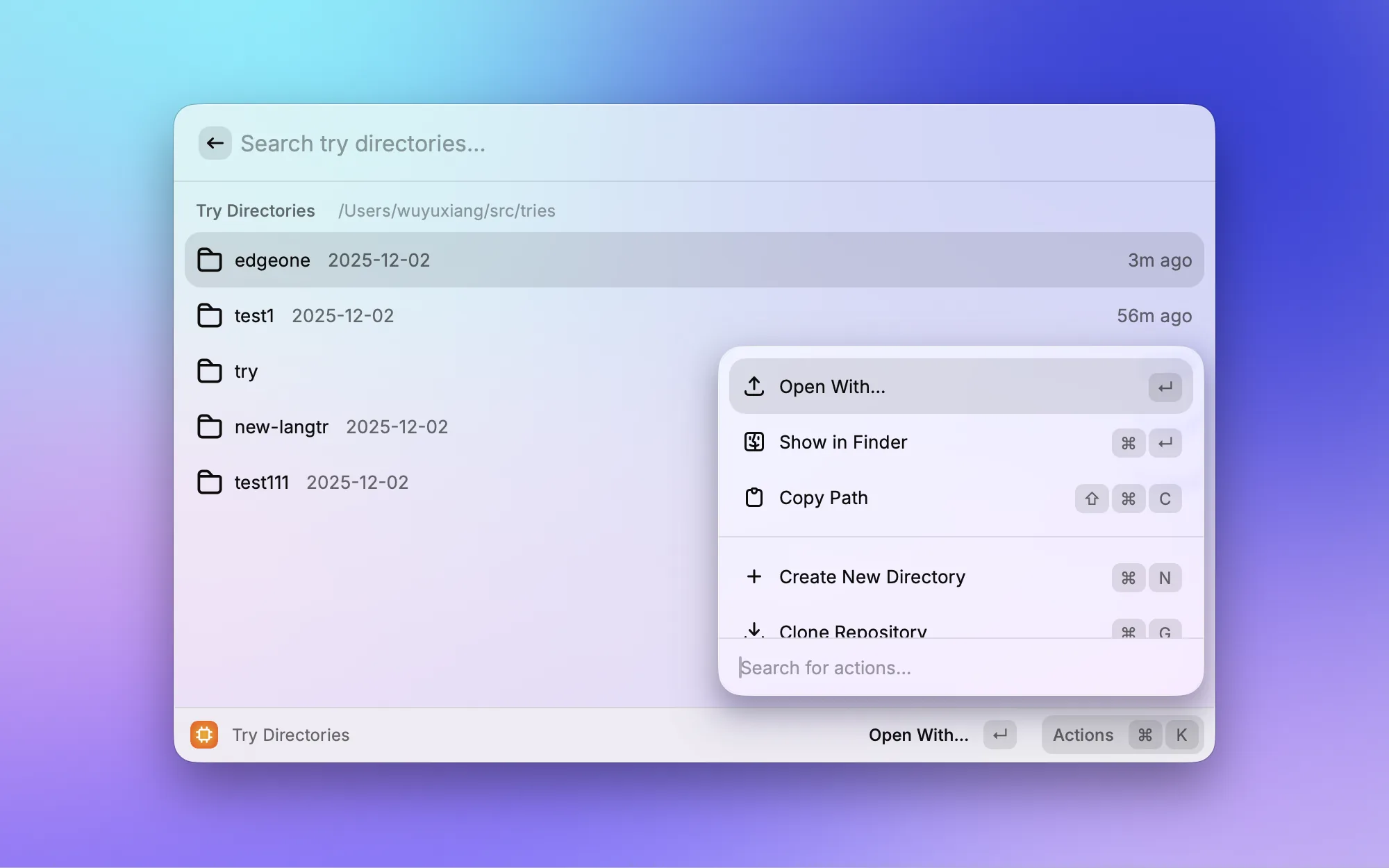
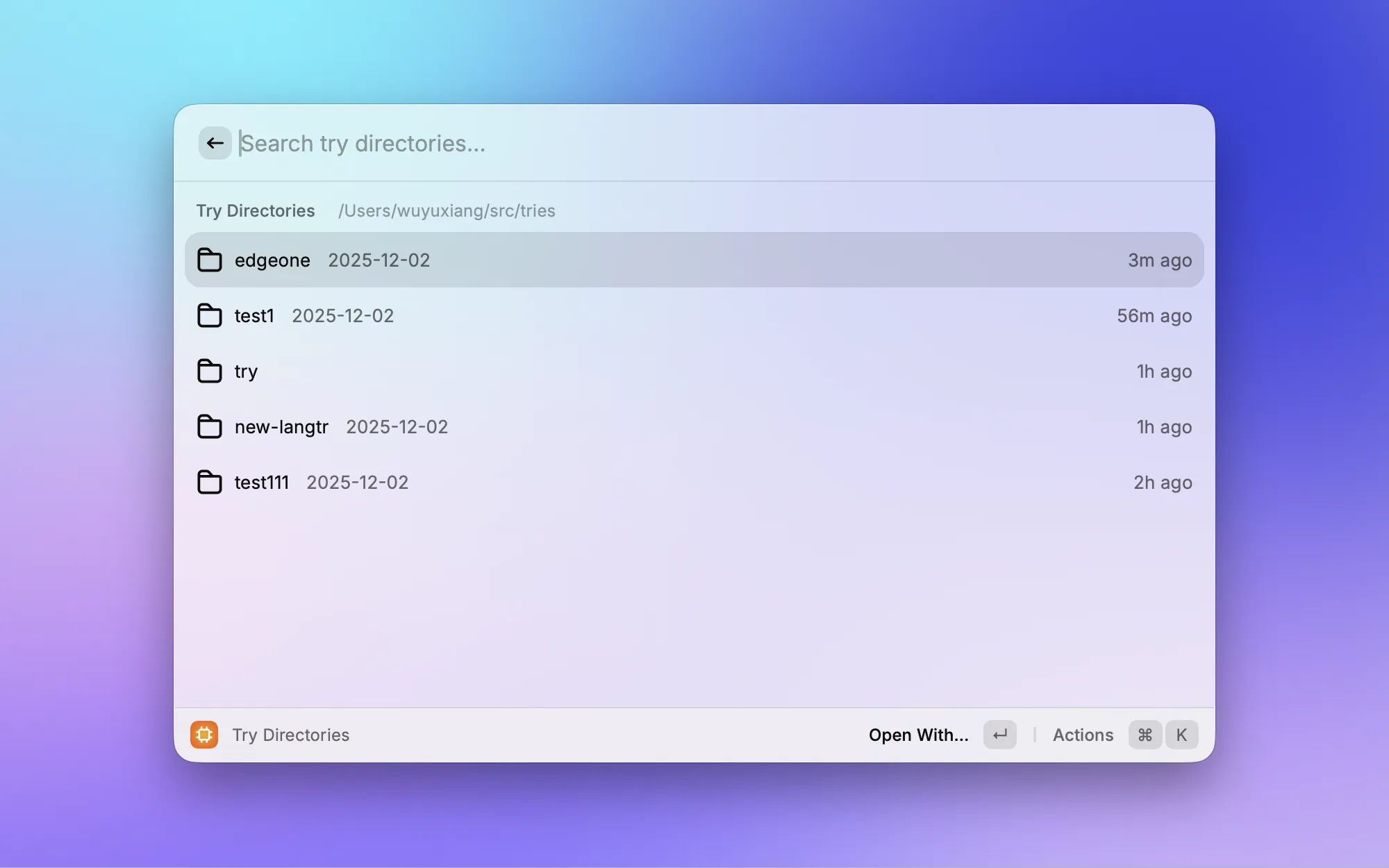
Another extension I built myself. I'm constantly creating temporary directories to try out new tech or clone a repo for a quick look, but these experiment directories end up scattered everywhere. Try manages all experiment workspaces under ~/tries — quickly create new directories, open them in your editor, reveal them in Finder, or clone repos into your experiment space with one command.
Built-in Features
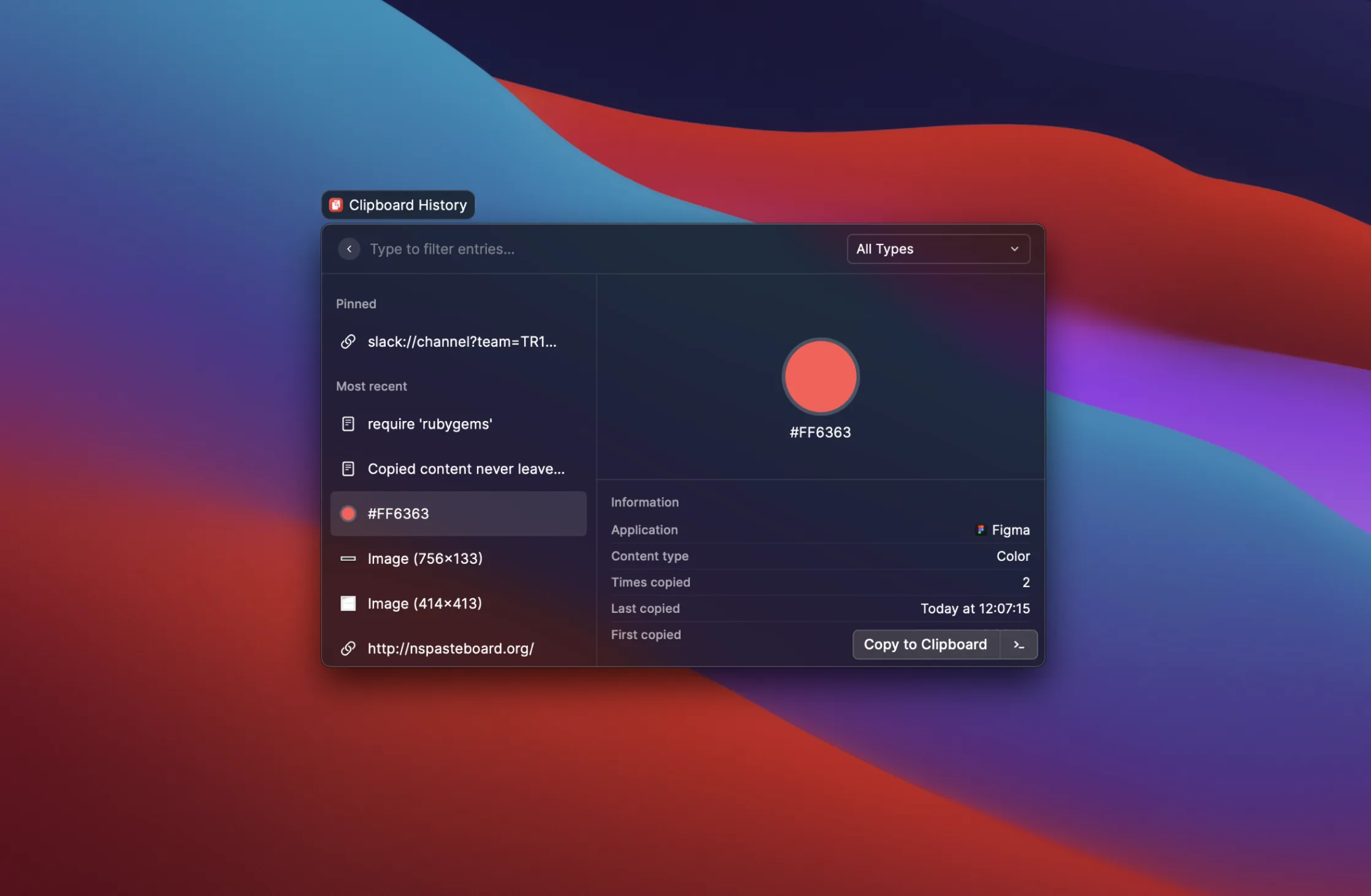
Beyond extensions, Raycast has several built-in features I use every single day:




Final Thoughts
Raycast has become more than just a launcher for me. It is, hands down, the most-used app on my Mac.
Related Posts
I Made a Raycast Version of Clash
My old client kept crashing, and all I needed was to start it, enable system proxy, manually pin nodes, automatically select the fastest node, and schedule rules. So, I moved Clash's daily control plane into Raycast.
I Built a Raycast Extension to Monitor Claude Code
From scratch to shipped in one evening: how I built Claude Code Monitor, a Raycast extension for session tracking, usage analytics, and extension management.